Cycling Kit Manufacturer Running Team Kit Programmes Season After Season
Team Cycling Kits is the team programme department of a cycling kit manufacturer. Four programme roles run your team's kit on our production floor and keep your team file on record from one season to the next.
Send your team size, team type and current kit, and your Programme Coordinator replies within 24 hours on working days.
- ISO 9001:2015 quality management system
- OEKO-TEX® STANDARD 100 fabrics
- BSCI social compliance audit
- Team file kept 5 years after your last order
- Replies within 24 hours on working days

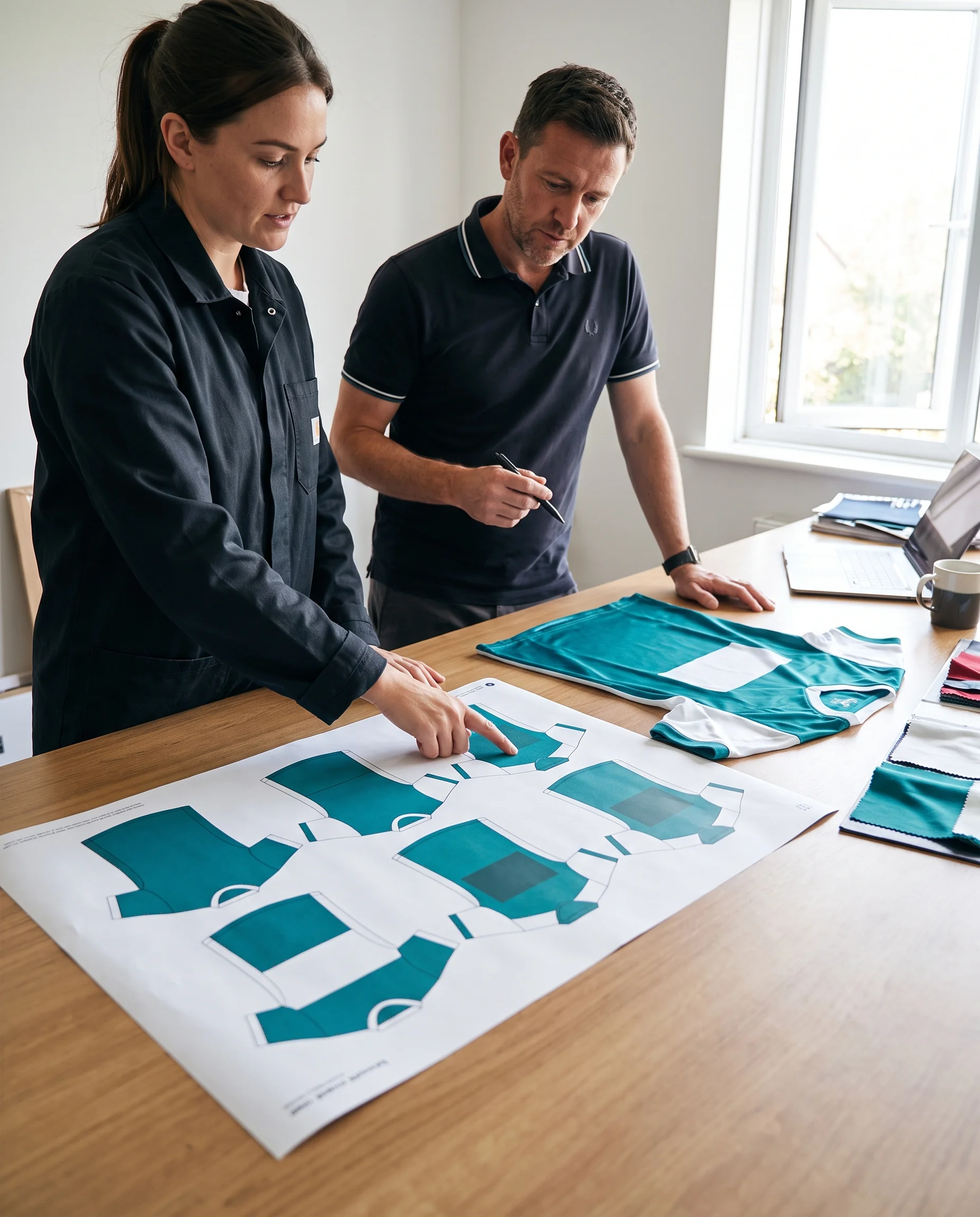
Team Kit Programme Department Within a Cycling Kit Manufacturer
Team Cycling Kits is the part of our company that works with teams. The factory behind it makes cycling apparel on its own production floor, and this department sits between your team and that floor.
- Takes
- Your team's crest, sponsors and riders.
- Turns them into
- Signed documents production can work from.
- Keeps
- Those documents for the seasons that follow.
The department exists because team orders repeat. A club comes back every season with the same colours, a few new riders and sometimes a new sponsor. A college team comes back every intake.
The work that matters most on a team order is keeping one season's decisions intact for the next. So the department is organised around programmes that run for years, for clubs, corporate riding groups, college teams and multi-club federations, with a named role for each part of the work and a file that belongs to the team.
Three Sites of One Manufacturer: Team Programmes, Factory Production and Kit Development
Our company works with buyers through three sites, and each handles a different kind of work.
- Site
Team Cycling Kits
Handles
You are hereTeam kit programmes: layout proof, roster, production follow-up, rider-by-rider packing and the team file, for clubs, corporate groups, college teams and federations.
- Site
cyclingapparelfactory.com
HandlesThe factory itself: production capacity, production lines, factory audits and one-off event orders such as charity rides.
- Site
procyclingapparel.com
HandlesKit development: bib shorts and chamois-bearing garments developed and sampled to a team's specification, fit work and colour work across fabrics.
A team that starts here and needs bib development or a factory audit is passed to the right site by the Programme Coordinator, with the team's documents going along, so your team manager does not start from the beginning.
Production Floor Where Your Team Kit Is Made
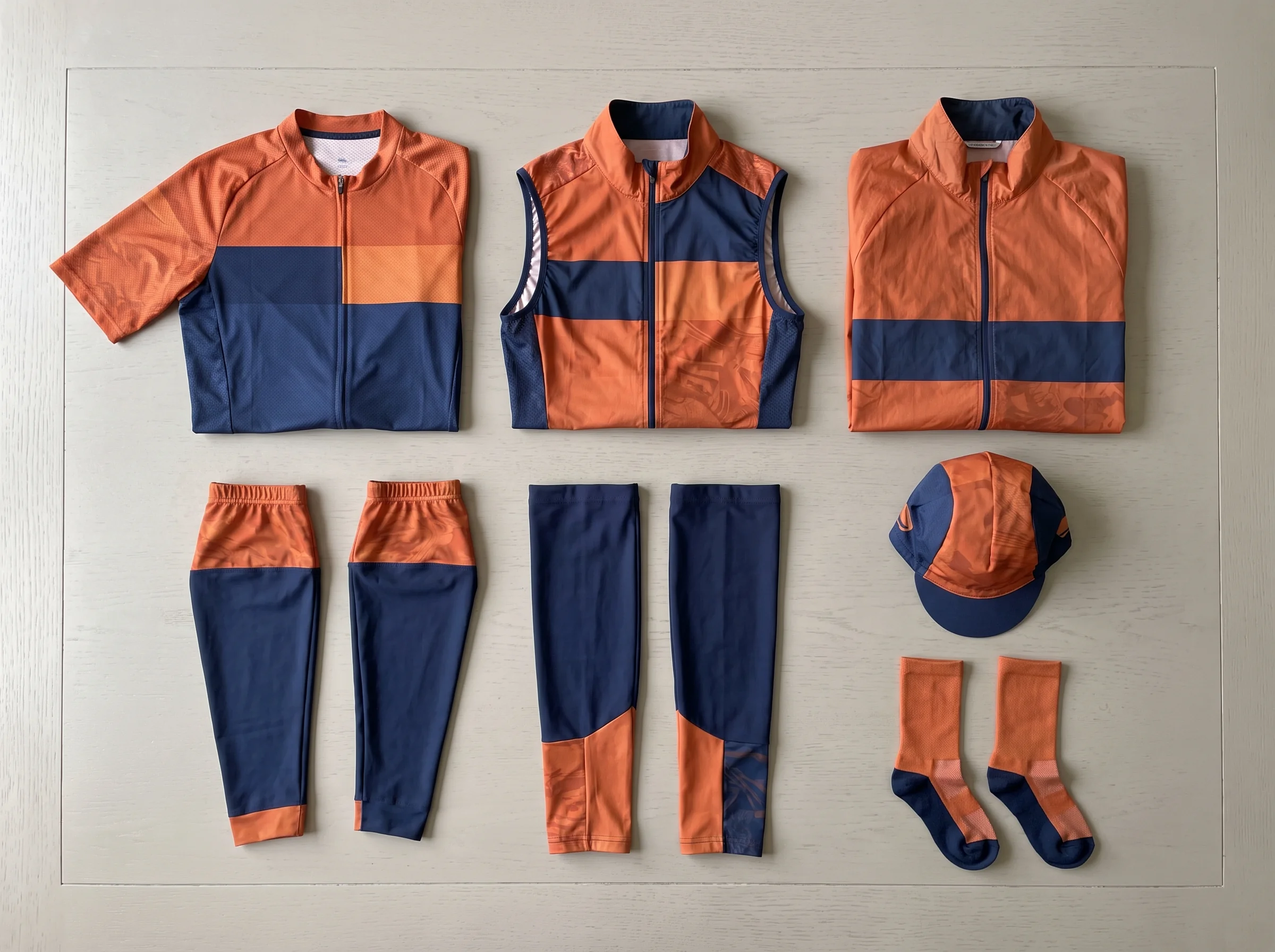
Your team's jerseys, gilets, jackets, warmers, caps and socks are produced on our own factory floor. Sublimation printing, cutting, sewing and decoration run under one roof.
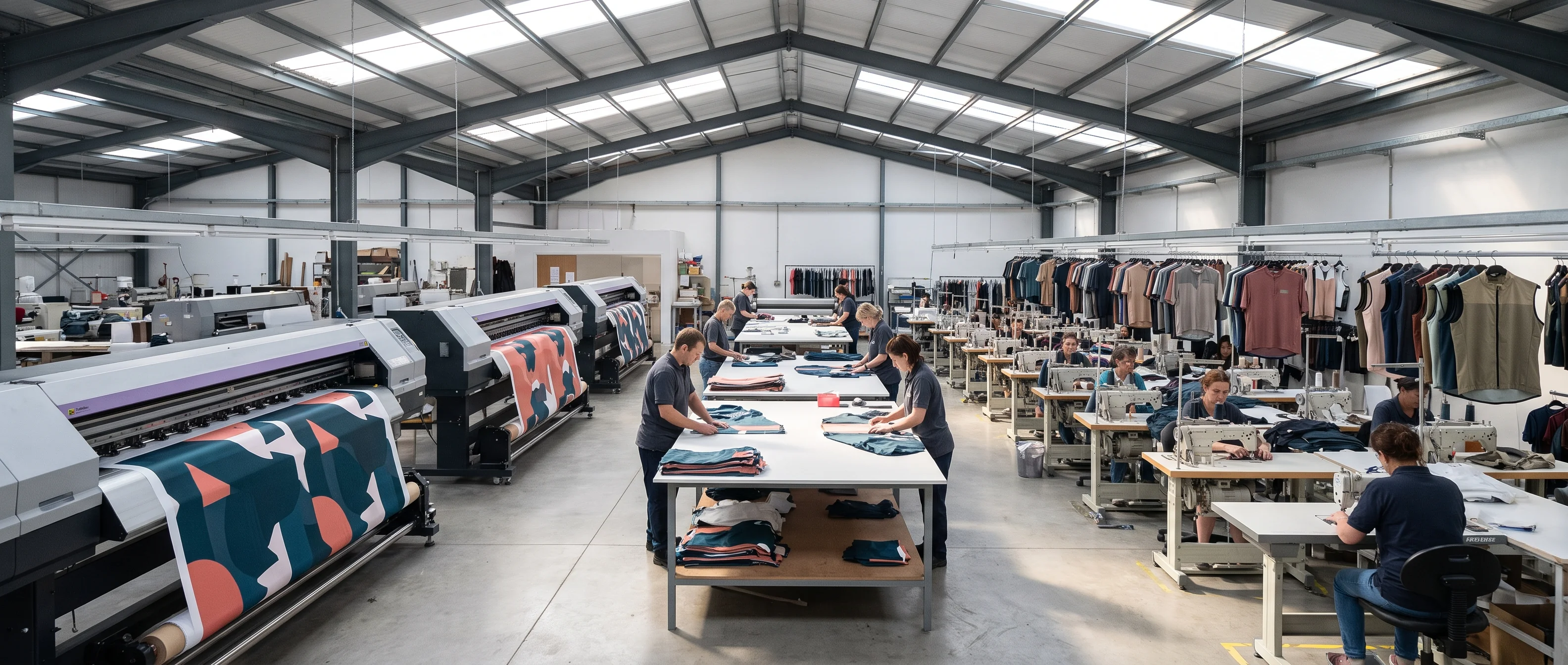
The Programme Coordinator follows each team order across the floor until it reaches the packing benches.
Sublimation printing
Colourway, crest and sponsor zones printed onto fabric from your signed layout proof.
Cutting
Panels cut for every piece on your locked roster.
Sewing
Jerseys, gilets, jackets, warmers, caps and socks assembled.
Decoration
Heat transfer, embroidery, reflective prints and silicone grippers where your proof calls for them.
The floor works under our ISO 9001:2015 quality management system and has passed a BSCI social compliance audit. Both apply at factory level, so every team order produced here is covered by them.
Production capacity, production lines, equipment and factory audits are covered in full on cyclingapparelfactory.com.
Programme Team: Coordinator, Layout Designer, Order Desk and Packing Lead
Four roles make up the programme team, and every team we work with deals with the same four.
-
Programme Coordinator
Your team manager's single contact, from the first reply to the season's team file. Follows your order through production.
- Signs
- Team file record at season close
- Hands to
- Production: proof and roster together
-
Kit Layout Designer
Builds and updates your layout proof, and checks every logo file before drawing.
- Signs
- Layout proof, co-signed by your team manager
- Hands to
- Order Desk
-
Order Desk
Runs your ordering window and keeps the log of changes that come in after the roster is locked.
- Signs
- Locked roster, co-signed by your team manager
- Hands to
- Programme Coordinator
-
Packing Lead
Packs your team's kit rider by rider and signs the packing list that travels with it.
- Signs
- Rider packing list
- Hands to
- Programme Coordinator
Each role has one job on your programme and signs for it. A question about the layout, the roster or the packing has one named role that owns the answer; your Programme Coordinator routes it there and replies in writing.
The four roles work side by side in the same programme office. A question that touches two of them, such as a sponsor change that affects rider numbers, is settled between them and answered to your team manager as one reply.
Programme Workroom: Proof Desk, Roster Desk and Packing Benches
The programme team works from one workroom. It has three working areas, one for each stage your kit passes through before it ships.

- Left
Proof desk
The Kit Layout Designer lays out all six pieces and checks every logo file your team sends.
- Centre
Roster desk
The Order Desk watches your ordering window, works through entries while it is open and keeps the post-lock change log.
- Right
Packing benches
The Packing Lead lays out each rider's bag with the locked roster printed beside it.
Your team's documents stay in this room from the first proof to the signed packing list. The team file for every programme is kept here too, under each team's name, and the Programme Coordinator works from it whenever a team comes back for its next season.
Team Managers We Work With: Long-Serving Kit Managers and New Volunteers
Most of the people we work with hold the kit job alongside something else: club kit managers ordering every season, volunteers taking the job over from a predecessor, and college captains handing the team on each year.
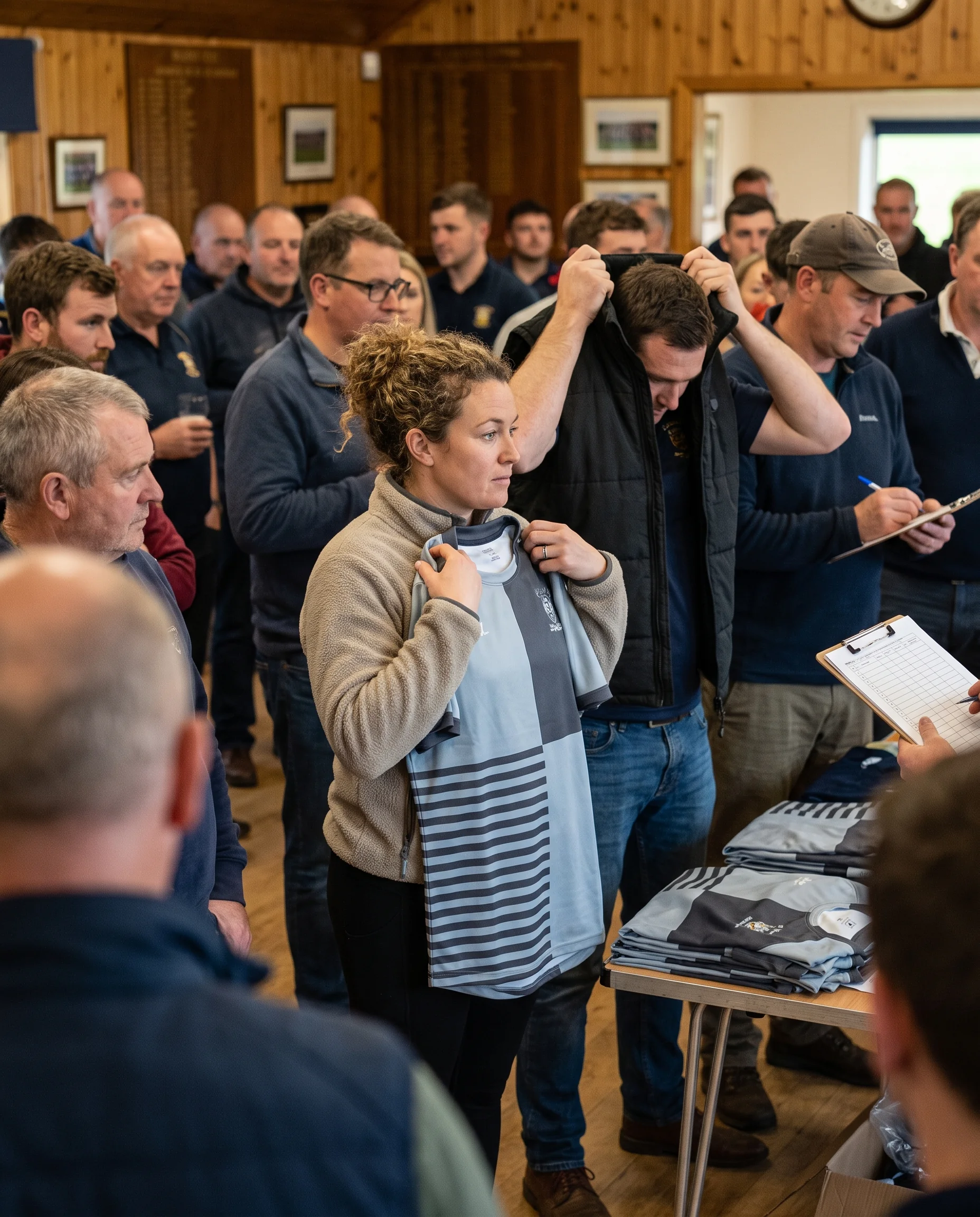
Long-serving kit manager
- How they hold the job
- Has run the club's kit for years and orders each season from memory of what went before.
- What the file gives them
- A record of what they would otherwise keep in their head: the colour parameters, the proof version, last season's roster.
New volunteer
- How they hold the job
- Has just taken over from a committee member who stepped down, or been handed the college team by last year's captain.
- What the file gives them
- The same file, so the next order is placed from it without calling their predecessor.
Your team manager's part stays short: two signatures and one address per order
- 1
Sign the layout proof
Before anything goes to production, and again whenever the layout changes.
- 2
Sign the locked roster
On the close date of your ordering window.
- 3
Give one delivery address
The whole team ships together to it.
Everything else, from chasing the window dates to keeping the documents in order, sits with the programme team.
Programme Coordinator: Following Your Order From Roster Lock to Packing
Once your team manager signs the locked roster, the Programme Coordinator hands your order to production as one package: the signed layout proof and the locked roster, together.
At roster lock
Production works from those two documents only. A message from a rider, a sponsor or anyone else does not change what the floor makes; changes go through your team manager and back into the documents first.
During production
Bulk production takes 20–30 days from roster lock, or 12–15 days on rush. The Coordinator tracks your order against the delivery date set in your ordering plan.
If the date moves
Your team manager hears in writing as soon as it is known, never by phone alone.
The note states what changed, the new date and what it means for the day you need the kit. If your team manager needs to act, such as telling riders or a race organiser, the note says so.
Before dispatch
The Coordinator confirms the delivery address with your team manager, because the whole team ships together to that one address.
Across time zones
Our office runs Monday to Saturday, 9:00–18:00 (GMT+8).
For a team manager in the United States, Europe or Australia, a schedule note sent during our day is usually waiting at the start of theirs, with everything needed to act on it written down.
A reply sent during their evening is answered within 24 hours on working days, in writing, so the decision and its date are on record for both sides.
Across the season
The Coordinator also issues your ordering plan, sets your window dates, handles issue reports and signs the team file record at season close. Your team manager deals with one person, and every decision reaches them in writing.
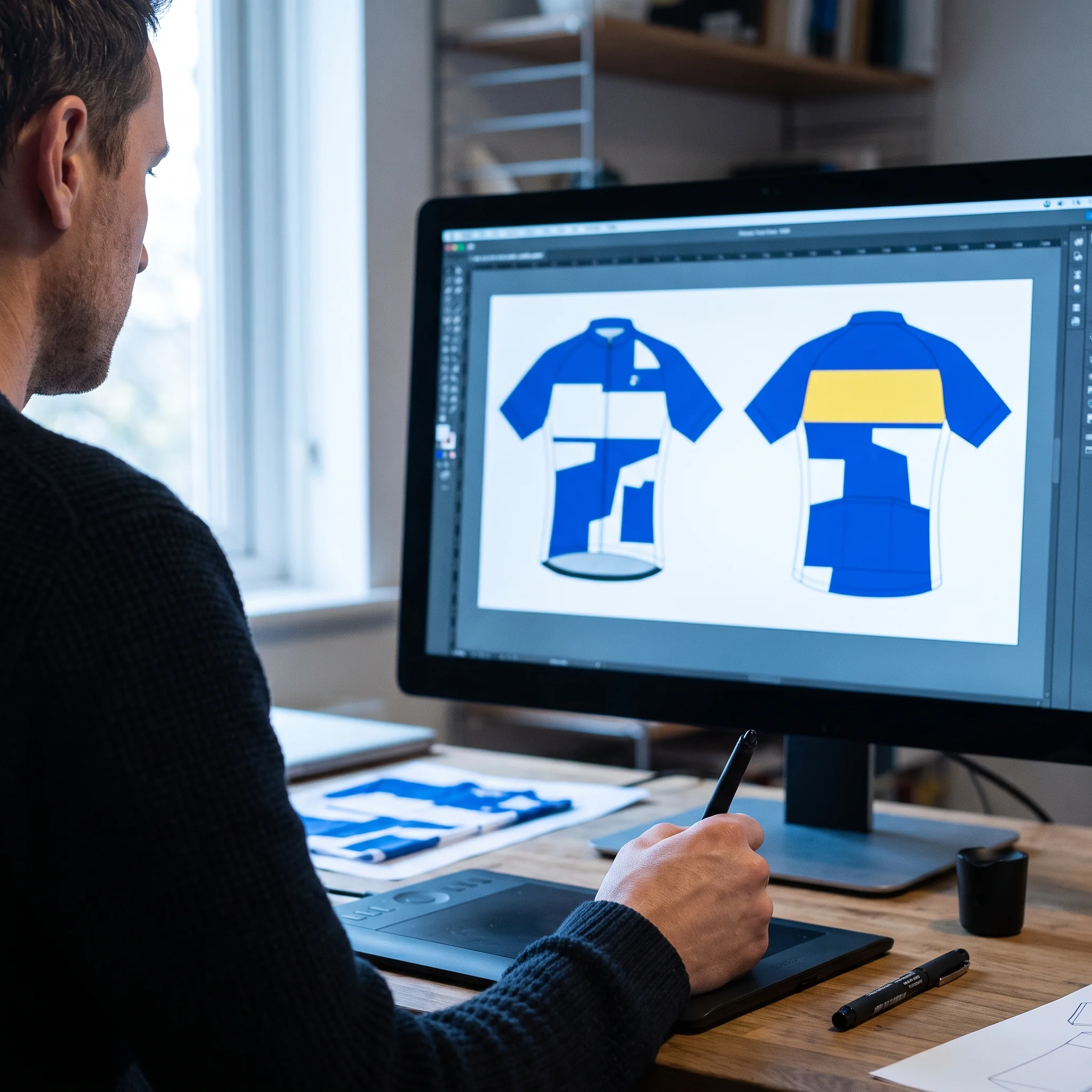
Kit Layout Designer: Logo File Check Before Any Proof Is Drawn
Before drawing anything, the Kit Layout Designer checks every file your team sends against the zone it is meant for. Each crest and sponsor logo has to be a vector file, and each sponsor has to be matched to a named zone on the proof.
- File receivedA vector crest or sponsor logo, matched to a named zoneWhat happensDrawn onto the proof
- File receivedA screenshot, a low-resolution image or a file cut from an old kit photoWhat happensGoes back to your team manager with a note on what is needed, before any proof work starts
- File receivedA sponsor sent without a zoneWhat happensA question back: which zone it takes
Drawing the proof only from checked files means the size and position your sponsors approve on the proof are the ones printed on the kit.
The checked files are stored with the proof version they were used for, so when the same sponsor stays on next season, the Designer works from the file already on record.
Order Desk: Post-Lock Change Log Carried Into Your Next Window
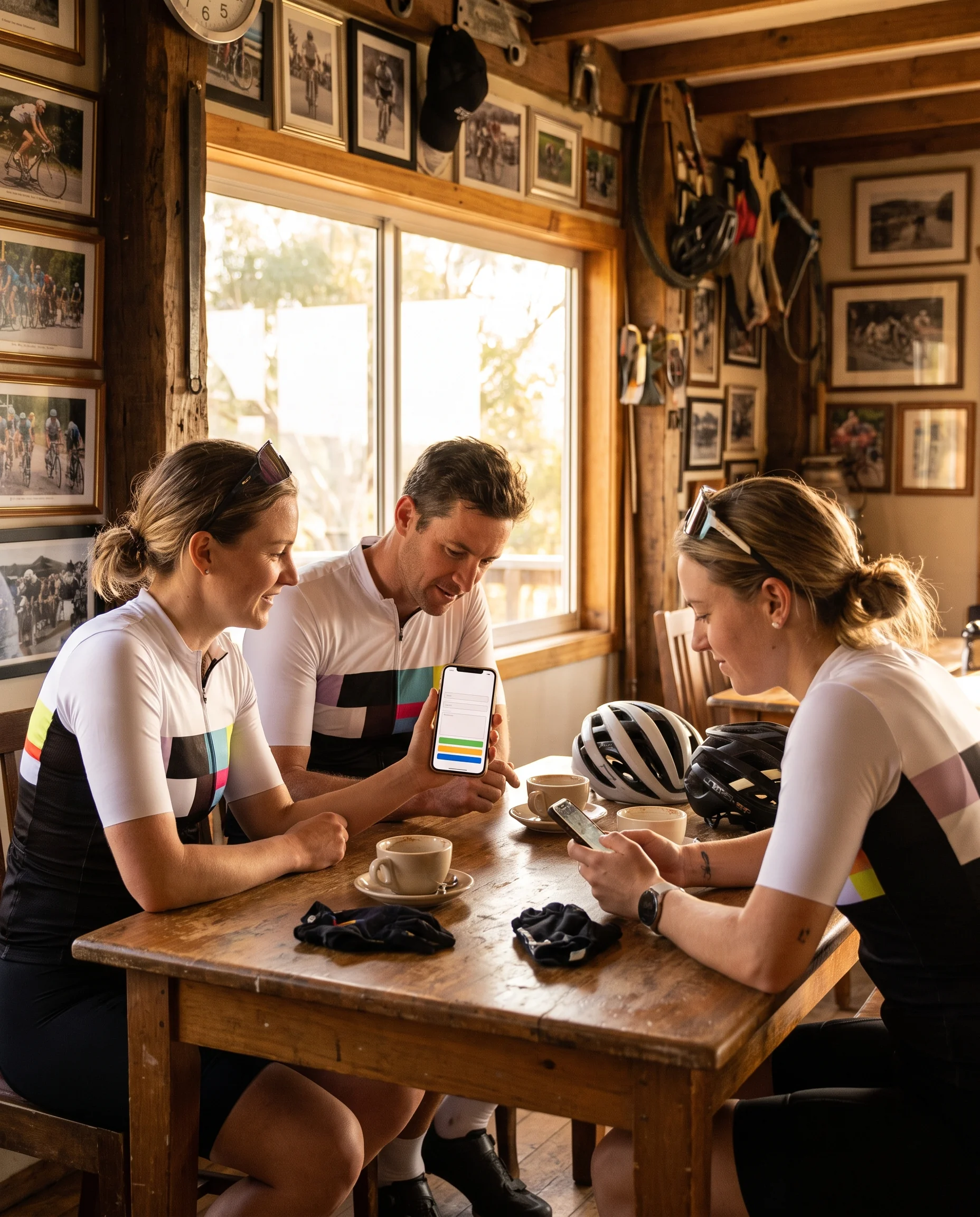
After your roster is locked, requests keep coming in. The Order Desk logs every one of them.
What the post-lock log does with each request
Each entry records the rider, the change and the date it was asked for.
- Request after lockA new rider joinsOrder in productionNot addedYour next windowOn the list
- Request after lockSomeone finds their jacket too tightOrder in productionNot addedYour next windowOn the list
- Request after lockA returning rider wants a gilet addedOrder in productionNot addedYour next windowOn the list
The locked roster your team manager signed stays exactly as signed, so the kit that arrives matches it line by line.
When your next ordering window opens, the Order Desk sends the logged lines with the window opening, and riders confirm them as part of the normal entry. Your team manager does not need to collect them again or remember who asked.
Sizes still mix freely within each style and colour, so a logged change for one piece does not affect the rest of that rider's kit.
Packing Lead: Packing Bench Works From the Locked Roster Only
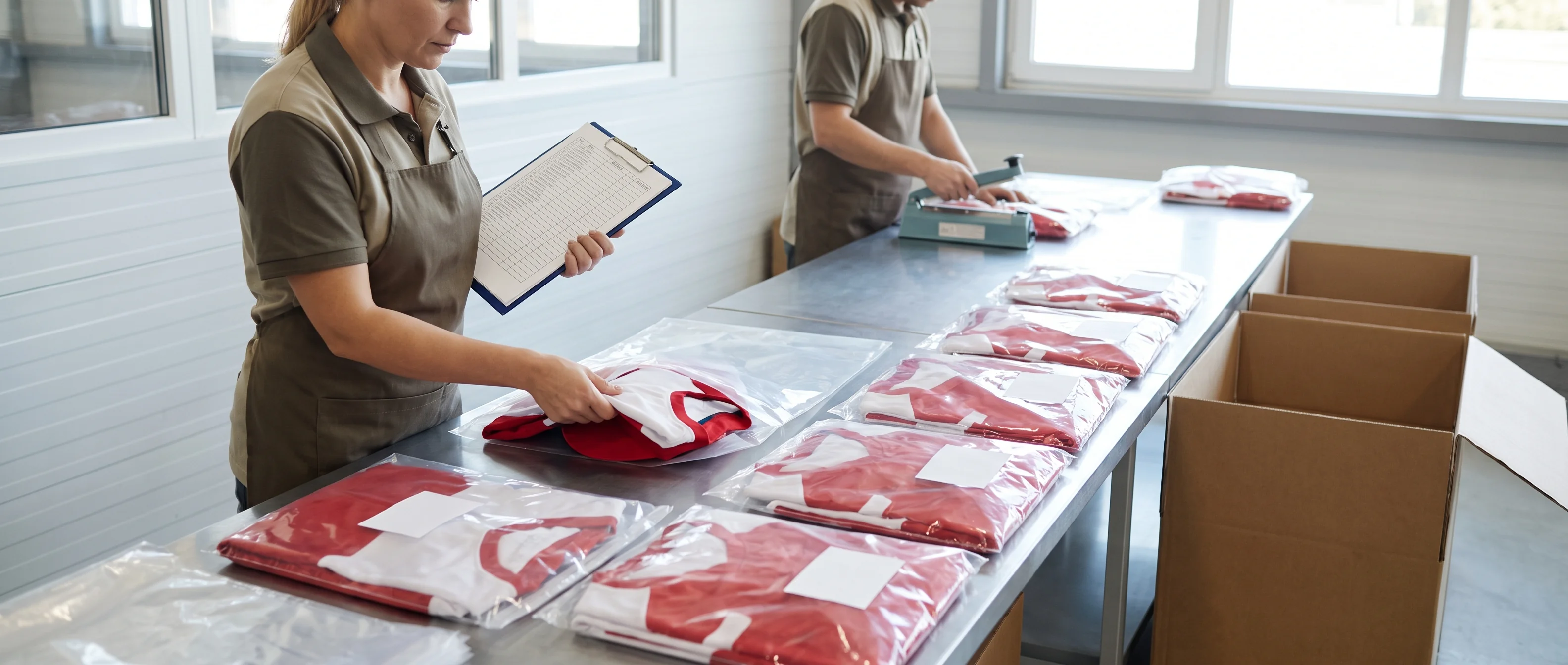
At the packing bench the Packing Lead works from one document: the locked roster your team manager signed.
- 1
No bag changes at the bench
A rider who emails at packing stage asking to swap a size does not get a different bag.
- 2
Late requests go to the Order Desk
The request is added to the post-lock change log for your next window, and the rider's bag is packed as locked.
- 3
Your team manager is told in writing
Which requests reached us after lock, and where each one now sits.
The packing list you receive matches the roster you signed, with no line changed after your signature. At handout, every bag reads against a document you already hold.
Handoffs Between Programme Roles: Each Role Starts From the Previous Signature
Work passes between the four roles as signed documents, and each role starts only once it has the document signed at the stage before.
- 1From the Kit Layout Designer
Signed layout proof
→ Order DeskSets the number rules and piece list in your ordering window from it.
- 2From the Order Desk
Locked roster
→ Programme CoordinatorSends proof and roster together to production.
- 3From production
The same locked roster
→ Packing LeadPacks from the roster the floor worked from, and nothing else.
- 4From the Packing Lead
Signed packing list
→ Programme CoordinatorCloses the season in your team file.
Each handoff is to one named role, with one document. If a document is missing its signature, the next role waits, and the Coordinator tells your team manager in writing what is outstanding and what it holds up.
Working Rules: Signed Documents Before Speed, Written Records Before Phone Calls
- 1
Signed documents before speed
When a delivery date and a signed document pull in different directions, the signed document wins. A tight season start is handled with rush production at 12–15 days from roster lock, planned into your ordering dates from the start.
Nothing goes to production on an unsigned proof or an unlocked roster to save time.
- 2
Written records before phone calls
Every decision on your programme is recorded in writing, by email or on a signed document.
A phone or video call can settle a question; the outcome is then written to your team manager, so no decision exists only in someone's memory.
Team File Custody: Dated Versions, Two Editors and Co-Signed Layout Changes
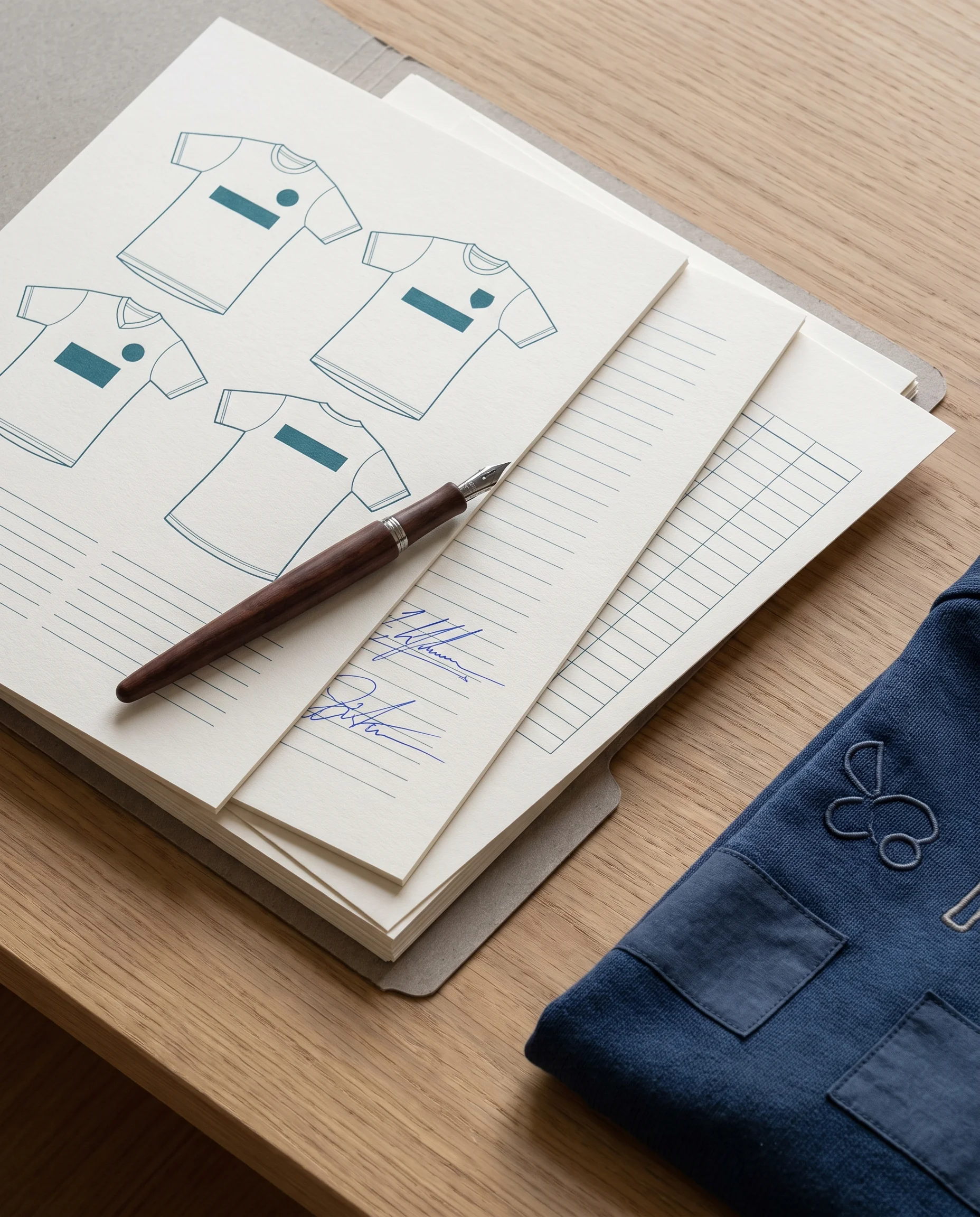
Your team file changes over the years, and the way it changes is fixed. Only two roles can edit it. The other two read from it; they do not change it.
Can edit
- Kit Layout DesignerSaves new proof versions and the logo files each version was drawn from.
- Programme CoordinatorAdds each season's locked roster and signs the team file record at season close.
Reads only
- Order DeskReads the proof and roster to run your window and change log.
- Packing LeadReads the locked roster at the packing bench.
Every saved change carries the editor's role and the date, so each entry in the file traces back to the person who put it there.
- Kept 5 years after your team's last order
- Your team manager can ask for a full copy at any time
- What the file holds is set out on our home page
Version Trail: A Sponsor Change Saved Beside the Old Version and Co-Signed Before It Prints
Take a sponsor change in the off-season. This is how it moves through your team file.
- No.1WhoYour team managerWhat the file recordsSends the new logo and names the zone it replaces.
- No.2WhoKit Layout DesignerWhat the file recordsDraws the new proof and saves it as a new version, with the date, beside the previous one. The previous version is never overwritten or deleted.
- No.3WhoYour team managerWhat the file recordsCo-signs the new version, because the change touches the layout. Until then it stays in draft, and production keeps working from the last signed one.
- No.4WhoProgramme CoordinatorWhat the file recordsWhen your reorder comes in, sends production the most recent co-signed version, and nothing else.
- No.5WhoYour copy of the fileWhat the file recordsUpdated with each new version: which version is in print, what the one before it looked like, and on which date and for what reason each change was made.
A colour question or a sponsor query from three seasons back is answered from the file, version by version, with the date and the signature on each.
Team Manager Handover: The New Manager Starts From the Team File
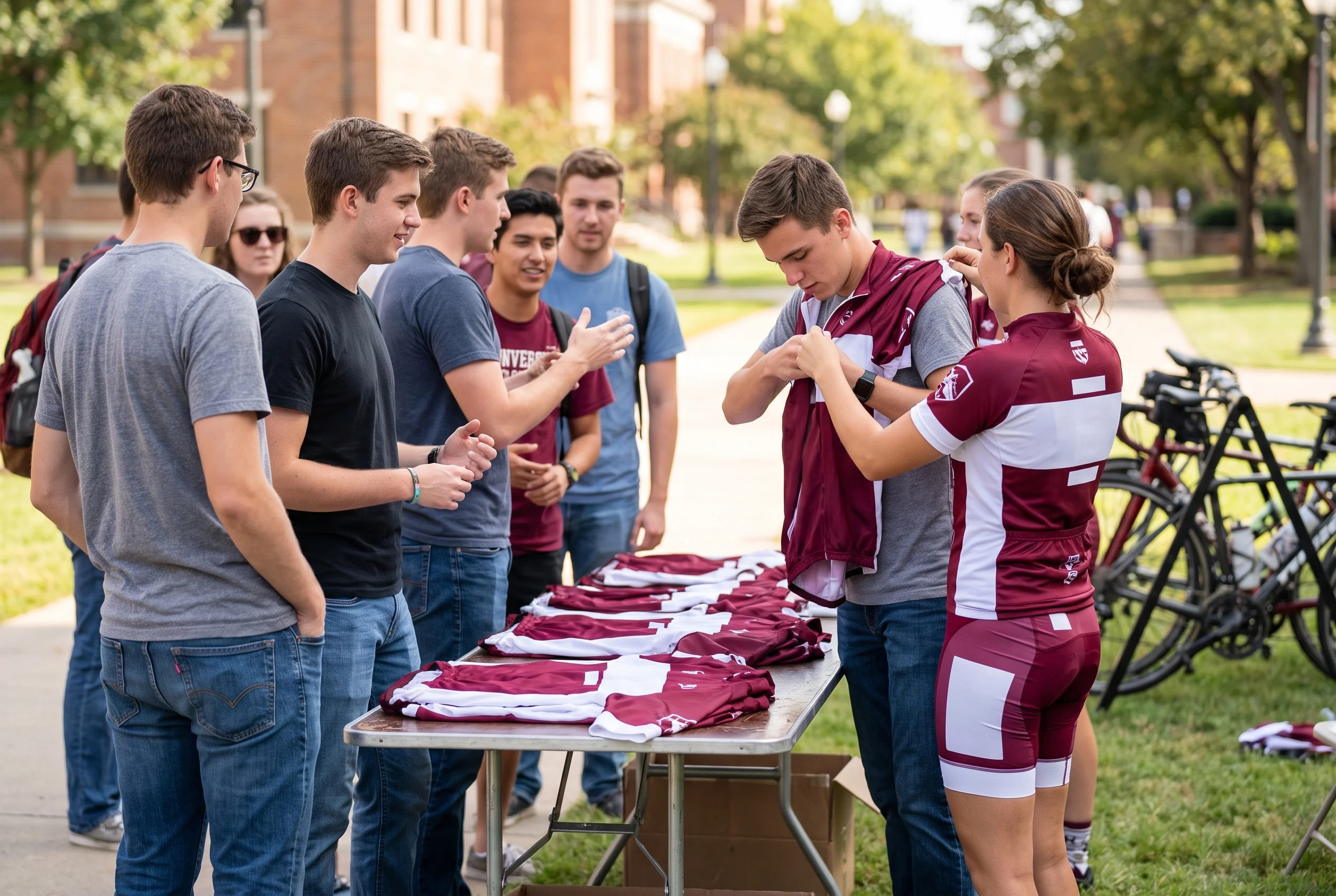
People change on both sides of a long programme. When a kit manager steps down, a committee changes or a college captain graduates, the new team manager takes over with a copy of the team file.
The next season's order starts from that file
- 1
Same colourway
- 2
Same signed proof
- 3
Last season's roster, ready for updates
No need to collect the whole team's sizes again or redraw the layout. The order runs as it would have for their predecessor.
Programme Handover on Our Side: The Whole Programme Moves as One Package
When a Programme Coordinator moves on, or another role changes hands mid-season, your programme moves as one package, in writing.
What moves to the new person
Your team file
Every version, roster and season record, under your team's name.
Every signed document
All stay in force. The proof is not signed again.
The stage your order has reached
Work picks up where it stopped. Sizes are not collected again.
A written note before first contact
Who they are, which programme and documents they now hold, and the next date on your schedule.
Your team manager does not need to repeat anything.
If your ordering window is open at the time
- The window stays open on its dates
- Entries riders have already made stay in place
- The lock date in your ordering plan does not move
The new contact's first note lists those dates, so both sides work from the same schedule.
Both kinds of handover run on the documents, not anyone's memory. Because your team manager holds a copy of the file, either side can pick the programme up from the record.
Before You Switch: Ask for Your Programme Coordinator
Moving an existing kit to us: send photos or design files of the current kit with the team size and team type. The Programme Coordinator replies within 24 hours on working days, and the programme starts from the kit your team already wears.
Quality and Compliance Coverage: ISO 9001:2015, OEKO-TEX® STANDARD 100 and BSCI
Three certifications cover the work behind your team kit, each at a different level.
- Factory level
ISO 9001:2015
Covers our quality management system across the factory. The programme's signed documents, from layout proof to team file record, are the records your order is produced and checked against within it.
- Fabric level
OEKO-TEX® STANDARD 100
Applies at fabric level and covers the fabrics used in your kit.
- Production floor
BSCI social compliance audit
Covers working conditions on the production floor where your kit is made.
Certificates are sent on request. Your team manager can ask for them with the first message, for club committees, sponsors or a university office that needs them on file.
Working Language, Written Decisions and Reply Times
Your team manager can forward any of our emails or signed documents as they are to a committee, a sponsor or a university office.
- Working language
- English, with every team.
- Channel
- Email between your team manager and the Programme Coordinator.
- Reply time
- From the Coordinator, within 24 hours on working days.
- Office hours
- Monday to Saturday, 9:00–18:00 (GMT+8), also shown in the footer of every page.
- Written to stand alone
- Dates, sign-offs, schedule changes and issue decisions each state what was decided and when.

Meet Your Programme Coordinator
Send your team size, team type and your current kit or design, and tell us whether you are ordering for the first time or moving an existing kit to us.
Your Programme Coordinator replies within 24 hours on working days and, within 48 hours of receiving those three things, sends your ordering plan:
- 1The ordering path for your team
- 2The pieces to include
- 3Dates for proof, window, roster lock and delivery, worked back from your season start
From then on, the Programme Coordinator is your single contact for every season your team orders with us, and your team file is kept under your team's name from the first order.