Club Kit Reorder Program: Every Season After the First, Run From Your Team File

A club kit reorder program for teams that have already ordered with us once and now run their kit season after season. Your reorder starts from your team file: last season's signed layout proof, your colour parameters and every returning rider's name, number and sizes are already there when the window opens.

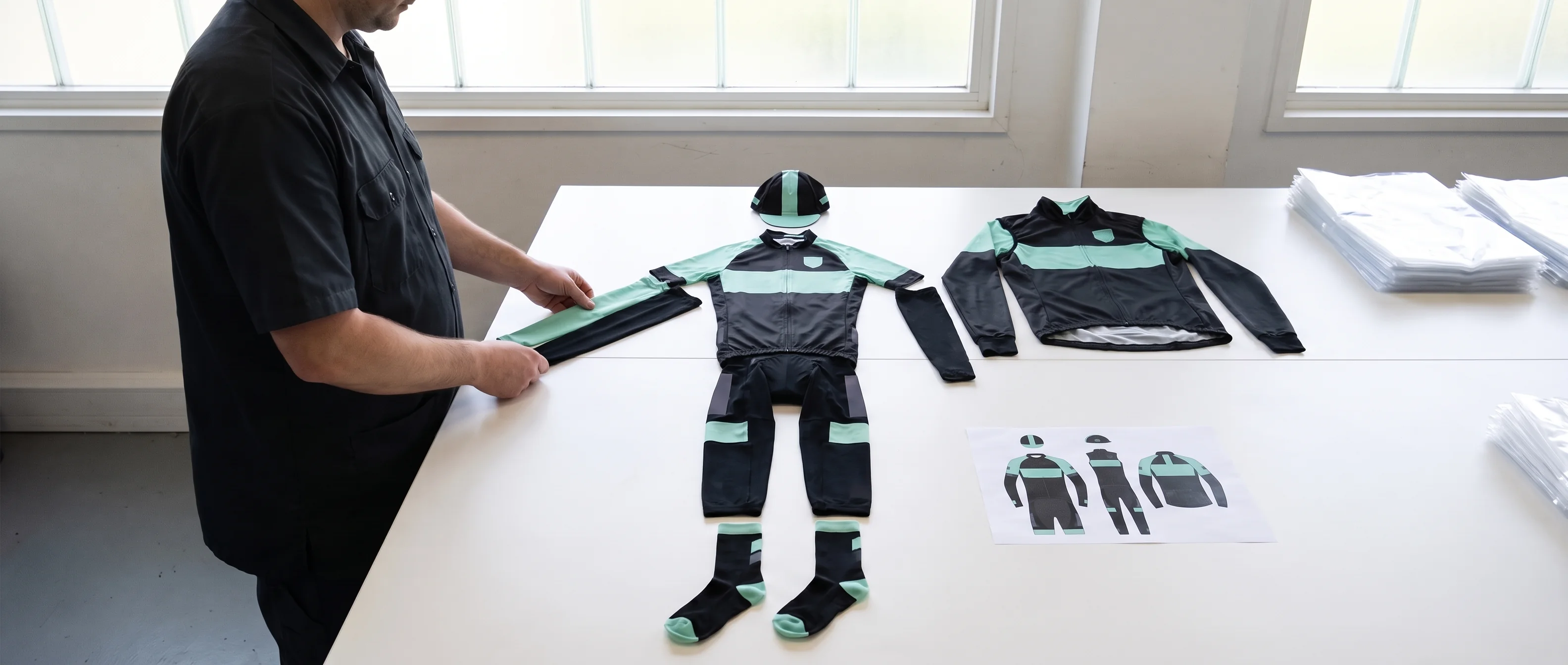
We run reorders for club kit secretaries, college team captains, corporate cycling programme leads and league kit coordinators, across jerseys, gilets, jackets, arm and leg warmers, caps and socks in the colourway your riders already wear.

Your team handles only what has changed since the last order. Each change goes to a named role and a named document, and new riders and replacements join your next ordering window like any other line.

Send your team name and a list of what has changed. Within 48 hours you receive your reorder plan, with a line stating whether your layout proof carries over or which zone needs redrawing.
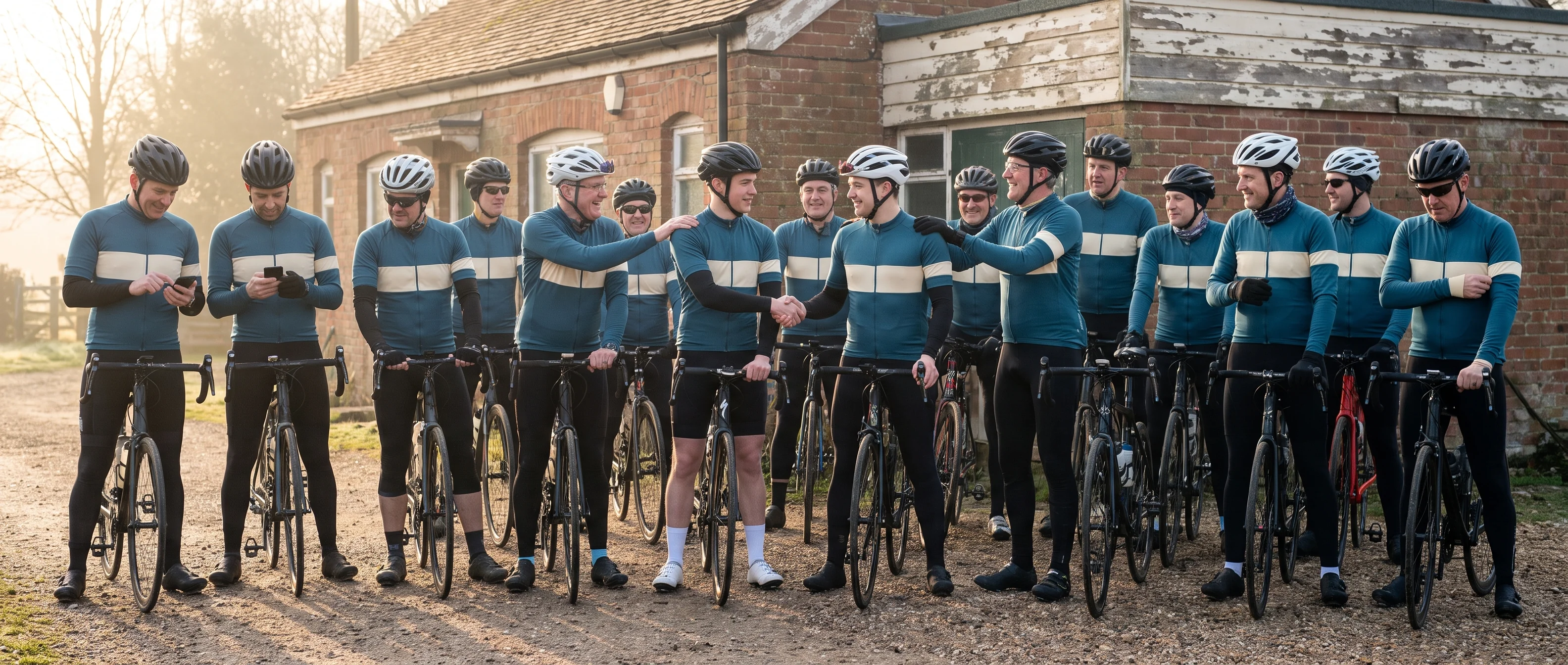
An amateur cycling club gathered outside its clubhouse for the first ride of a new season, all riders in the same club kit, two new riders being welcomed by returning members
  • Reorders open from your team file
  • Proof status stated in every reorder plan
  • A dated colour reference for each piece
  • Team file kept 5 years after your last order
  • ISO 9001:2015, OEKO-TEX® STANDARD 100 and BSCI

Reorders for Club Kit Secretaries, College Captains, Corporate Programme Leads and League Coordinators

Every team on a reorder program has a team file from at least one earlier order, and that file is the base of every reorder.

An amateur cycling club lined up with their bikes, every rider in the same club kit they have now worn for more than one season
Illustrative photo
  • Club kit secretaries

    reorder ahead of each season, and some clubs add an autumn window for outer layers. The secretary changes at an AGM from time to time; the file stays with the club.
  • College and university team captains

    reorder at each academic year's intake, when new riders arrive and returning riders' sizes need checking.
  • Corporate cycling programme leads

    reorder when the riding group grows or a new season of the programme starts.
  • League and multi-club kit coordinators

    reorder for clubs that share one colourway and one file.

When your reorder starts, your team file already holds:

  • The colour parameters of your colourway, and a dated colour reference version for each piece you order.
  • Your signed layout proof, with its version and date, and the combined kit view for the pieces you wear.
  • Last season's locked roster: every rider, every piece, every size and number.
  • The change log the Order Desk kept after your last lock.

Your team manager holds a copy of the same file, so both sides open the reorder from the same record.

Reorder Change List: Seven Kinds of Change, Each With a Role, a Document and a Signature

A reorder runs on one list: what has changed since your last order.

Each kind of change goes to one role, touches one document, and either needs your team manager's co-signature or is covered by the roster lock signature.
ChangeHandled byDocument it changesSignature
New riderOrder DeskNew line on the roster: name, a free number within the proof's range, a size for each pieceRoster lock
Size changeOrder DeskThe changed cells in that rider's lineRoster lock
LeaverYour team manager marks it, the Order Desk removes the lineLine removed, number freedRoster lock
Returning rider who has not confirmedOrder Desk lists it, your team manager decidesLine marked "kept as last season" or "not ordering this season"Roster lock
New sponsorKit Layout DesignerA new dated version of the layout proofCo-signed before the window opens
Added pieceKit Layout DesignerA new dated version of the combined kit view, and a new column on the rosterCo-signed before the window opens
Replacement for a crashed or damaged pieceOrder DeskOne ordinary cell on the roster, marked replacement in the change logRoster lock
Five of the seven changes sit on the roster alone. They are entered, checked and locked with the rest of your team, and the layout proof and colour references stay exactly as signed.
Only two kinds of change touch the layout proof or the combined kit view, and those two are the only ones that bring a co-signature back before the window opens.
The club reorder case on our home page ran on this list: about 24 riders, 5 new entries and 3 size changes, with every other line carried over.

Every change is checked against the documents already in your team file. A size change is entered per piece, so changing a jacket size leaves that rider's jersey and gilet sizes as they were, and sizes mix freely within each style and colour. An added piece is drawn from the same colour parameters as the rest of your set.

Your team manager sends the list once, at the start of the reorder. Changes that arrive later during the window come in through the roster link and land in the same columns.
Reorder Scope: Our Tasks, Your Team's Inputs and the Programme Edges

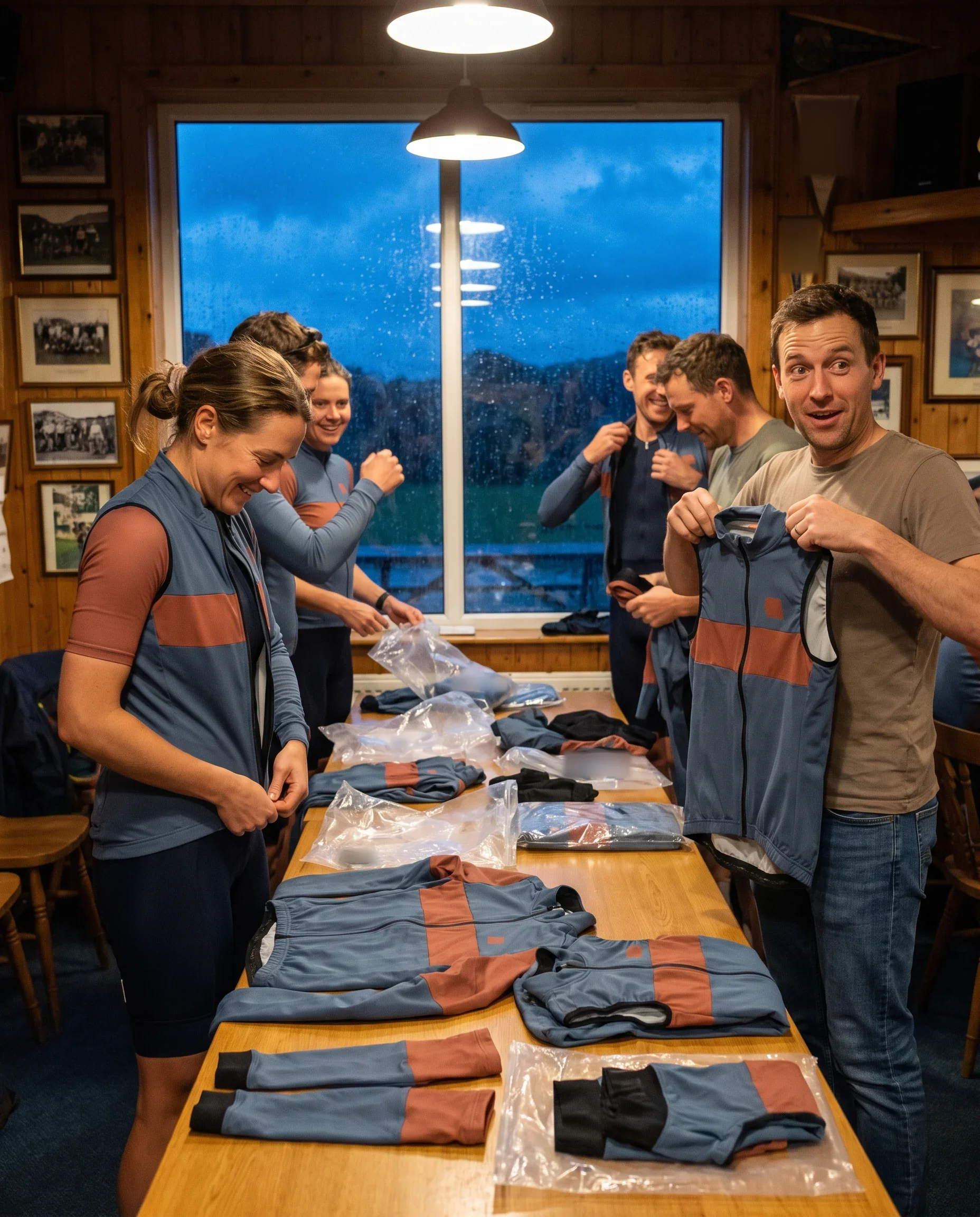
Club members collecting outer layers from one production run at their clubhouse, each rider's pieces bagged together
  • We do
  • Open the reorder from your team file and send your reorder plan
  • Pre-fill every returning rider's line on the roster
  • Redraw only a changed zone or an added piece, as a new dated version
  • Send the unconfirmed list before the window closes
  • Check every roster cell before lock and lock the roster with your team manager
  • Print each piece from its stored colour reference, run the full-set check, pack rider by rider
  • Your team does
  • Send your team name, your change list and the date your riders need the kit
  • Forward the roster link to new riders
  • Co-sign a redrawn proof or combined kit view
  • Decide each unconfirmed line before lock
  • Sign the locked roster
  • Check the packing list against your locked roster on arrival
  • Programme edges
  • One ordering window per production run
  • One delivery address, your team manager's
  • One contact on each side: your Programme Coordinator and your team manager
  • Six pieces: jersey, gilet, jacket, arm and leg warmers, cap, socks
  • Bib shorts run separately through procyclingapparel.com
  • Written records for every decision, in English

Riders' sizes, the layout, the number rules and the colour references carry over from the last order. Your team supplies what is new, and the signatures that fix it.

Reorder Plan Within 48 Hours, With Your Layout Proof Status on the First Line

Your reorder plan reaches you within 48 hours of receiving your team name, your change list and the date your riders need the kit. It is the document every later date in your reorder hangs on.

A team manager at home in the evening reading the reorder plan that has just arrived on his laptop
Your reorder plan

The plan states your layout proof status in one line, in one of two forms:

  • "Signed version carried over, no new signature needed."

    The proof version and its date are named, so your team manager can match them against the copy of the team file.
  • "Redraw needed: zone or piece named, co-signature before the window opens."

    The line names the sponsor zone or the added piece, and nothing else on your proof is redrawn.

The rest of the plan sets out:

  • The pieces in this reorder, and which riders each piece is for.
  • The window dates: when it opens, when it closes, and the lock date.
  • The date sheet, with every row marked ours or yours.
  • Shipping time to your address, set by destination.

Your team knows from the first page whether this reorder needs a signature on the layout before riders can enter anything.

Reorder Date Sheet: Worked Back From Your Delivery Date, Starting at the Ordering Window

A first order's date sheet starts at the logo file check. A reorder's date sheet starts at the ordering window, because the signed proof is already in your team file.

When your plan says the proof carries over, the three rows for redrawn versions and the co-signature drop off the sheet. The window can open as soon as you accept the plan, and the time before lock goes to riders confirming their lines.

The lock date is worked back from the date your riders need the kit: shipping time to your address, then 20–30 days of production, then the time your team needs to confirm sizes. On the rush route, production runs 12–15 days from lock, so the lock date sits closer to your delivery date.

Any change to a date reaches your team manager in writing from the Programme Coordinator.
Layout proof status
  1. Reorder plan

    Us: Programme CoordinatorYour team name, change list and delivery date arriving; within 48 hours
    1. Redrawn zone or added piece, only if your plan names one

      Us: Kit Layout DesignerYour new logo file or piece choice
    2. Each further version

      Us: Kit Layout DesignerYour one combined reply for that round
    3. Co-signature on the redrawn version

      Your teamYour review
  2. Ordering window opens, roster pre-filled

    Us: Order DeskThe signed proof, carried over or co-signed
  3. Unconfirmed list sent

    Us: Order DeskAhead of the close date
  4. Window closes

    Your team chooses, the Order Desk runs itThe date in your plan
  5. Roster lock

    Your team manager and the Order DeskThe close date
  6. Production and packing

    Us: Programme Coordinator, then Packing LeadThe roster lock; 20–30 days, or 12–15 days on the rush route
  7. Shipping

    UsYour destination, stated in the plan
  8. Kit in hand

    Your teamThe date you gave us

Send Your Change List for a Reorder Plan

Write down what has changed since your last order: new riders, size changes, leavers, a new sponsor, a piece to add, or a piece to replace. Send it with your team name and the date your riders need the kit, and the Programme Coordinator opens your team file to build the plan.

Get your reorder plan

Changes Between Windows: Waitlist Entries and the Change Log Carried Into Your Reorder

Requests keep coming in between one window and the next. Two records hold them until your reorder opens.

The change log.

After each lock, the Order Desk logs every request that arrives: a rider whose jacket is too tight, a returning rider who wants a gilet added, a piece to be replaced. Each entry records the rider, the change and the date. How the log is kept is set out on our about page.

The waitlist.

A new rider who joins between windows registers a name, sizes and a number through your roster link and waits for the next window. How windows and the waitlist run for clubs is set out on our cycling club kit page.

On the day your reorder window opens, the Order Desk carries both records onto the pre-filled roster. Logged changes appear in the right rider's line and the right piece's column. Waitlisted riders appear as new lines, with their numbers checked against the whole roster.

Your team manager does not collect any of this a second time.

Riders confirm their logged changes as part of normal entry, and the change list your team manager sent at the start of the reorder only needs to cover what neither record already holds.
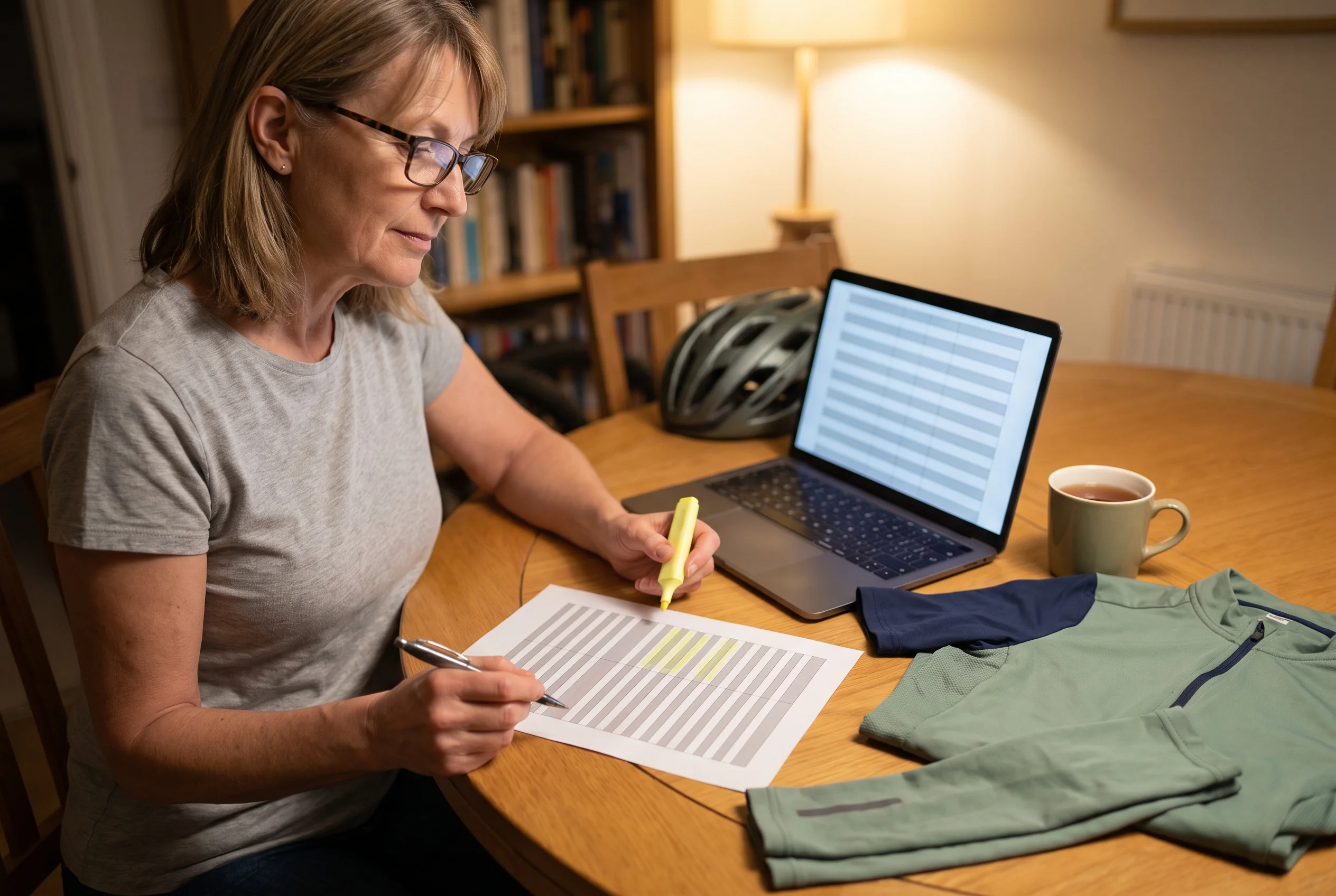
A volunteer team manager at home going through the change log for her club's reorder, two lines marked on a printed list beside a folded club jersey

Pre-Filled Reorder Roster: Returning Riders Confirm, Unconfirmed Lines Go to Your Team Manager

The reorder roster opens with one line per returning rider, filled from last season's locked roster. Each line carries the rider's name and number, and one cell per piece with last season's size in it. Pieces the rider did not order last season stay empty, so a rider who adds a gilet this season fills in one new cell.

Illustrative roster

Each returning rider does one of two things in their line:

  • Confirms it as it stands.
  • Changes the cells that no longer fit, piece by piece.

The Order Desk follows the roster as it fills.

Before the close date, it sends your team manager the unconfirmed list: every returning rider whose line still shows last season's sizes without a confirmation, with those sizes shown beside the name.

At lock, your team manager decides each line on that list:

  • "Kept as last season." The rider's line is ordered with last season's sizes.
  • "Not ordering this season." The line comes off this reorder, and the rider stays in your team file for later windows.
The Order Desk locks each unconfirmed line the way your team manager decided it. No returning rider is ordered by default, and no rider drops off the roster without your team manager's decision written against their name.

Before lock, the Order Desk checks the whole roster cell by cell:

  • Each rider has a size in every piece column they ordered, and nothing in columns they did not order.
  • Every number is unique across returning riders, new riders and waitlisted riders, and follows the number rules on your signed proof.
  • Names follow the name rules on your signed proof.
  • Every replacement cell matches the size, name and number in your team file, unless the rider changed it.

Your team manager then signs the locked roster with the Order Desk. Each unconfirmed-list decision appears on the locked roster in your team manager's own words, so anyone on your committee can see why a rider was or was not ordered.
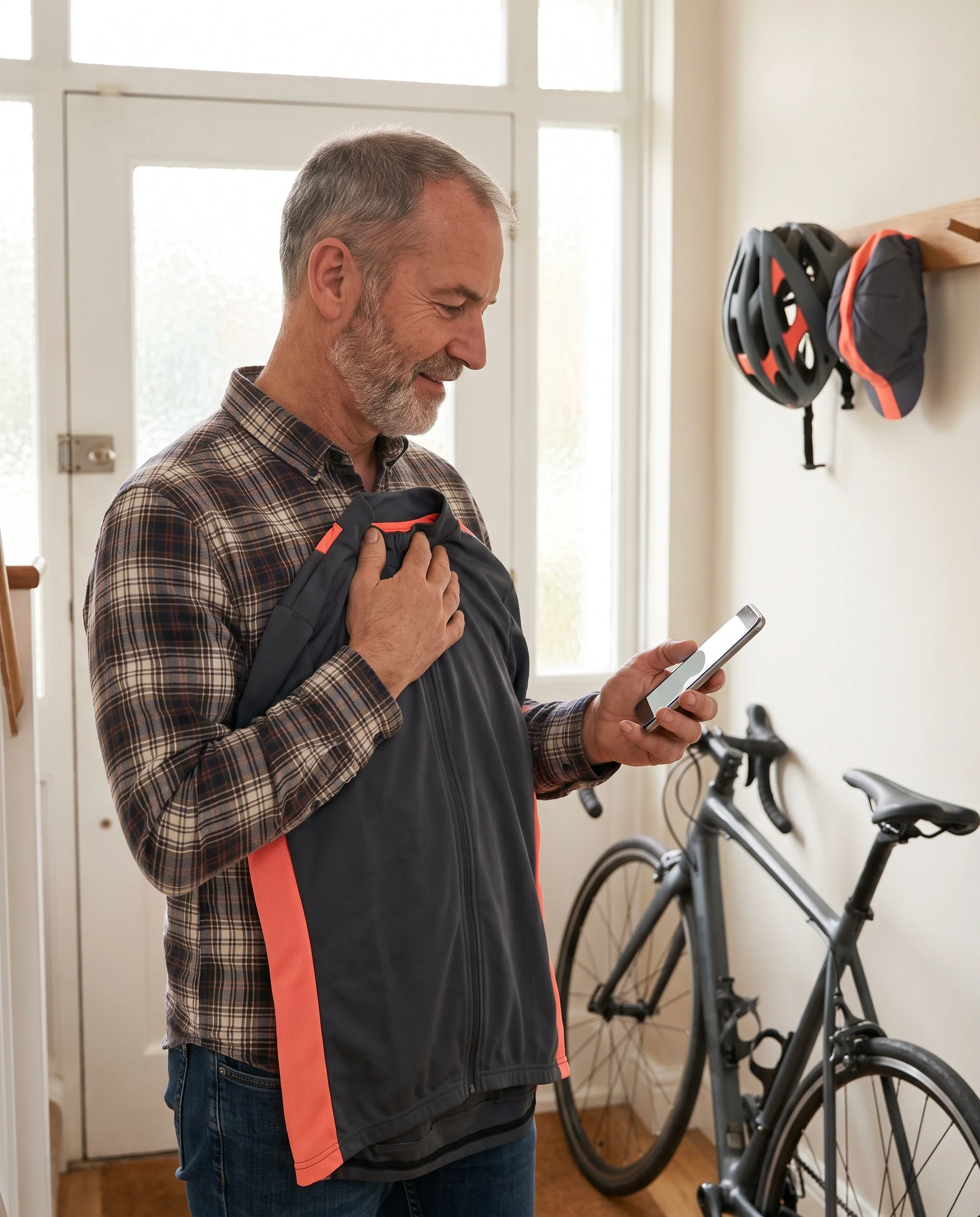
A returning club rider at home holding last season's jersey against his chest while confirming his sizes for the reorder on his phone

Documents Your Team Manager Holds After Each Reorder

Each reorder adds to the documents your team manager already has, and each new document sits next to the version it follows.
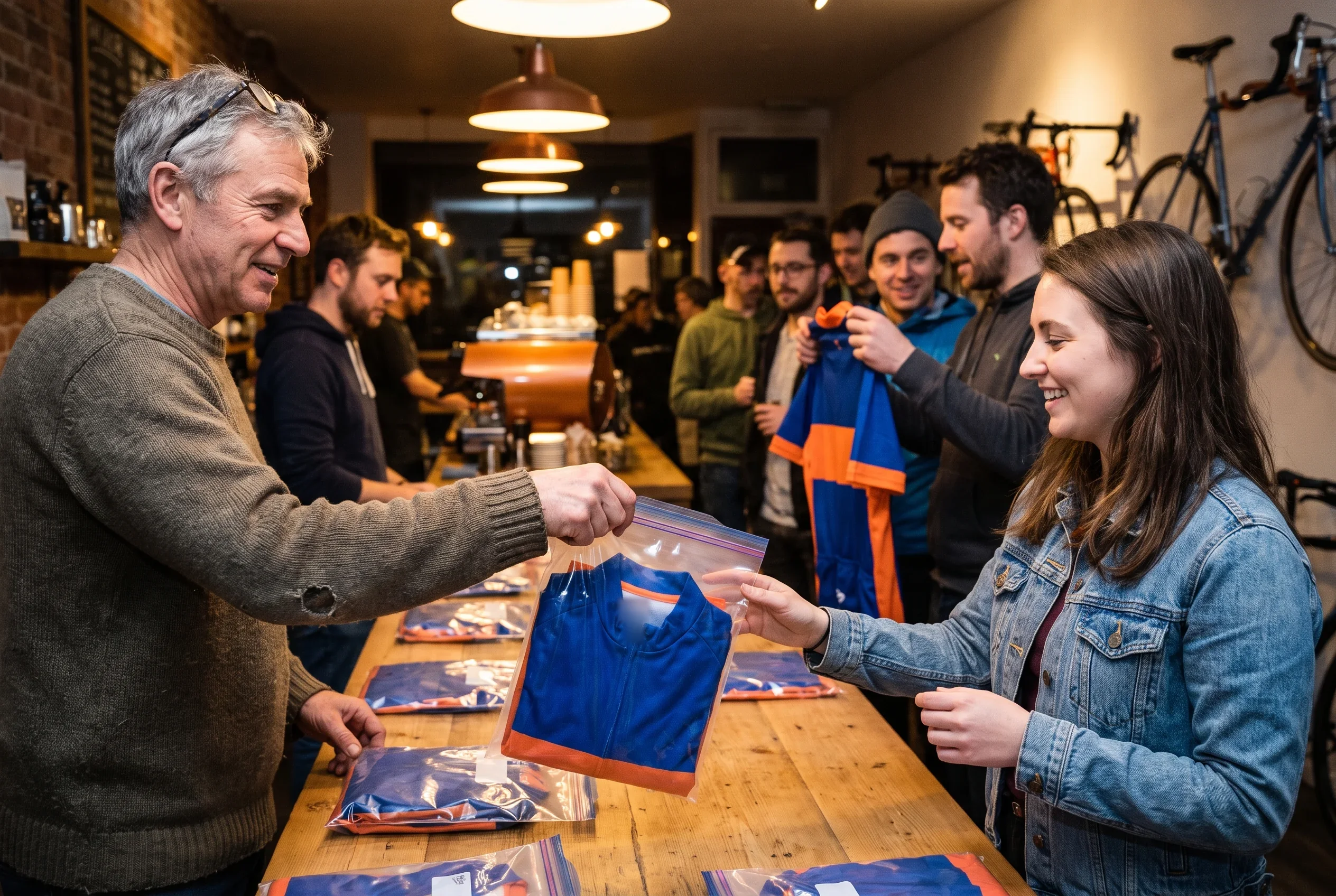
A club team manager handing out bags of reordered kit at a club night, each bag matched to a line on the packing list
  • The locked roster for this season,

    signed by your team manager and the Order Desk, with every line that changed since the last lock marked, including the unconfirmed-list decisions and the replacement cells.
  • The packing list by rider,

    with each rider's pieces and sizes. Its first line records the full-set check for this run, and the Packing Lead signs it.
  • A new dated version of the layout proof or the combined kit view,

    only if your reorder plan named a redraw, co-signed by your team manager.
  • The team file record for the season,

    signed by the Programme Coordinator at season close and added to your copy of the file.
Your team manager can check the delivery against these documents line by line:
  1. each rider's bag against the packing list,
  2. the packing list against the locked roster,
  3. and the kit against the signed proof.

Colour Matched Season to Season: Each Piece Printed From Its Dated Colour Reference

Your riders wear this season's kit next to last season's, so every reorder is printed from the same colour record.
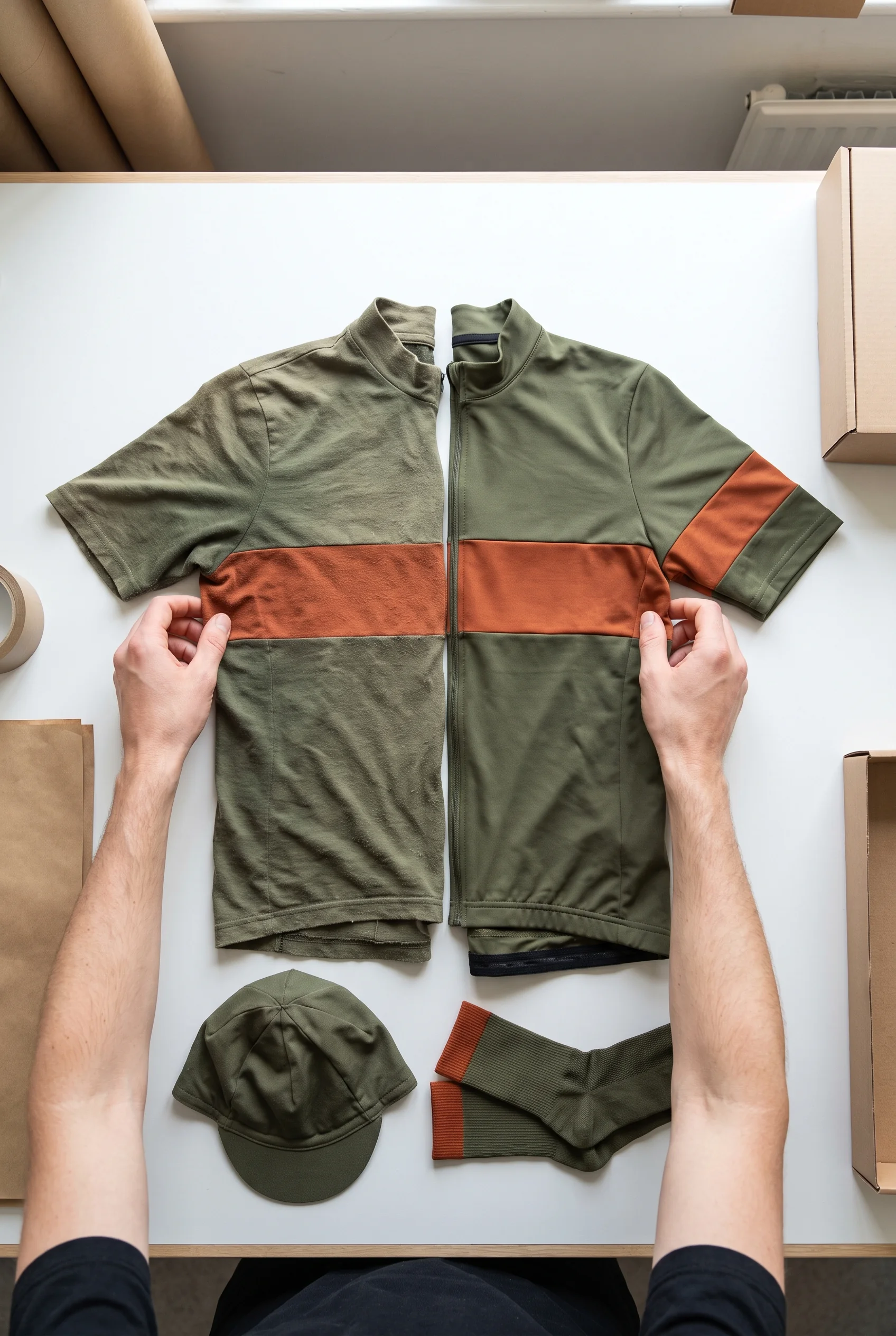
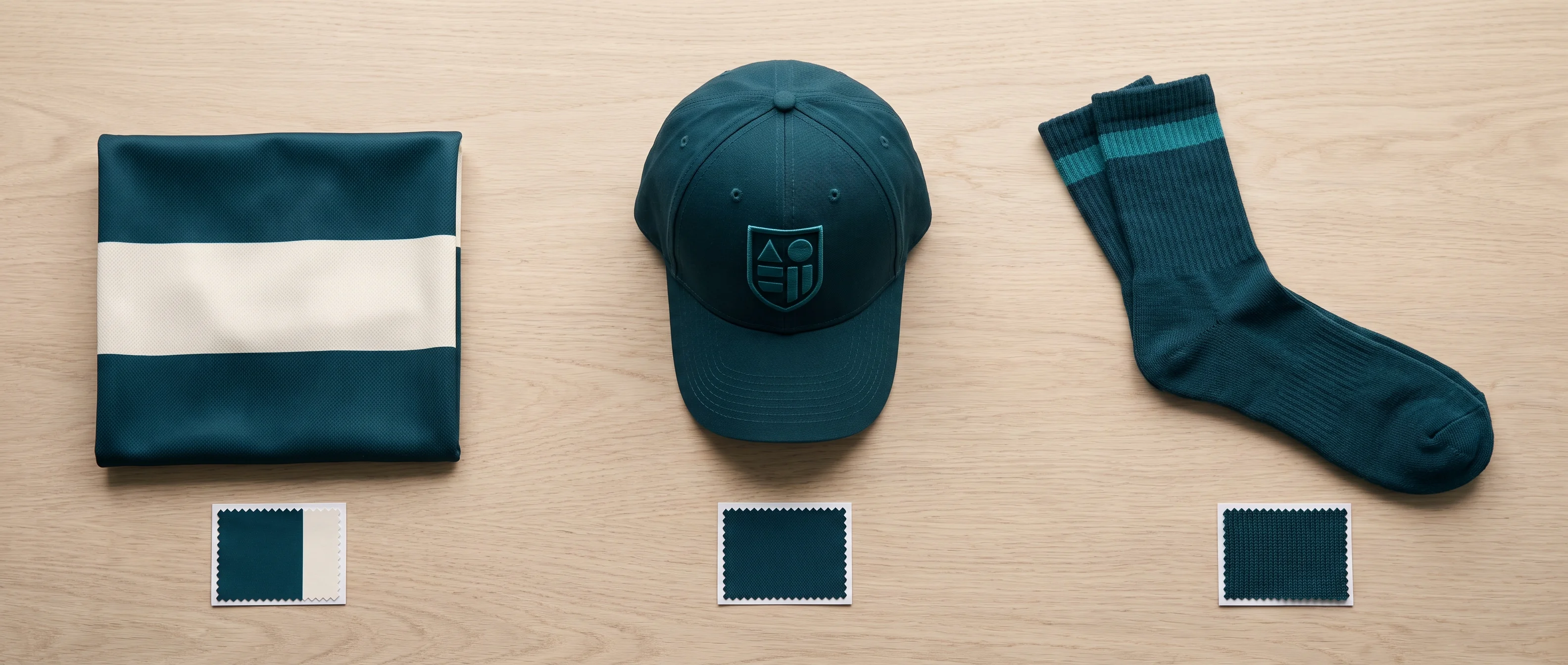
Two club jerseys from two seasons laid side by side on a packing table, the chest band running on from one to the other in the same colour
A colour reference for each piece of a team's set, the band on the warmers, cap and socks matched to the team colourway
The Packing Lead laying one complete set from the run against the combined kit view before any rider's bag is packed
  1. Your team file holds one set of colour parameters for your colourway.
  2. Built on it, each piece carries its own colour reference version, set up by the Kit Layout Designer for the decoration method that piece uses: sublimation, embroidery or knit.
  3. Each version is dated, and your combined kit view names the versions it was drawn and signed with.

At reorder, the Programme Coordinator sends production the colour reference version for each piece named in your team file, and the signed proof version stated in your reorder plan.

A colour reference changes only through a new dated version saved by the Kit Layout Designer, and a change that touches your layout needs your team manager's co-signature. A version that has been drawn but not co-signed stays in draft; production keeps working from the last signed one.

Before any rider's bag is packed, the Packing Lead takes one complete set from this run (one of each piece and each style your team ordered) and lays it out against your combined kit view.

Four checks:

  • Each piece's colour matches its colour reference version.
  • Colour bands run on from piece to piece and match your team colours.
  • The main sponsor and the crest sit where the combined kit view places them.
  • Every piece comes from the same layout proof version.

A piece that fails is remade before packing. If the remake moves your team's shipping date, the Programme Coordinator tells your team manager in writing.

The check result is the first line of your packing list, signed by the Packing Lead.

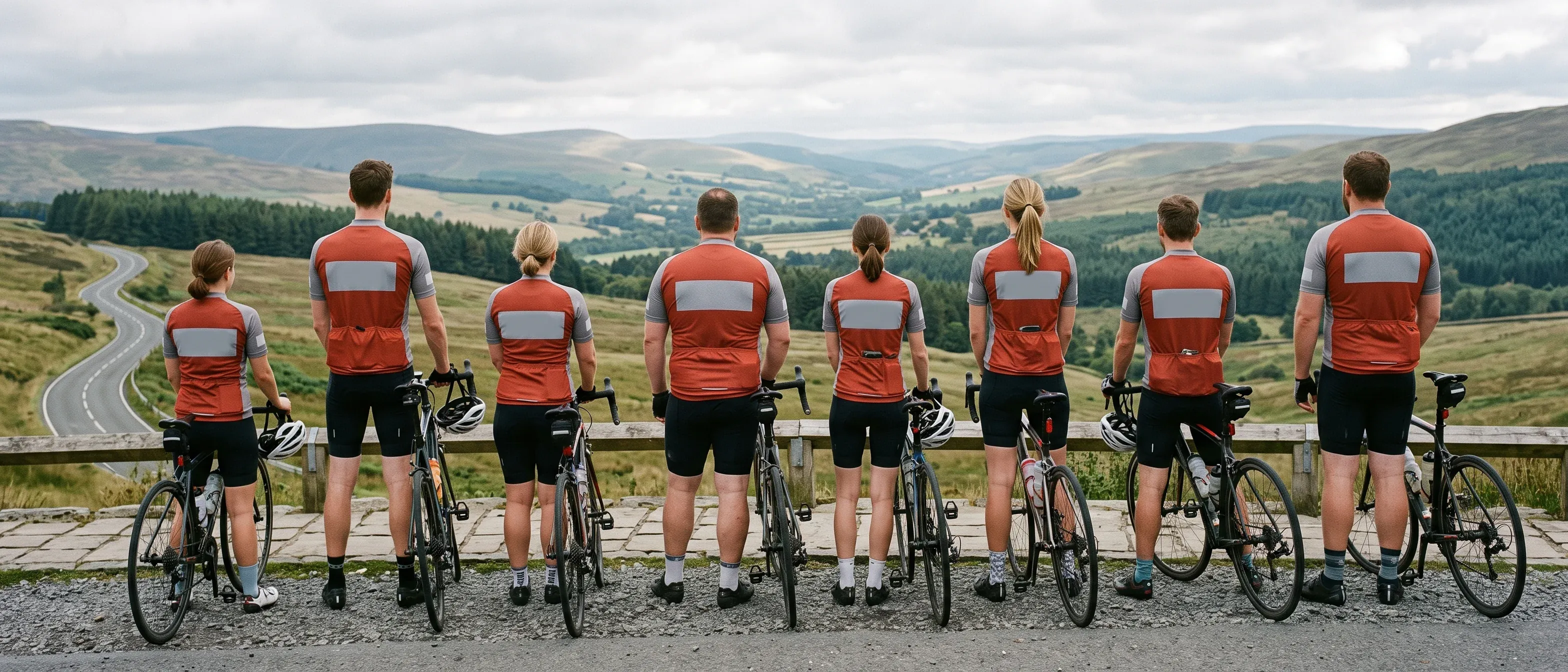
Because every reorder calls up the same dated versions, a season's run, an added piece and a single replacement are all printed from the same record as the kit your riders already own.

Crash Replacement: A Damaged Piece Reordered in Your Next Window, Pre-Filled From Your Team File

A rider crashes and a jersey tears, or a jacket is damaged beyond wear. The replacement goes into your next ordering window as a normal order, in the same roster and the same production run as the rest of your team.
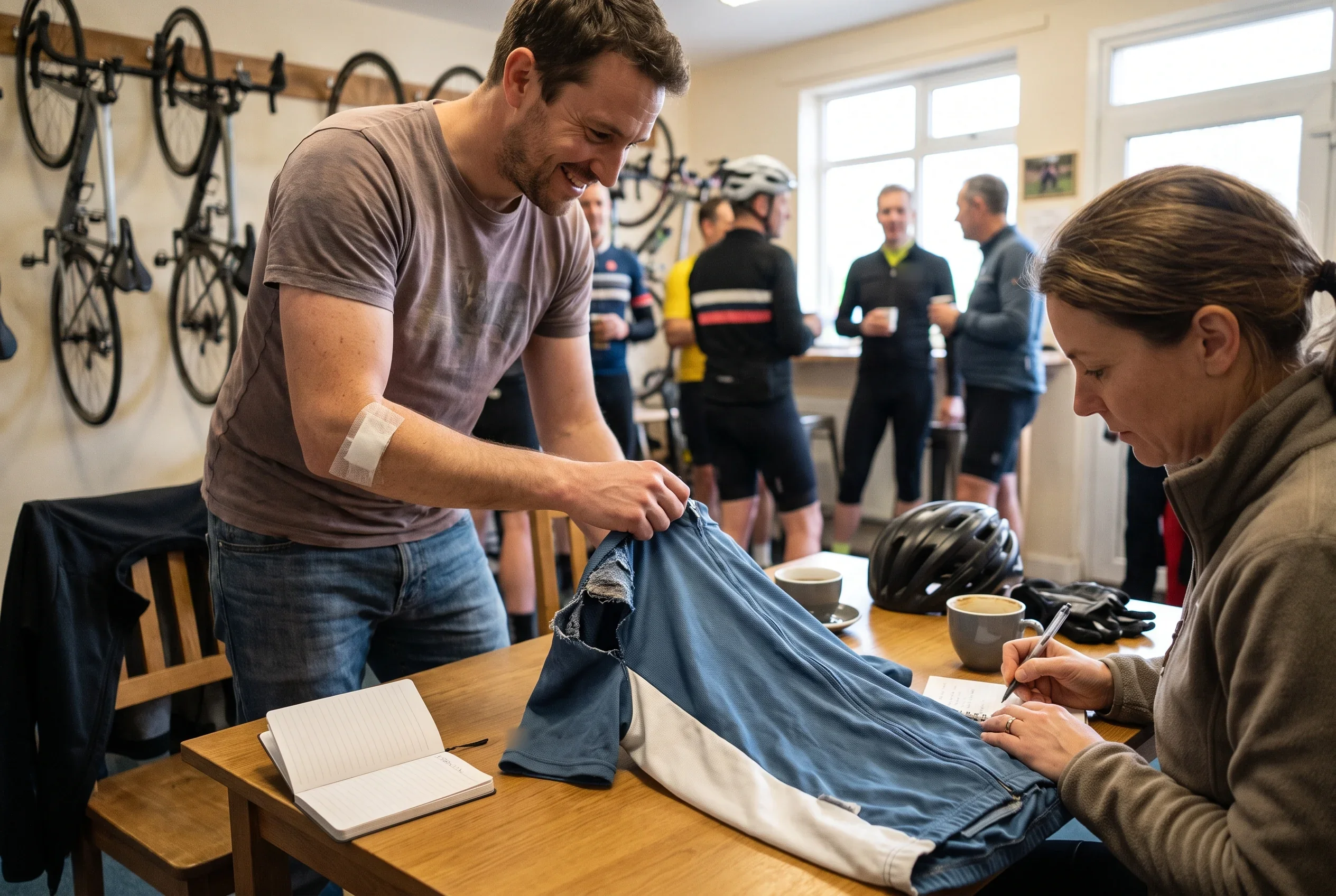
A rider with a dressing on his elbow handing a torn club jersey to the team manager at the clubhouse, who notes it for the next ordering window
Illustrative roster

The replacement path:

  1. Your team manager tells the Order Desk which rider and which piece need replacing.
  2. The Order Desk logs it in the change log and marks it replacement.
  3. When your next window opens, the replacement appears as one ordinary cell in that rider's line, under the piece being replaced.
  4. The cell is pre-filled from your team file: the rider's size for that piece, and the name and number printed on it. The rider confirms it, or changes the size if it no longer fits.
  5. Production prints it from the same colour reference version as that piece's original run, so the replacement matches the rest of the rider's kit and the team's.
  6. It goes through the roster check, the lock and the full-set check with every other piece in the run, and is packed in the rider's own bag.

Which window that is depends on your reorder plan.

  • A replacement jersey, cap or pair of socks joins your next main window.
  • If your plan includes an autumn window, where the whole team orders outer layers, a replacement jacket, gilet or pair of warmers can join that window instead.

A crash replacement is separate from a kit issue report.

  • Kit issue reportIf a piece arrives different from your signed layout proof or locked roster (a logo out of its zone, a wrong number, a size other than the one locked), your team manager sends photos, we reply within 24 hours on working days, and we remake the piece at no charge and ship it with our nearest production run.
  • Crash replacementA piece damaged in use matches the signed documents, so it is reordered through your window as above.

One line in the change list is enough; nobody looks up the rider's old size or the artwork.

Your Team File Across Seasons: Version History, 5-Year Keeping and Handovers on Either Side

Each season adds to the file rather than replacing what is there.

The locked roster of every season stays on record. Every layout proof and combined kit view version is kept with its date, and the previous version is never overwritten. Only two roles can change the file: the Programme Coordinator and the Kit Layout Designer.

A sponsor question three seasons back, or a rider's size from two seasons ago, is answered from the version in force at the time.

People change on both sides of a program that runs for years:

  • A new team manager on your side,

    after an AGM, a committee change or a captain graduating, takes over with a copy of the team file. No new size collection for the whole team, no redrawn layout.
  • A new contact on our side

    receives the file and every signed document, and writes to your team manager before their first contact with your team.
years after your team's last order

Your team file is kept for 5 years after your team's last order, and your team manager can ask for a full copy at any point. A team that pauses for a season reopens its next reorder from the same file, with the same colourway and the same signed proof.
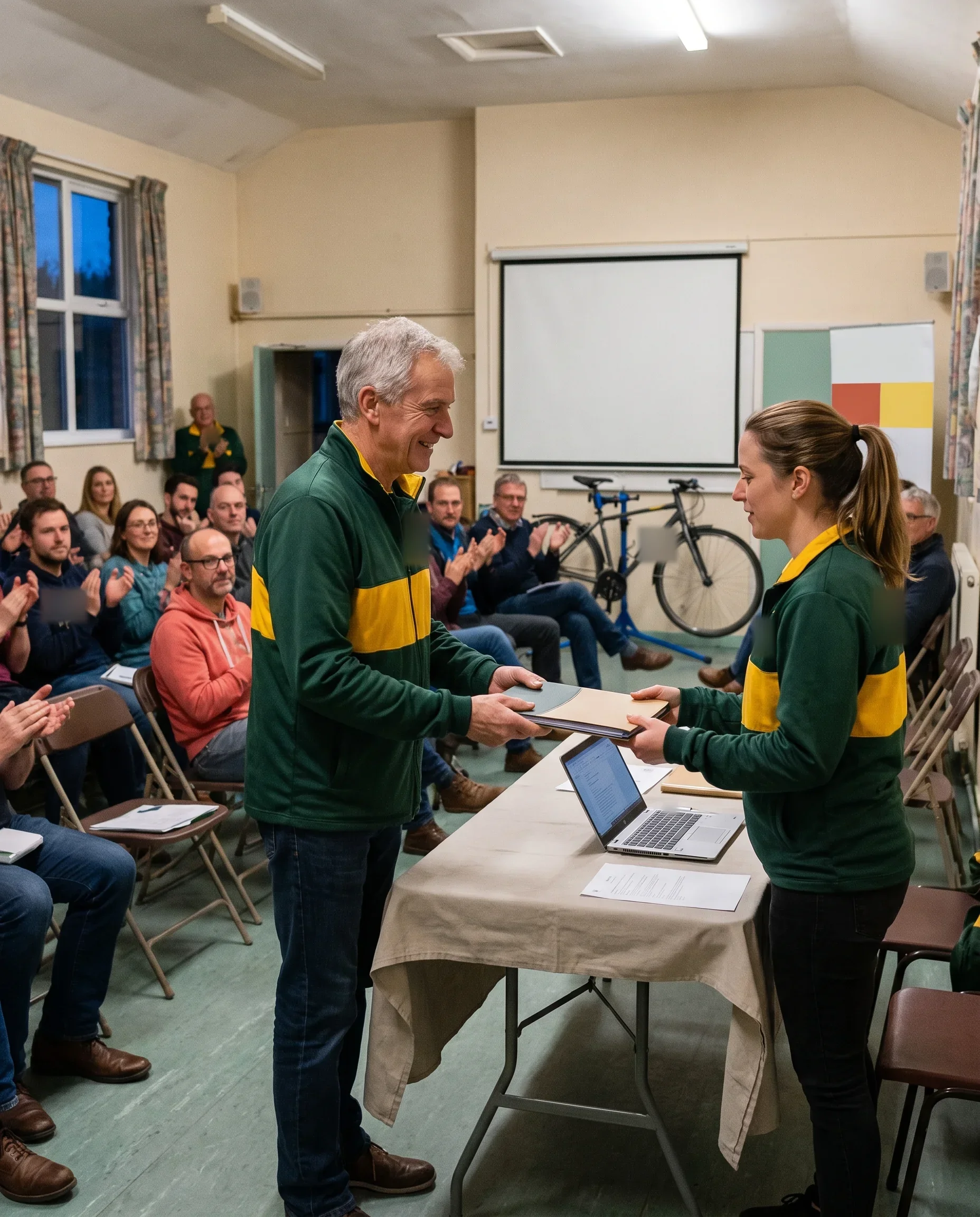
An outgoing kit secretary handing the team file over to the new one at a club AGM

How the file is guarded and how each handover runs is set out on our about page.

Inputs for Your Reorder: Team Name, Change List and Delivery Date

Three things start your reorder plan:

  • Your team name,

    so the Programme Coordinator can open your team file.
  • Your change list:

    new riders, size changes, leavers, a new sponsor, a piece to add, a piece to replace.
  • The date your riders need the kit,

    which sets the lock date and every date before it.

Two changes need one more item each:

  • A new sponsor:

    the logo as a vector file, and the zone on your current proof it replaces.
  • An added piece:

    which piece, and which riders it is for.

Anything you do not have yet can follow. New riders who join after you send the list come in through the roster link, and sizes are confirmed in the window, not in your first message.

If your team manager has changed since the last order, the new team manager sends the same three things, and the Programme Coordinator works from the same file.

Get Your Reorder Plan

Send your team name, your change list and the date your riders need the kit. We reply within 24 hours on working days, and your Programme Coordinator opens your team file to build the plan.

Enter your team name so we can open your team file.
Choose the date your riders need the kit.
List what has changed since your last order.
Enter an email address we can reply to.