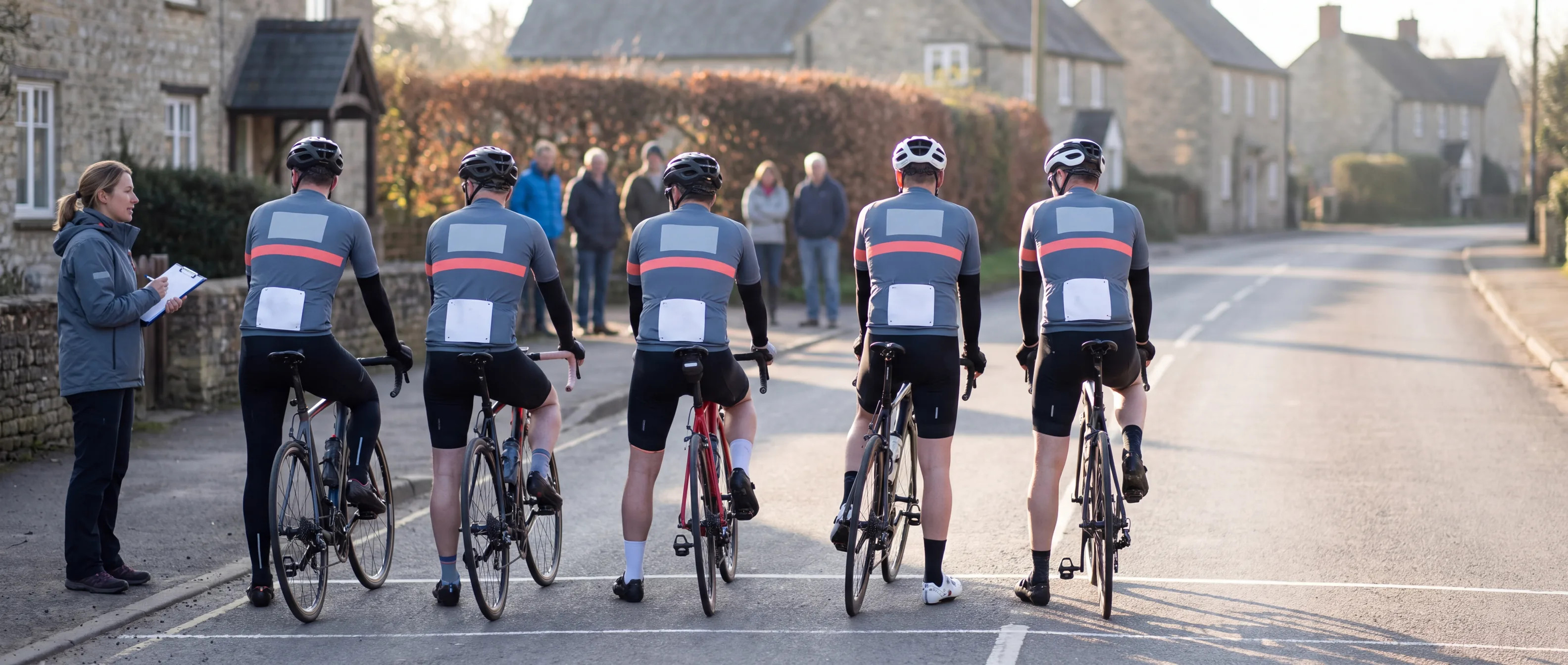
Racing Team Cycling Kits Ordered Around Your Race Calendar
Racing team cycling kits for the team manager with a first race date already set, a sponsor list still being negotiated, riders signed over the winter and an academy size list from last season.
Proof rounds
Ordering window
Roster lock
Production and packing
First race
- Lock dates worked back from your first race
- Late signings carried into your next whole-team window
- Proof version recorded on every roster line
- One bag per rider, labelled with name and size
- Replies within 24 hours on working days
One Race Season From Ordering Plan to Season Close
Every racing team we supply works through the same season. The three team set-ups below take different routes through it, and they differ in how many times the roster locks.
Ordering plan.
Your windows, each tied to a race in your calendar, on a date sheet where every row names its owner.Proof rounds.
The Kit Layout Designer draws the layout from your ranked sponsor list. You send one combined reply per round and sign the final version.Ordering window.
Riders enter their names, sizes, measurements and numbers through the roster link.Roster lock.
On the date set from your race, the roster closes and carries two signatures: yours and the Order Desk's.Production and packing.
One run per window, one bag per rider, delivered to you before the race.Signings after the lock.
Riders register on the waitlist through the roster link.Mid-season window, where your team runs one.
A whole-team order placed before the first race after your mid-season break.Season close.
The team file is updated with every proof version and locked roster of the season.
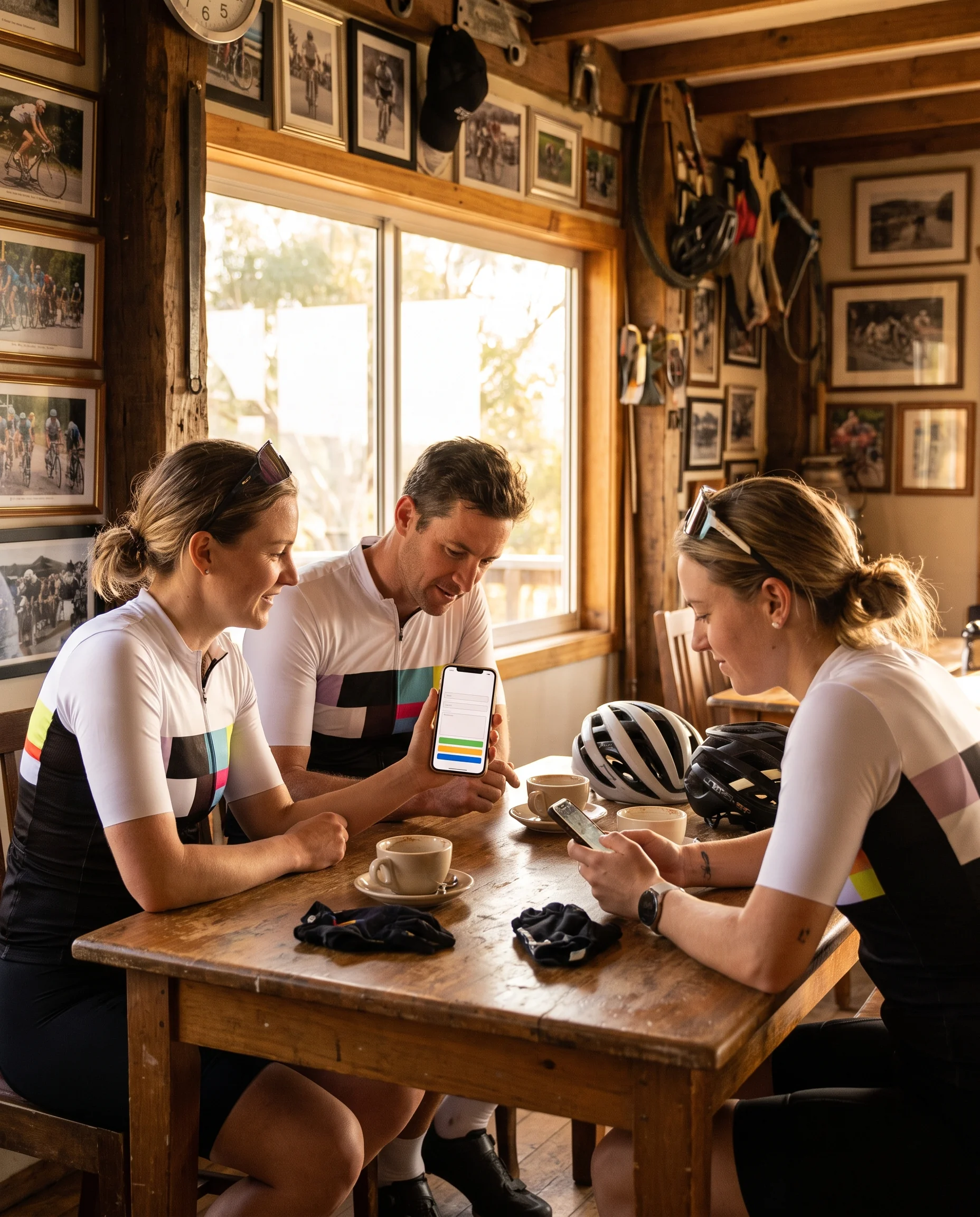
Teams With One Pre-Season Window Before the First Race
In a team with one window, everything the riders wear for the season is decided before the first race. This is the simplest race team cycling kit set-up.
The season's kit runs through four steps:
Proof.
Your sponsors see the PDF through you, and you send back one combined reply per round until you sign.Window.
The Order Desk opens the roster link, and each signed rider enters a name, sizes, measurements and a number.Checks.
Numbers are checked for duplicates while the window is open, and you receive the names of riders with no entry before the close.Lock.
You sign the locked roster with the Order Desk on the date set from the first race.First race
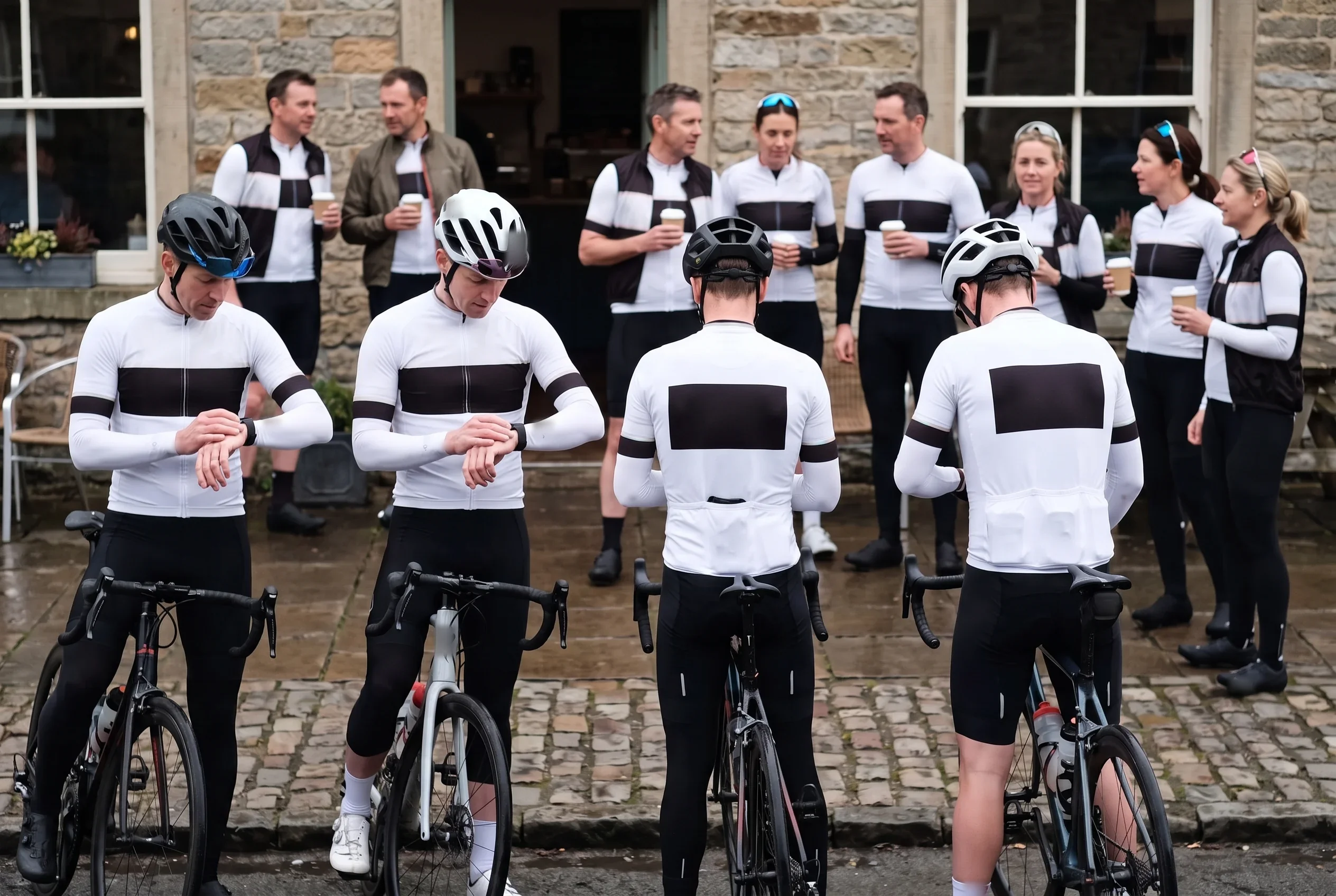
The season ends with every signed rider holding a labelled bag before the first race, and a waitlist holding each late signing's name, sizes and number for the next window.
Teams Adding a Whole-Team Window in the Mid-Season Break
A team with a mid-season window has a roster and a sponsor list that keep changing while it races. Its season has two windows, and the second sits in the break between race blocks.
The pre-season window runs as in a one-window team. The difference is what happens after the lock:
Pre-season window
Roster lock
Mid-season window
Roster lock
First race after the break
Signings.
Riders signed after the pre-season lock, and riders joining on loan, register on the waitlist through the roster link.Damage.
A crashed or damaged piece is logged by the Order Desk as a replacement in the change log.Sponsors.
A sponsor that signs mid-season is drawn by the Kit Layout Designer onto the affected zones only, saved as a new dated version, and co-signed by you.The second lock is this team's handover. The mid-season window is a whole-team order, set back from the first race after the break.
Waitlisted riders, logged replacements and the new proof version all go into it. No separate window is opened for one rider or one sponsor.The season ends with two locked rosters in your team file. One proof version runs on every pre-season line, the newer version on every mid-season line, and the date each version was signed is on record.
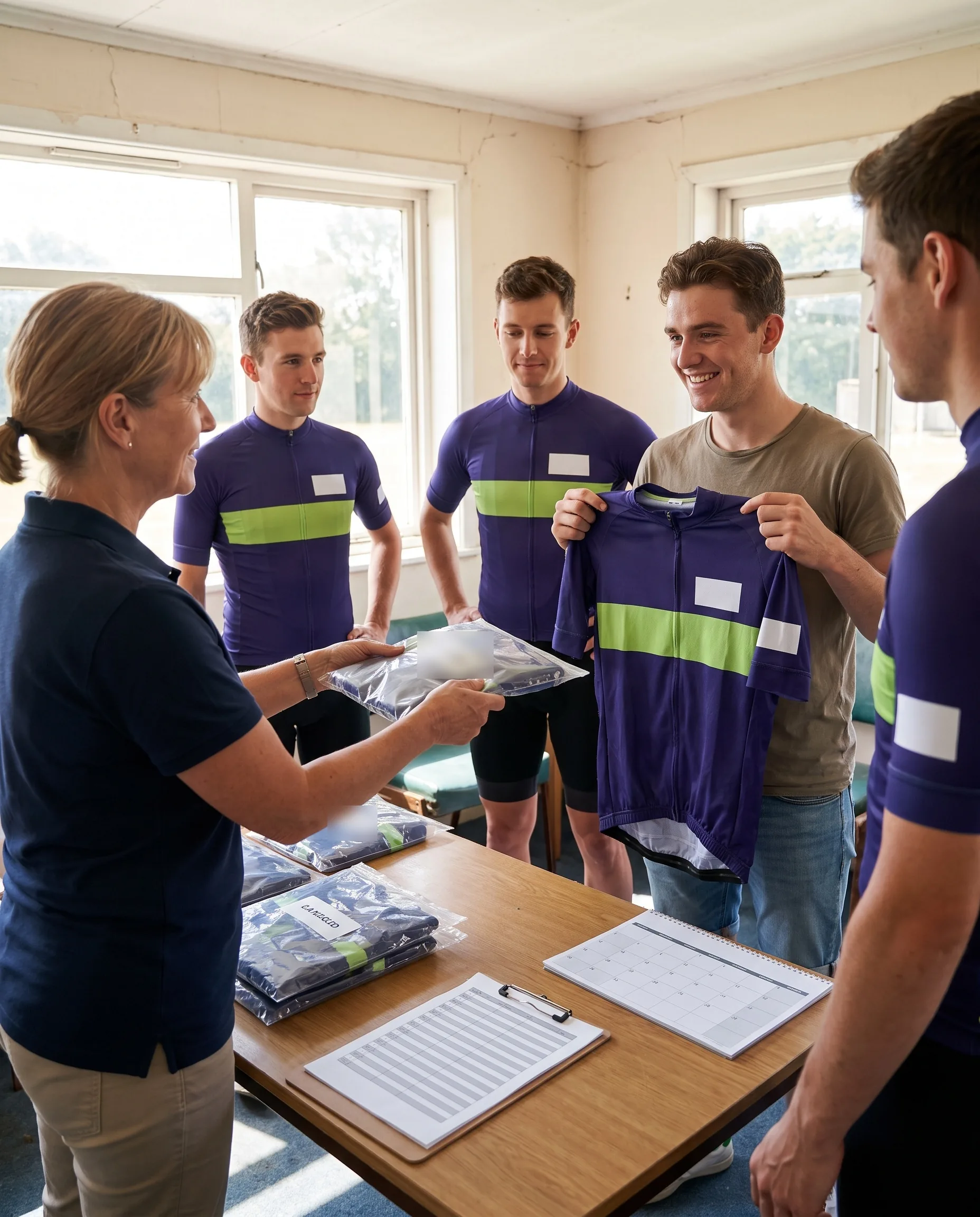
Academy Squads Re-Sized Against Last Season's Measurements
In a development academy, the colourway and layout usually carry over from one season to the next, while riders' measurements change. A cycling academy team kit order therefore opens each season with sizes checked again.
Each season's window runs in this order:
Returning riders.
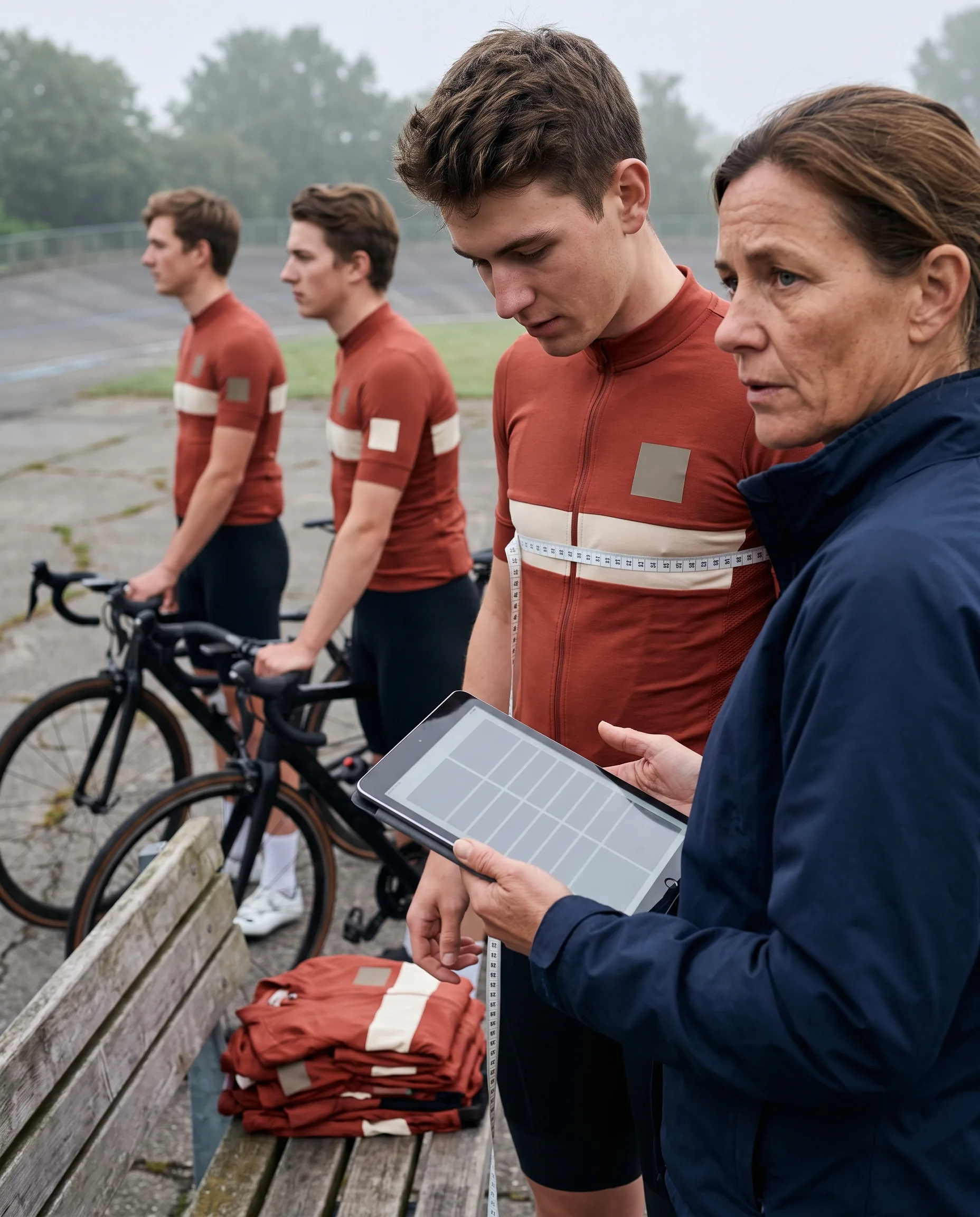
Each one sees last season's locked chest and waist measurements in the roster link, measures again, and enters this season's measurements and sizes.New riders.
They measure for the first time against the same body-measurement chart and enter their sizes.Size check.
Before the close, the Order Desk checks each line's measurements against the size chart for its cut.
The size check is this squad's handover, once per season.
Lines flagged by the check go on a pending list sent to your coach before the close date. Each line shows:- The rider.
- The reason the line was flagged.
- This season's chest and waist measurements.
- The range of the size entered.
- Last season's locked measurements, so a rider who has moved up a size is visible at once.
Riders can take race fit or club fit, and both carry the same size label. The sizing rules are set out on our club fit cycling jersey sizing page.
The season ends with a locked roster carrying this season's measurements line by line, each confirmed line noted, and last season's roster kept as an earlier version in your team file.
A Sponsor Signed Mid-Season and the Window Its Logo Reaches
Take one sponsor that signs with your team after the season has started. The first steps are the same in every team: you add it to your ranked sponsor list and send its full-colour and single-colour vector files.
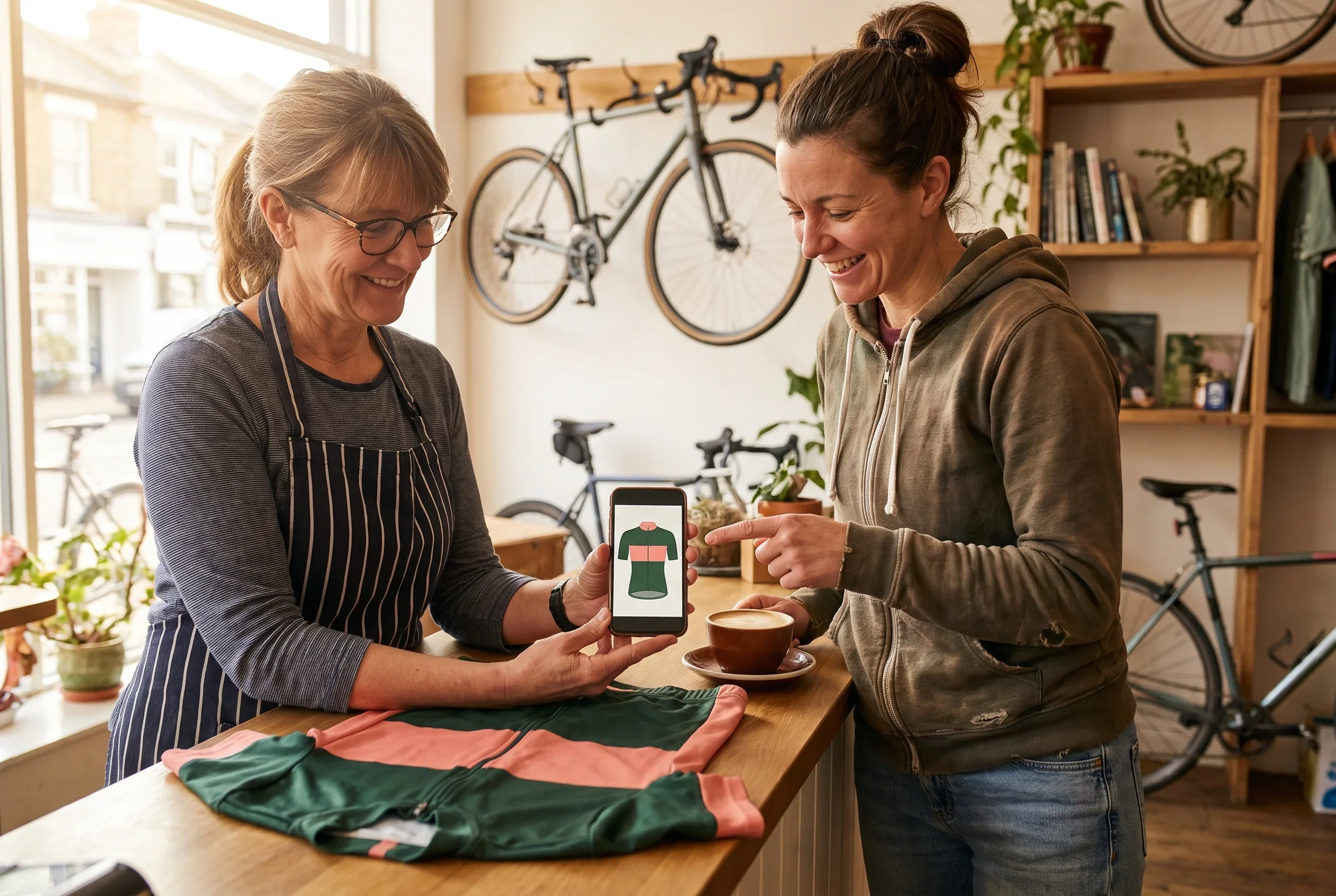
What differs between teams is which window first prints the new version.
One-window team.
The next window is next season's pre-season window. Your reorder plan states on its first line which zone to redraw, and riders race the rest of this season in the signed version.Team with a mid-season window.
The new version goes into the mid-season window. The date sheet row for that window's kit-in-hand date shows the first race the sponsor appears at.Academy squad.
The new version goes into next season's window, alongside the re-sizing.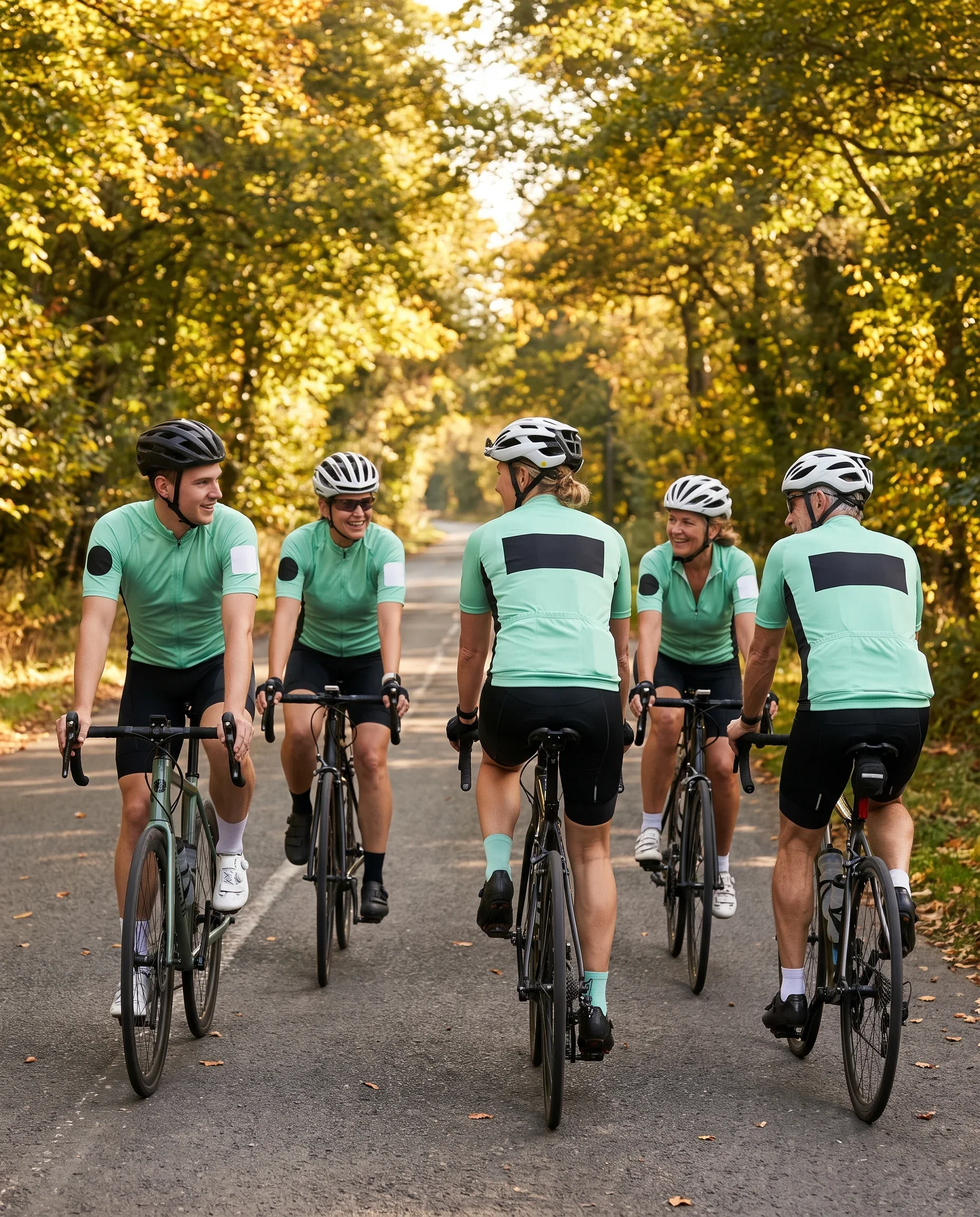
Sponsor tiers, zones and the full record for sponsor reports are set out on our sponsor logo placement page.
Send Your Race Dates and Signing Timeline
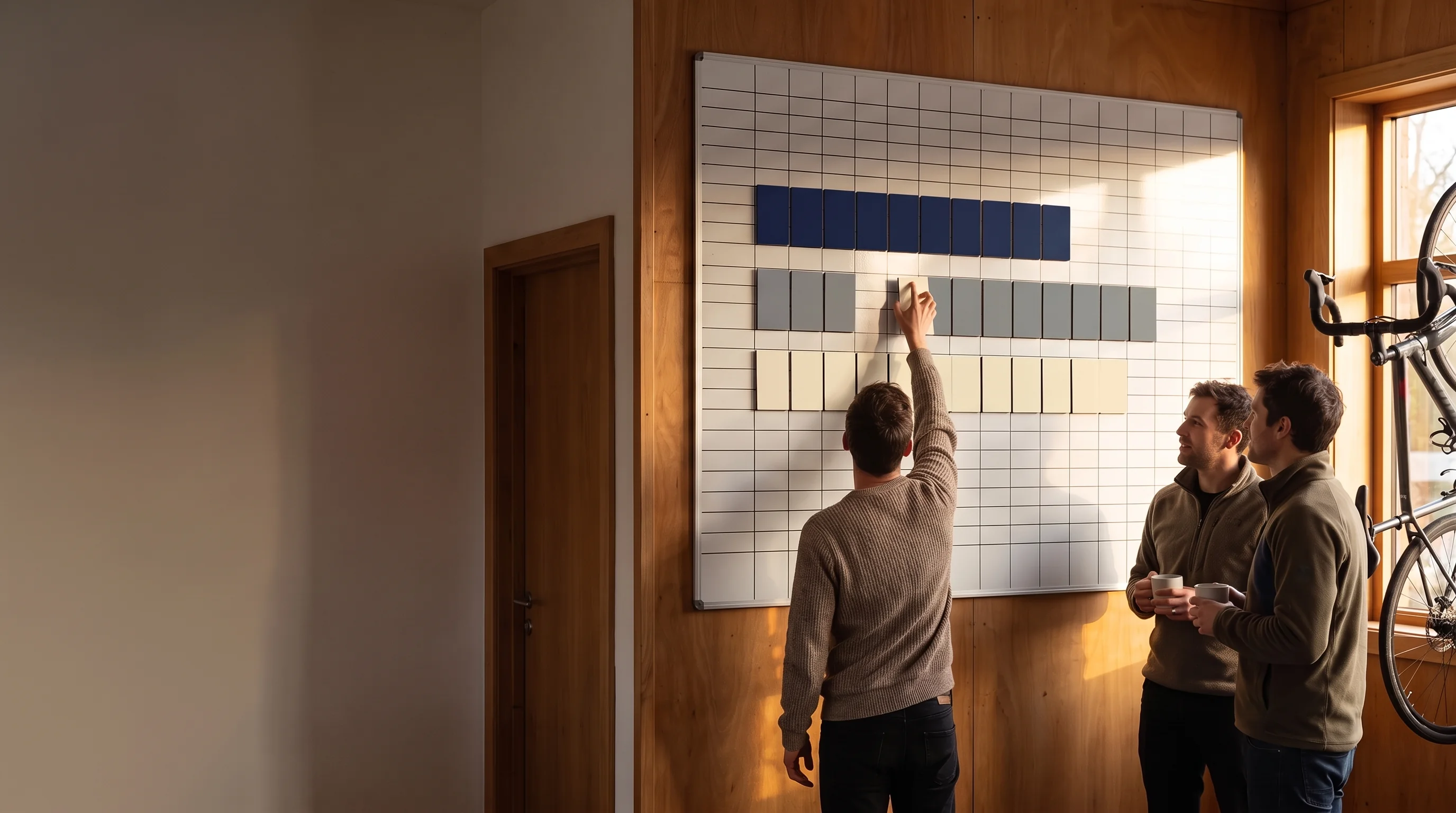
Send your first race, your mid-season break and when riders and sponsors usually sign, and the ordering plan shows which windows your season needs.
Lock Dates Worked Back From Your Races, With Signing Deadlines
Your Programme Coordinator sets every window in your plan from a race on your calendar. The pre-season window is set from your first race. A mid-season window is set from the first race after your break.
On a racing team's date sheet, the busiest column is "Decisions for you".
Four of its lines carry the race dates through to the riders and sponsors:
Sponsor list, ranked by tier.
Before proof sign-off, because the zones are drawn from it.Number rules and name rules.
Before proof sign-off, because both are drawn onto the proof.
Signed rider list.
Before roster lock, because only riders on the roster are printed.Each rider's sizes and measurements.
Before roster lock, entered by riders through the roster link.
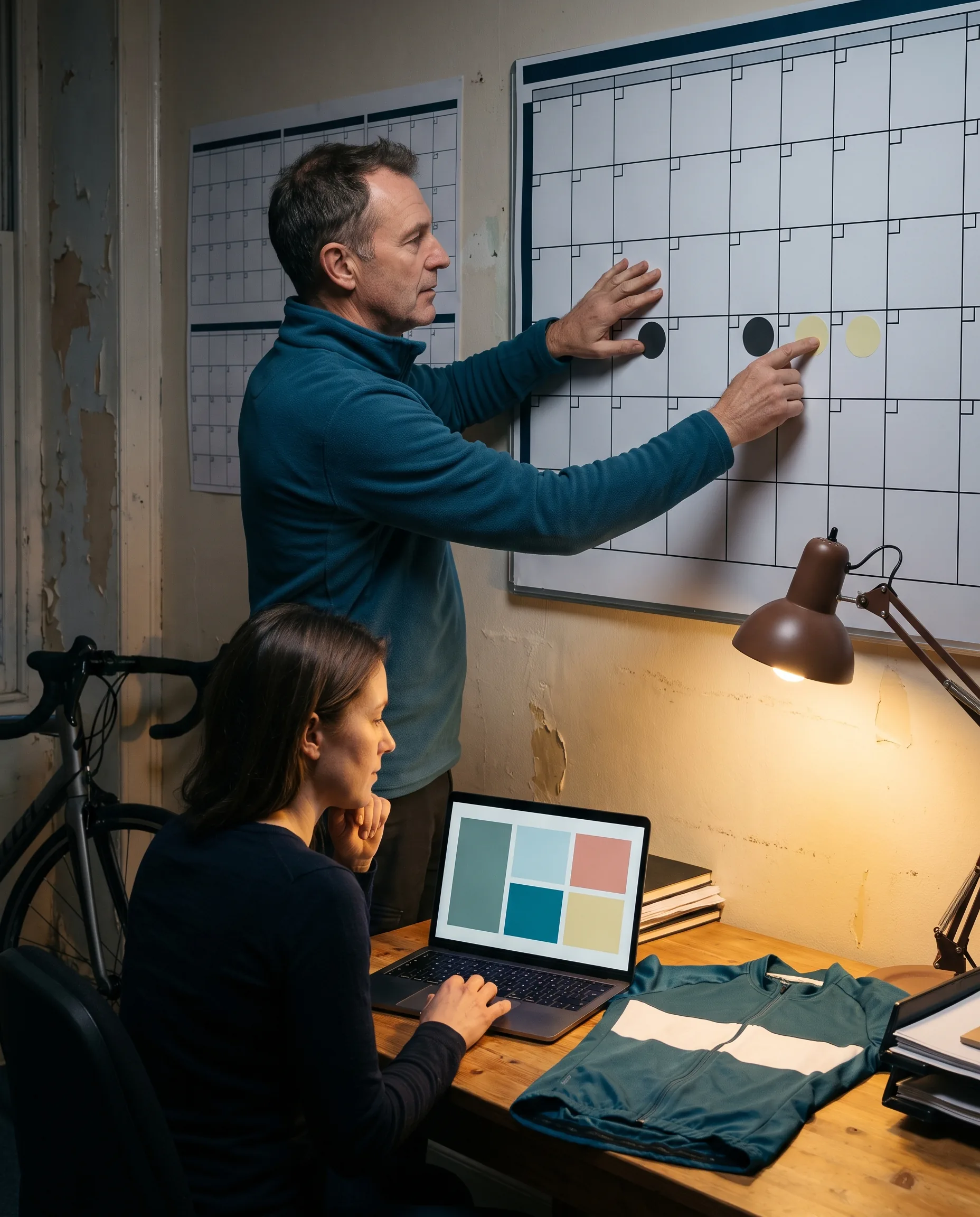
Each rider and sponsor that misses its row has a set place in the plan.
The rows have owners on both sides:
- The Programme Coordinator sets and reissues the dates.
- Your team manager owns the decision rows.
- The Order Desk runs the window and locks the roster with you.
- Once the roster is locked, the Programme Coordinator follows production and tells you in writing if any date moves.
A lock goes ahead only when you and the Order Desk have both signed the roster.
For a racing team, the signing deadline and the roster lock are the same row on the date sheet. A team that signs riders and sponsors through the season therefore needs a second lock before the break.
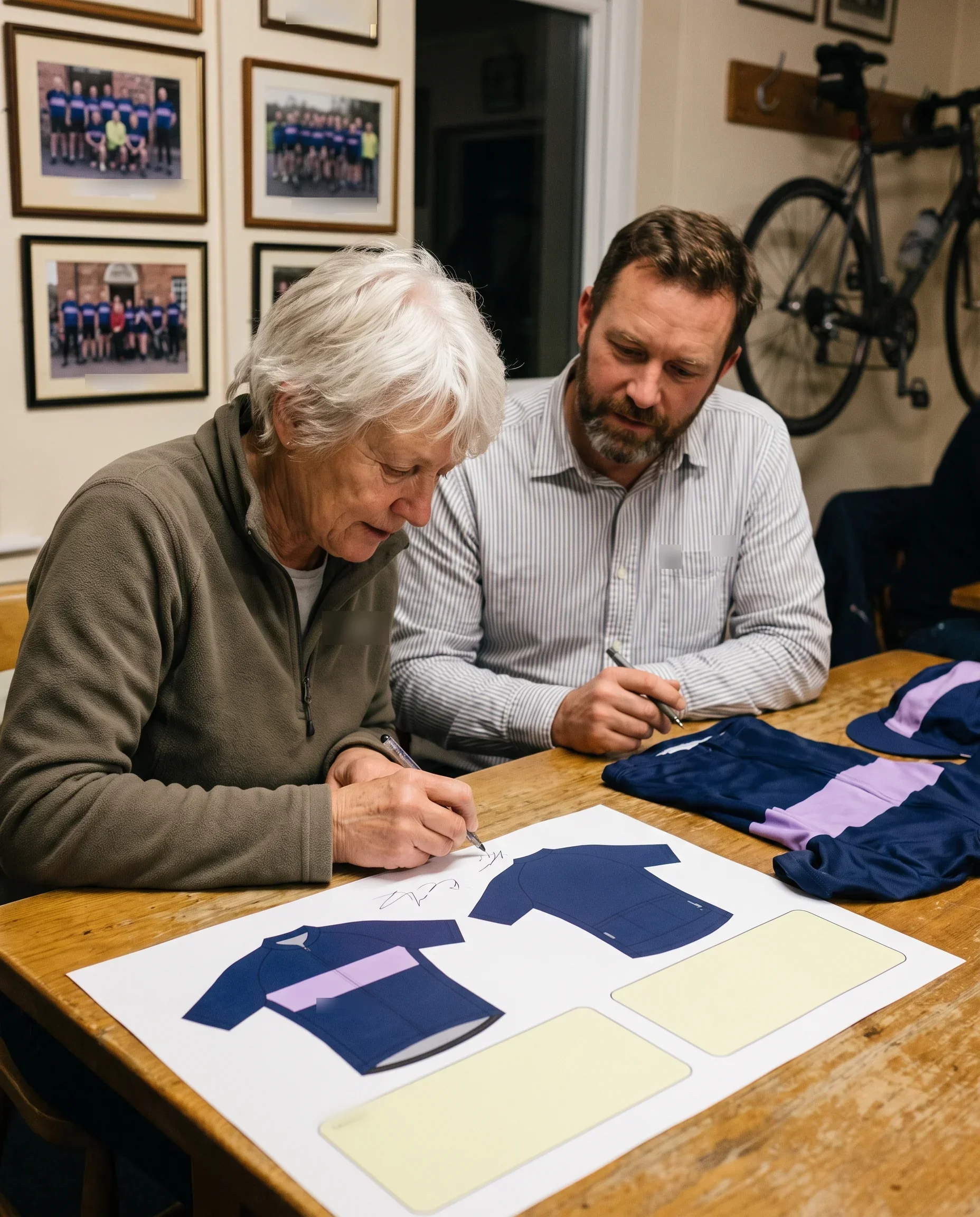
Six Pieces and the Custom Racing Team Cycling Jersey on One Proof
Racing team kit is built from six pieces in your colourway. All of them print from the same signed layout proof and sit on the same locked roster, and your team can order a piece for part of the squad.
Jersey
Gilet
Jacket
Warmers
Cap
Socks
The custom racing team cycling jersey comes in four cuts, men's and women's in short and long sleeve, on separate men's and women's patterns, sizes XS to 3XL.
Race fit
Race fit is cut closer to the body, for racing and fast group rides.Club fit
Club fit is cut looser, for long rides and everyday club riding.Rider names and numbers
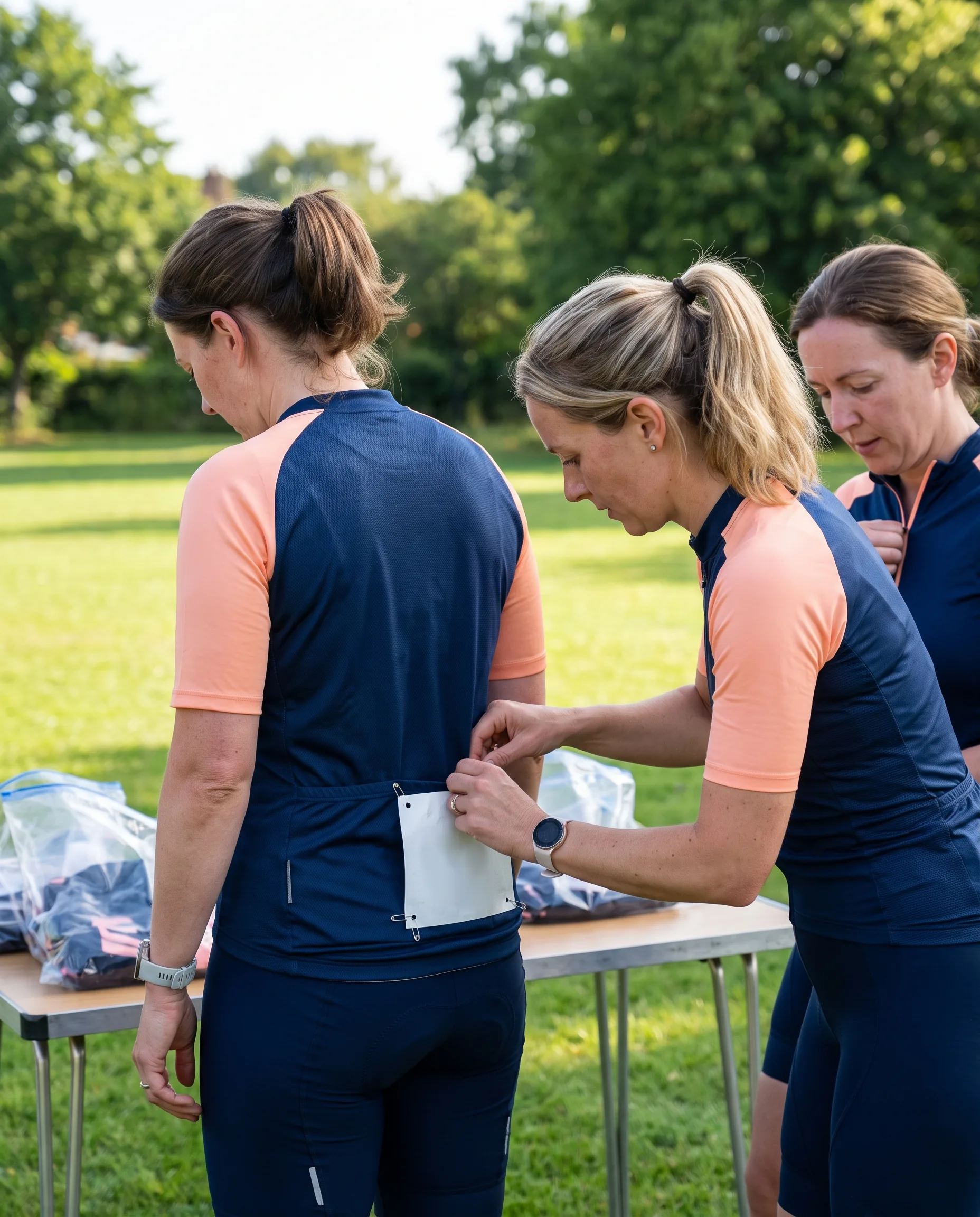
Rider names run up to 12 characters and numbers up to 3 digits, placed under the rules on your signed proof. Both are printed straight from the locked roster, each printed panel matching one roster line.Packing Lead
The Packing Lead checks every jersey against the rider's roster line and the signed proof before it is bagged. One bag per rider, labelled with name and sizes, and the whole team ships to your address.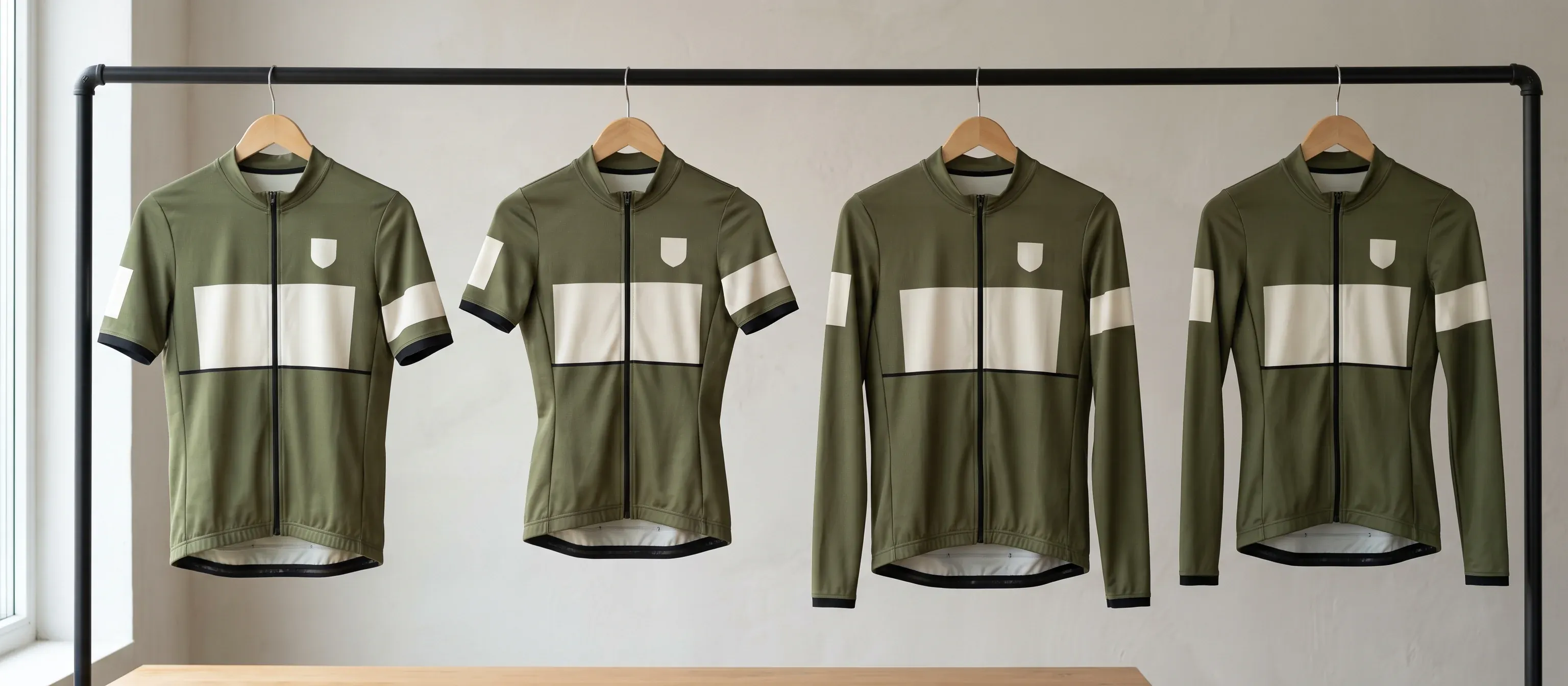
The jersey's print zones, logo sizes and bagging checks are on our custom team cycling jerseys page. All six pieces worn together are shown on our team cycling kit sets page.
Mid-Season Locked Roster: New Signings, Replacements and New-Version Lines
A mid-season window runs as a whole-team order on one locked roster. The roster holds three kinds of line, and you sign them together.
New signings.
Riders from the waitlist, including riders on loan, carried in by the Order Desk on the day the window opens, each number checked against the whole roster and your number rules.Replacements.
A crashed or damaged piece is an ordinary cell for that rider and piece, marked "replacement" in the change log. Size, name and number come from your team file, and the colour from the same dated colour reference.New-version lines.
Every line printed after a mid-season sponsor change records the new proof version.
Before you sign, the Order Desk checks the roster cell by cell.
Remade by us
A piece printed wrong against the signed proof or locked roster is remade by us and sent with the nearest production run.Your next window
A rider who entered the wrong size is ordered again in your next window as a normal order.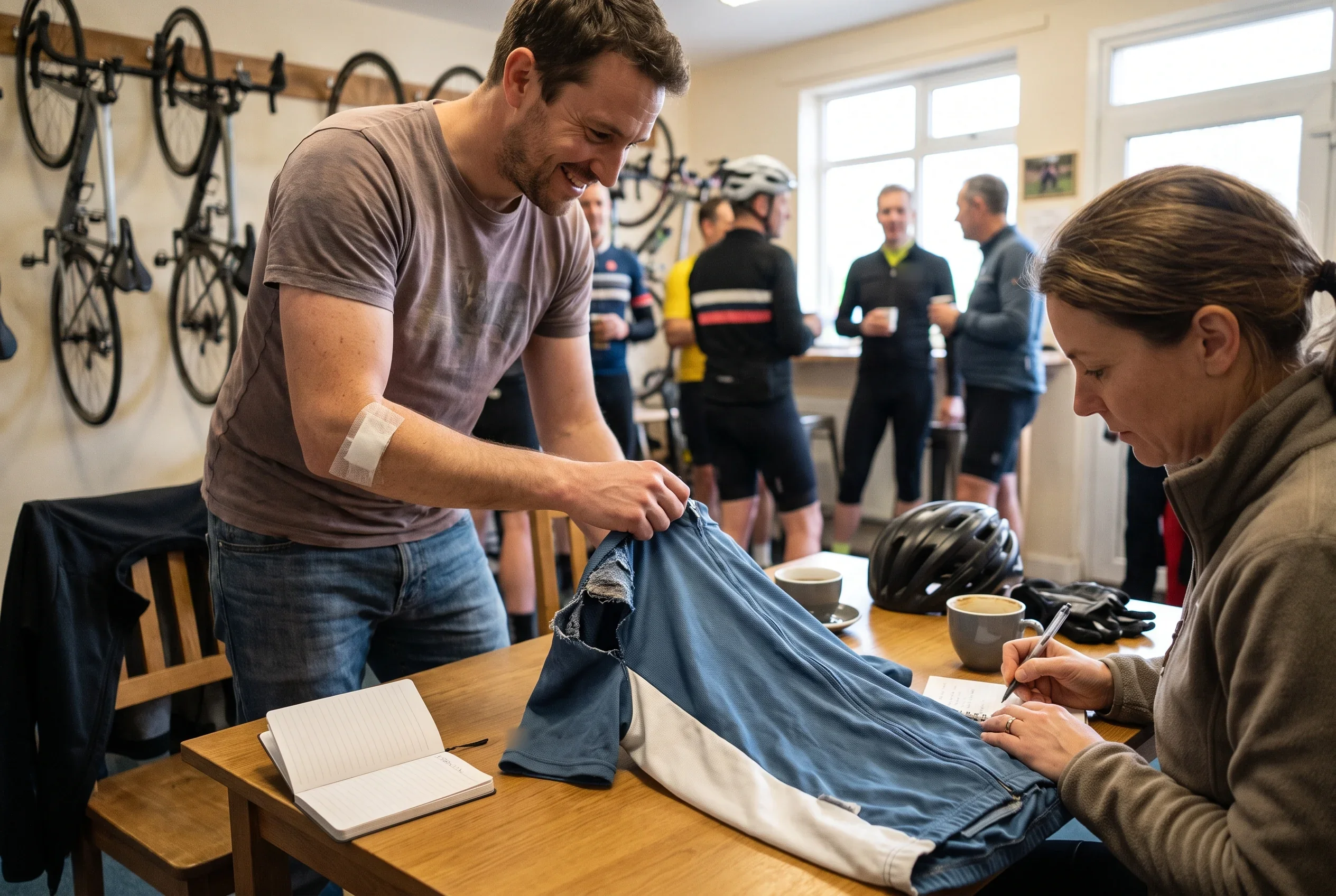
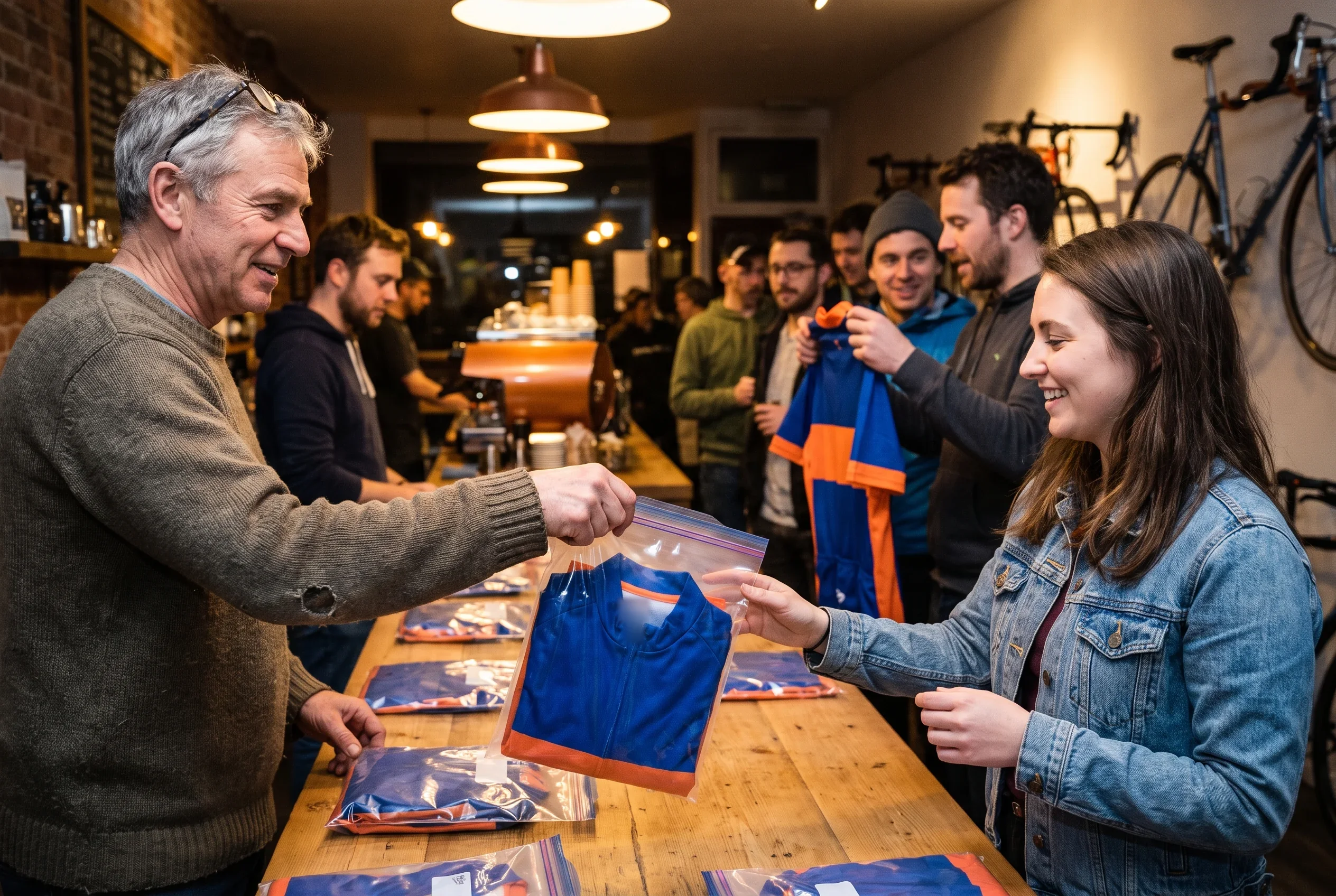
Once this roster is signed, your team file holds two locked rosters for the season. Read them together and you can see which riders joined at which lock and which pieces were replaced. Every line also records its proof version.
Programme Edges for Racing Teams: Windows, Sizes, Issued Kit, Range
Our racing team programme has five edges. Each comes from how the programme runs, and each has our answer.
One window, one production run.
Each run prints from one locked roster, and nothing is printed for one rider between windows.Our answer is the waitlist and a mid-season whole-team window.Issued kit stays in use.
A new proof version applies to pieces made in later windows.Our answer is a whole-team order in a normal window when you want every rider in the new layout.Sizes start at XS.
Every rider, academy riders included, is measured against the same men's or women's body-measurement chart, XS to 3XL.Our answer is the size check, with flagged lines sent to your coach.Six pieces.
The range ends at jersey, gilet, jacket, warmers, cap and socks.Our answer for race bibs and chamois-bearing garments is development and sampling to your reference specification, scheduled separately through procyclingapparel.com.One contact, one address.
Riders enter through the roster link and sponsors comment through you, so we never contact either directly.Our answer is the PDF proof and the pending list, both sent to you to forward.
The three team set-ups above run inside these edges.
Team Set-Up to Windows, Anchor Races and Late Changes
| Team set-up | Windows in the season | Anchor race for each lock | Riders signed after lock | Sponsor signed after sign-off |
|---|---|---|---|---|
| One pre-season window | Pre-season window | First race | Waitlist, into next season's window | Next proof version, from next season's window |
| Mid-season window | Pre-season and mid-season windows | First race, then first race after the break | Waitlist, into the mid-season window | Next proof version, from the mid-season window |
| Academy squad | A window each season, opened with re-sizing | First race of the season | Waitlist, into next season's window | Next proof version, with next season's re-sizing |
Related Pages for Racing Team Managers
- Team kit ordering process: every row of a first order's date sheet.
- Team kit reorder program: next season's order, opened from your team file.
- Sponsor logo placement: sponsor tiers, zones and the record for sponsor reports.
- Club fit cycling jersey sizing: the size chart and how riders measure.
- Team kit design service: how the first proof is drawn.
- Cycling club kit supplier: windows set from a club year.
Get Your Race Calendar Window Plan
Send your race calendar and your signing timeline. We tell you which of the three set-ups your season is closest to, and the ordering plan comes back with every window and lock date in it.