Club Fit Cycling Jerseys and Team Cycling Jersey Sizing for Your Whole Roster
One size chart for every rider, checked before your roster locks.
You forward one roster link. Each rider enters a size, their own chest and their own waist measurement. Before your roster locks, our Order Desk checks every line against our body size chart and sends you the lines that do not match.
- Every rider's chest and waist locked with their size
- Mismatched lines flagged to you before roster lock
- One size chart for club fit and race fit

Team Jersey Sizing Run by Our Order Desk, Signed Off by Your Team Manager
Sizing a team is one of the tasks inside your ordering programme, and it has an owner on our side. The Order Desk sets up your roster link or private team store, checks every line against the size chart, sends you the flagged lines, and locks the roster with you on the close date.
Your Programme Coordinator stays your single contact for the whole programme.
Who does what in team sizing:
Your riders.
Each rider measures their own chest and waist, picks a cut, a fit and a size for each piece, and enters all of it through the roster link.The Order Desk.
Checks each line against the men's or women's chart, lists the lines that do not match, and locks the roster.Your team manager.
Forwards the roster link and the measuring guide on this page, follows up the flagged lines with the riders concerned, and co-signs the locked roster.The Packing Lead.
Packs each rider's bag from the locked roster and nothing else.
You do not measure anyone, and you do not check anyone's size yourself. What you hold at the end is one document: the locked roster, signed by you and the Order Desk, with every rider's sizes and measurements on their line.
Club Fit and Race Fit Jerseys in Four Cuts, XS to 3XL, With Gilets and Jackets on the Same Sizes
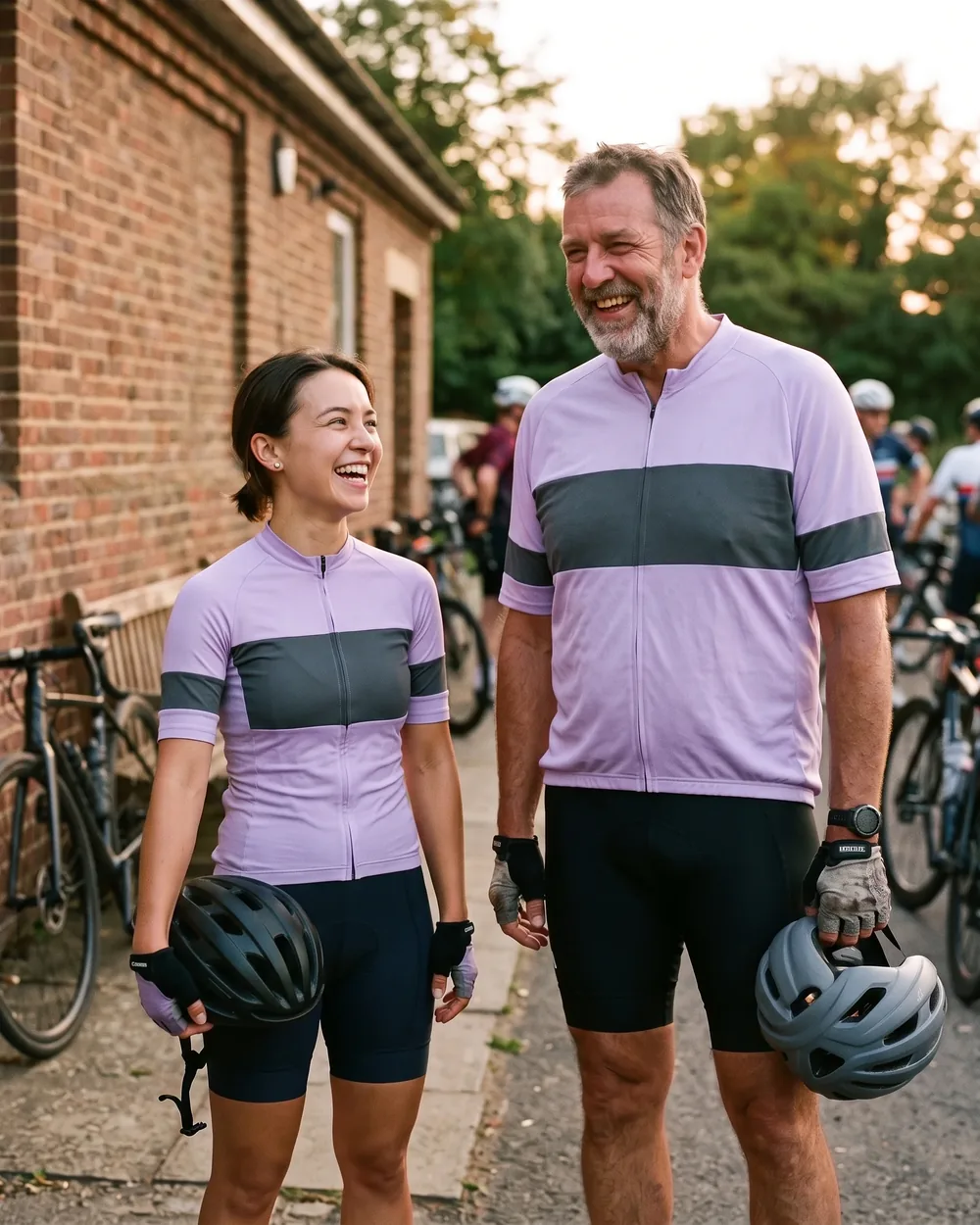
Four jersey cuts are sized on this page: short sleeve and long sleeve, each on a men's pattern and on a separate women's pattern, so a women's jersey is sized as a women's garment from XS to 3XL.
Short sleeve
men's patternShort sleeve
women's patternLong sleeve
men's patternLong sleeve
women's pattern
Each cut comes in two fits:
Club fit
sits relaxed, for long distances and everyday club rides.Race fit
sits close, for racing and fast group riding.
One signed layout proof serves both fits.
Sizes run XS to 3XL in every cut and both fits. The club gilet and club jacket use the same XS to 3XL range on separate men's and women's patterns, and they are sized on the same body size chart below.
One Size Label for Club Fit and Race Fit, With Every Fit-Based Size Change Flagged
Club fit and race fit share one size chart and one size label. The fit changes how the jersey sits on the body; it does not change which size a rider enters.
A rider whose chest falls in the men's M range is a men's M in a club fit jersey and a men's M in a race fit jersey.
That keeps the instruction to your team the same for every rider, whatever cut they ride:
- Measure chest and waist.
- Find the chest measurement on the men's or women's chart.
- Enter that size for every jersey, gilet and jacket ordered, in either fit.
A custom cycling jersey club cut and a race cut ordered by the same rider carry the same size. A race squad member who takes a race fit jersey for racing and a club fit jersey for winter club rides enters one size in both columns.
A rider who enters S for the race fit jersey and M for the club fit jersey, with a chest that falls in the S range, has the M cell flagged to you before roster lock. The size difference never reaches production unless your team manager confirms it.
When your team manager confirms a rider's choice to keep a different size, that line is marked on the locked roster as kept on team lead's confirmation, so the confirmation stays on record with the size.
The roster check enforces the same rule. Every size a rider enters is checked against that rider's chest measurement, one cell at a time.
Measuring Guide and Size Charts to Forward to Your Riders
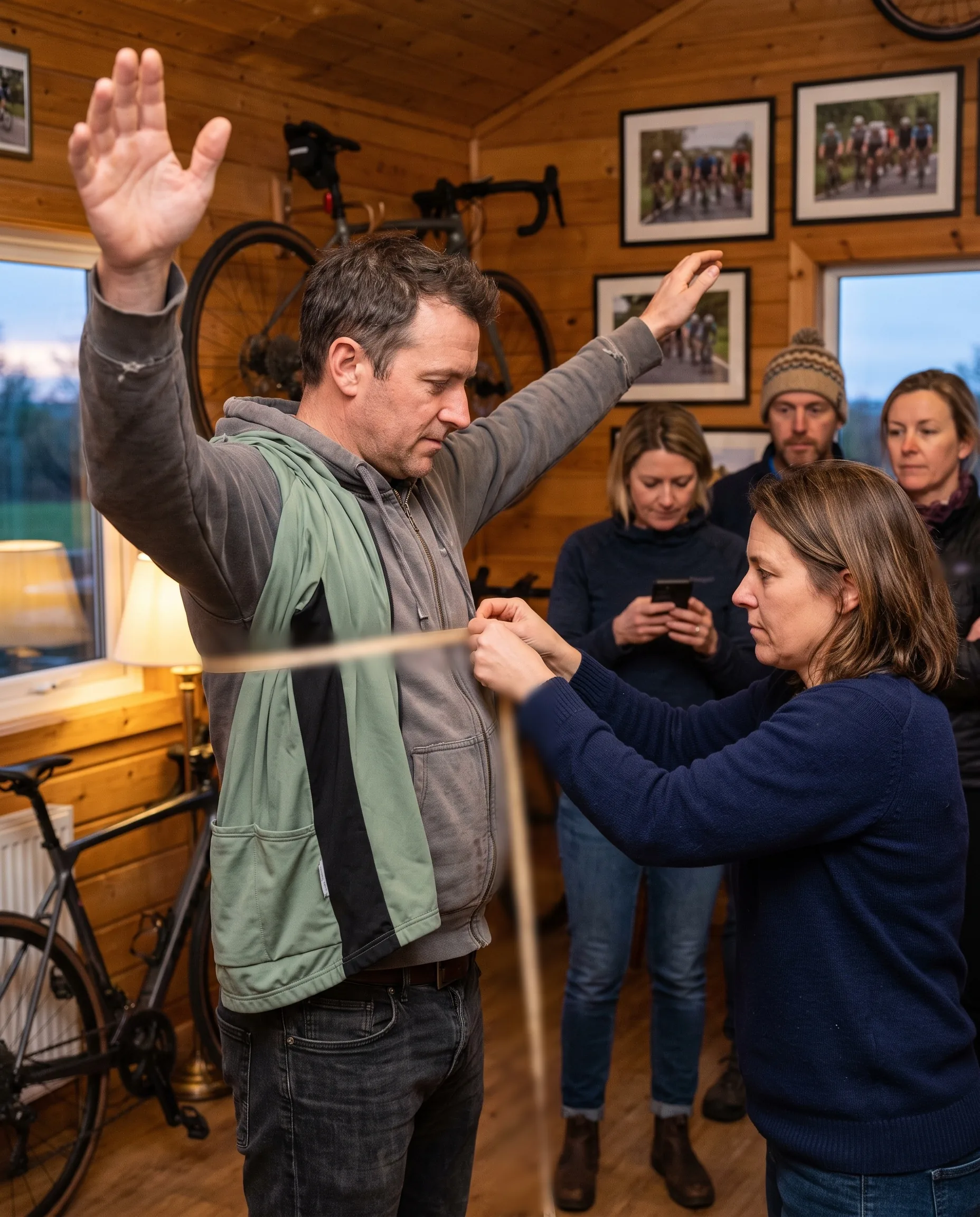
This section is written for your riders. Forward it with your roster link, and every rider on your team measures and sizes the same way.
How to measure:
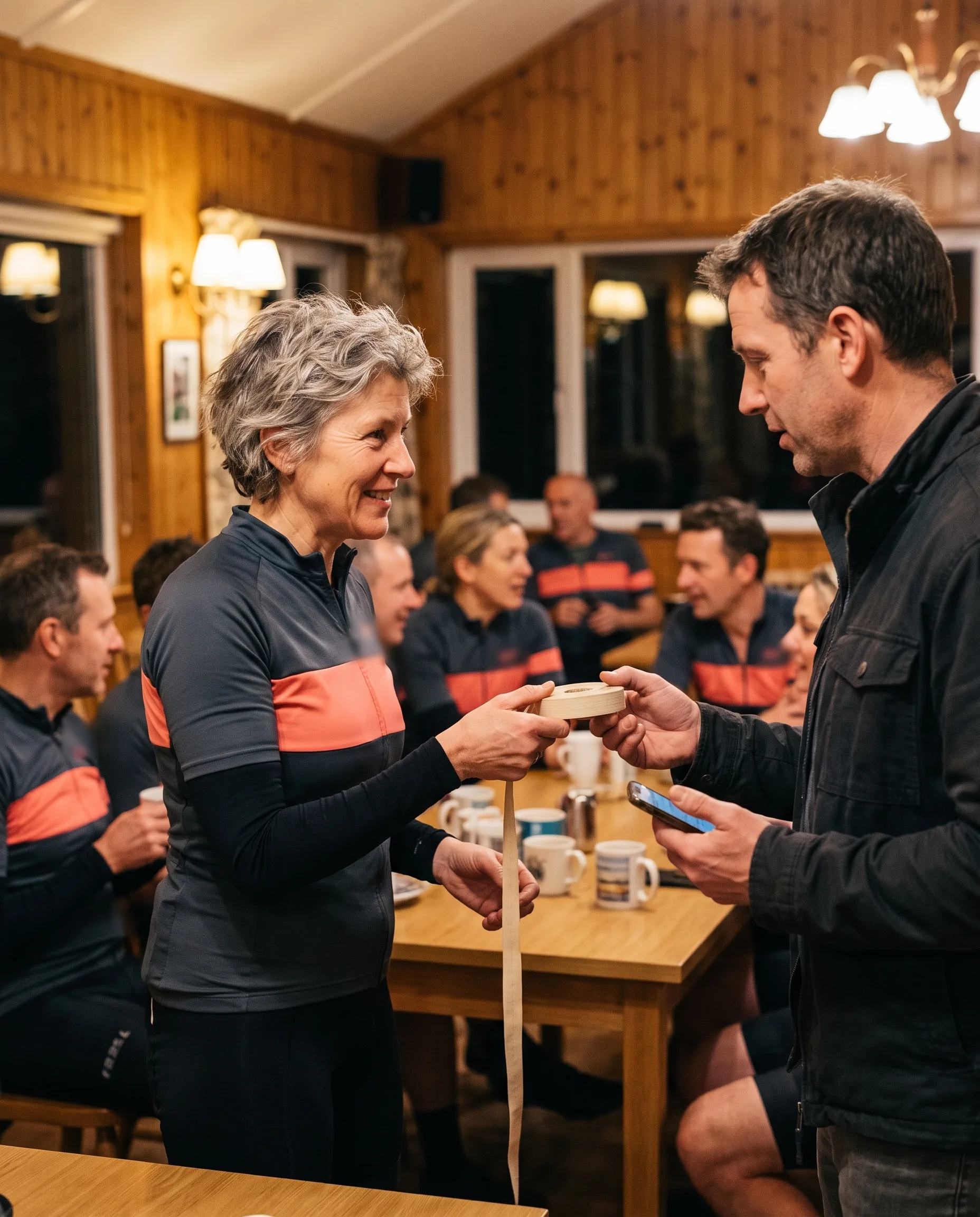
- Use a soft tape measure and record each measurement in centimetres.
- Chest: measure around the fullest part of the chest, with the tape level all the way round.
- Waist: measure around the natural waist, the narrowest part of the torso.
- Hip: measure around the widest part of the hips.
- Keep the tape snug against the body without pulling it tight.
How to choose your size:
- Choose your size by your chest measurement, on the men's chart for a men's cut and on the women's chart for a women's cut.
- If your chest measurement sits exactly on the shared limit of two sizes, take the larger size.
- The same rule applies to club fit and race fit.
- Enter your size, your chest and your waist on the roster link.
| Size | Chest | Waist | Hip |
|---|---|---|---|
| XS | 84–88 | 70–74 | 84–88 |
| S | 88–92 | 74–78 | 88–92 |
| M | 92–96 | 78–82 | 92–96 |
| L | 96–101 | 82–87 | 96–100 |
| XL | 101–106 | 87–92 | 100–105 |
| 2XL | 106–112 | 92–98 | 105–110 |
| 3XL | 112–118 | 98–104 | 110–116 |
| Size | Chest | Waist | Hip |
|---|---|---|---|
| XS | 78–82 | 62–66 | 86–90 |
| S | 82–86 | 66–70 | 90–94 |
| M | 86–90 | 70–74 | 94–98 |
| L | 90–95 | 74–79 | 98–103 |
| XL | 95–100 | 79–84 | 103–108 |
| 2XL | 100–106 | 84–90 | 108–114 |
| 3XL | 106–112 | 90–96 | 114–120 |
These are body measurements, the measurements of the rider, and they apply to the jersey, the gilet and the jacket in both fits.
Your size and measurements go to the Order Desk with the rest of your line, and your team manager is the person who comes back to you if a line needs another look.
Mixed Sizes on One Team Roster: Riders, Pieces and a Size Column for Each
Your whole team orders on one roster, whatever the mix of riders. Within each style and colourway, sizes mix freely on the same roster.
Each rider's line on the roster carries:
- Name and number, if your layout proof uses them.
- Cut for each jersey: men's or women's, short or long sleeve.
- Fit for each jersey: club fit or race fit.
- A size in the column of every piece ordered for that rider: jersey, gilet, jacket, warmers, cap, socks.
- Their own chest and waist measurements, in centimetres.
- A rider ordering two cuts in the same window enters a size for each, and both are checked against the same chest measurement.
- A women's rider orders the women's cut and is checked against the women's chart.
- A rider ordering only a jersey and a gilet has sizes in those two columns and empty cells everywhere else.
Size Check Before Roster Lock: Every Line Checked Against the Size Chart
Between the moment riders finish entering and the date your roster locks, the Order Desk checks every line. A size entered by a rider is checked against that rider's own measurements before it is accepted onto the locked roster.
How each line is checked:
- The Order Desk reads the cut on the line, men's or women's, and takes the matching chart.
- It finds the size that the rider's chest measurement falls in.
- It compares that size with every jersey, gilet and jacket size the rider entered.
- It finds the size the rider's waist measurement falls in and compares it with the chest size.
A line goes onto your flagged list for any of three reasons:
- Chest outside the entered size. The rider's chest does not fall in the range of the size entered, including a chest exactly on the shared limit of two sizes entered as the smaller size.
- Waist two sizes or more from chest. The size the waist falls in is two or more sizes away from the size the chest falls in.
- Measurement missing. The chest or waist cell is empty.
Warmers, caps and socks have their own size columns and are not compared with the jersey sizes.
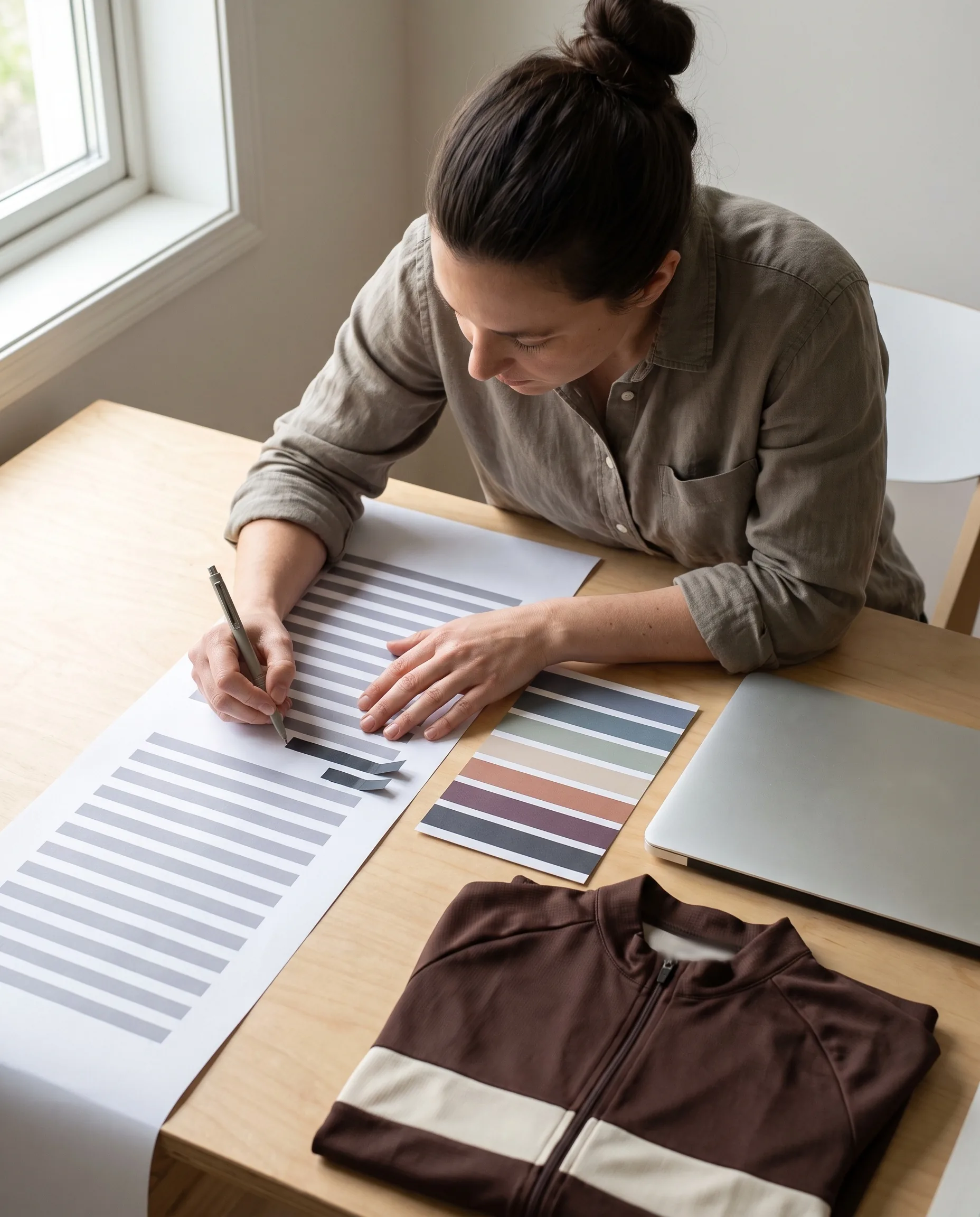
Each flagged line is listed with four things
Each flagged line is listed with four things: the rider's name, the reason, the measurement the rider entered, and the range of the size they chose. The list reaches your team manager before the ordering window closes.Your team manager takes it from there. We do not contact riders directly, and we do not change any rider's size. The rider who entered the size confirms it or changes it, through your team manager, and the decision stays with your team.
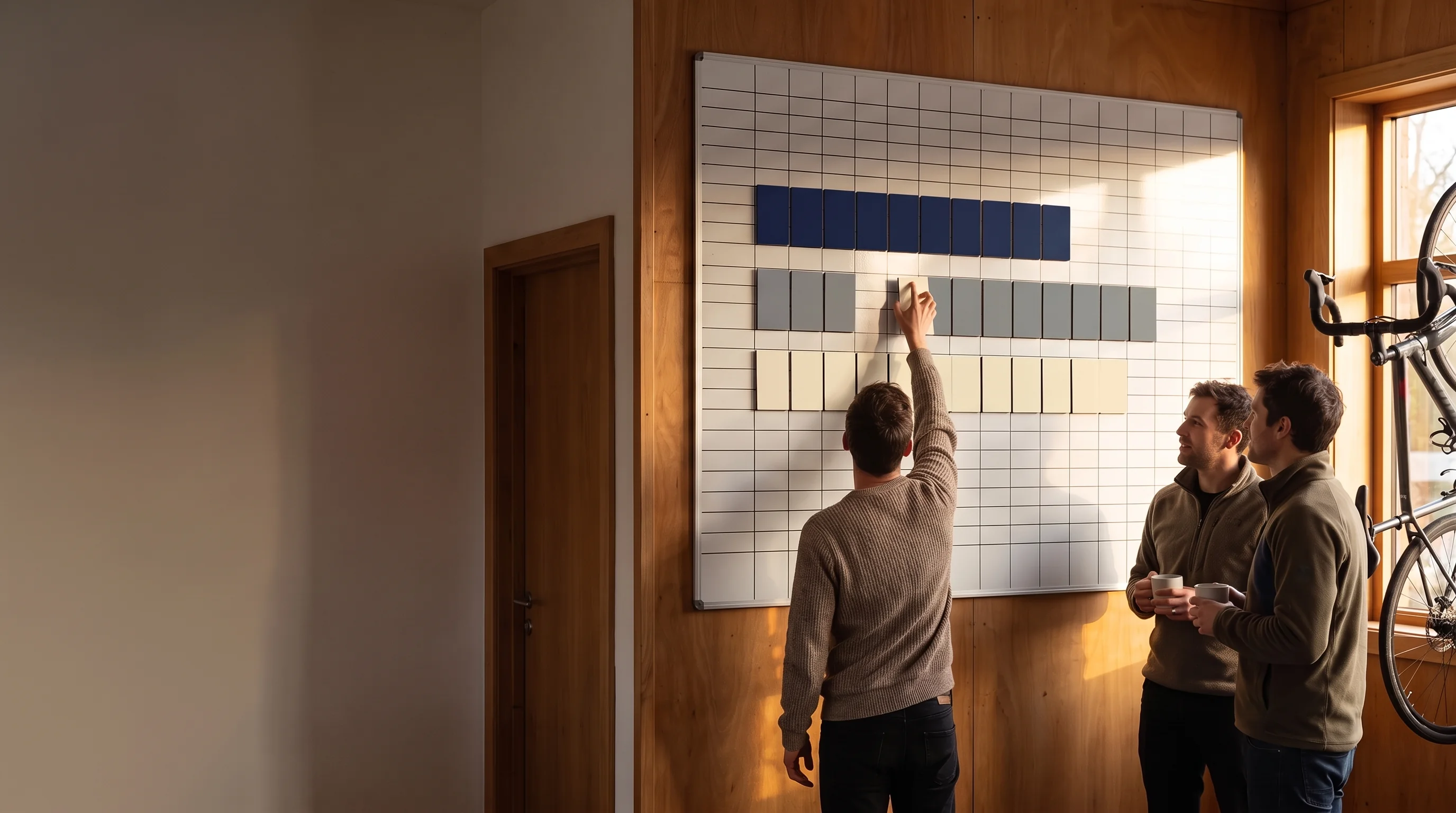
Send Your Rider Count for an Ordering Window Plan
Tell us how many riders you have, how many ride men's and women's cuts, and which fits your team wants. Your ordering plan sets the window open, close and lock dates, so you know when the flagged list will arrive.
Flagged Lines Closed by Your Team Manager: Changed, Kept or Left Out of This Window
Every flagged line is closed in one of three ways before your roster locks, and the locked roster shows which.
Changed.
The rider re-measures or picks the size that matches, and enters the new size or measurement through the roster link. The line is checked again like any other.Kept.
The rider wants to keep the size they entered. Your team manager confirms it, and the line is marked kept on team lead's confirmation on the locked roster.Not ordered this window.
The rider does not resolve the line, and your team manager decides to leave that rider out of this window.
A flagged line still open when the window closes goes to your team manager at roster lock. You decide line by line: lock it at the size entered, or leave it out of this window. No flagged line is locked by default.
The result is a rule you can check yourself.
On your locked roster, every line whose sizes and measurements do not match the chart either carries the kept on team lead's confirmation note or has been changed to a matching size.
Take the size chart from this page, pick any lines on your copy of the locked roster, and compare.
A mismatched line with no note on it is one we missed.
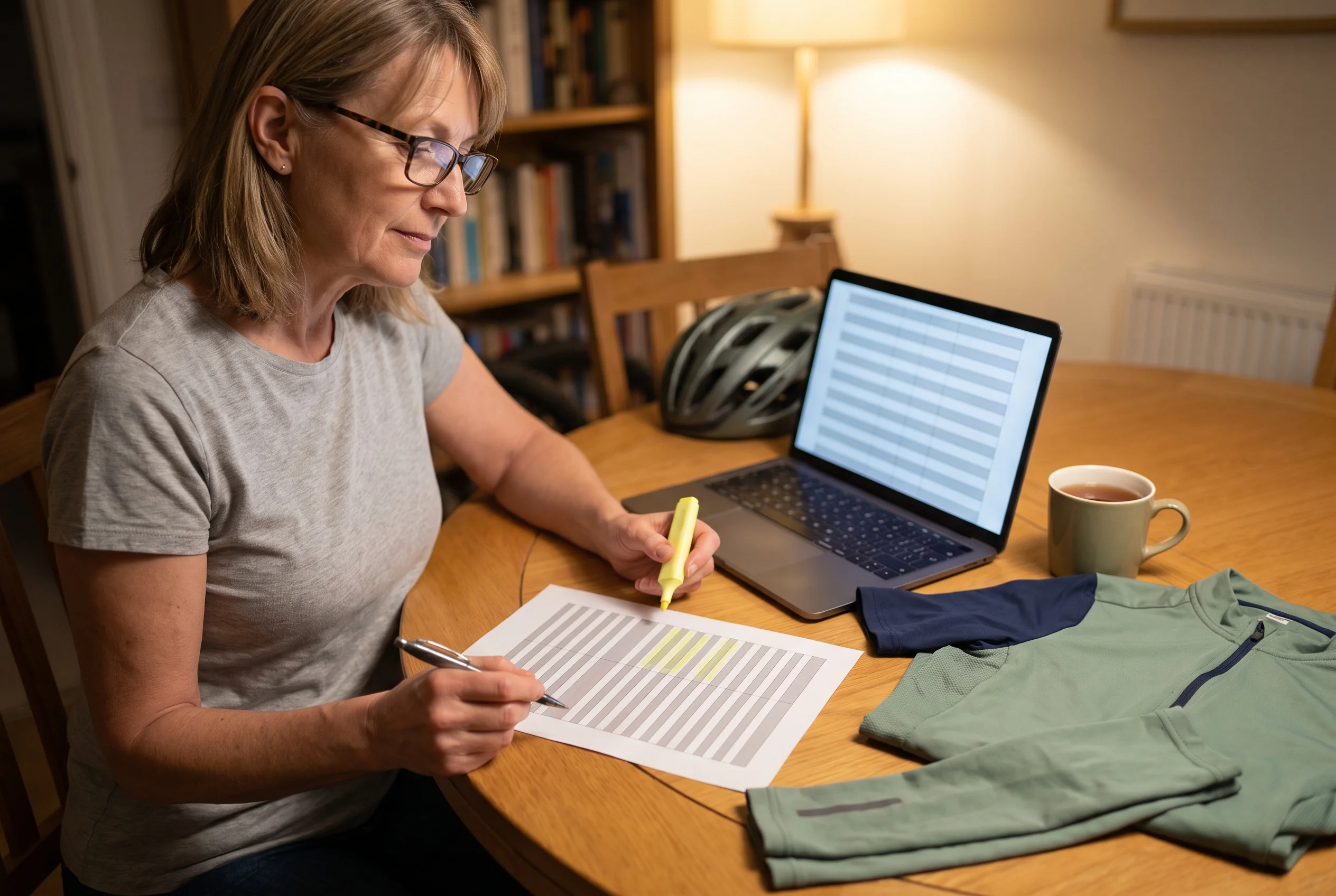
Locked Roster With Measurements: The Sizing Record Your Team Manager Keeps
Every rider's chest and waist measurements are locked on the roster together with their sizes. The measurements sit on the same line as the sizes, under the same two signatures, and go into your team file with the rest of the season's documents.
What the sizing record holds for each rider:
- Name and number.
- Cut and fit for each jersey.
- A size for every piece ordered.
- Chest and waist in centimetres, as the rider entered them.
- The kept on team lead's confirmation note, on any line your team manager confirmed.
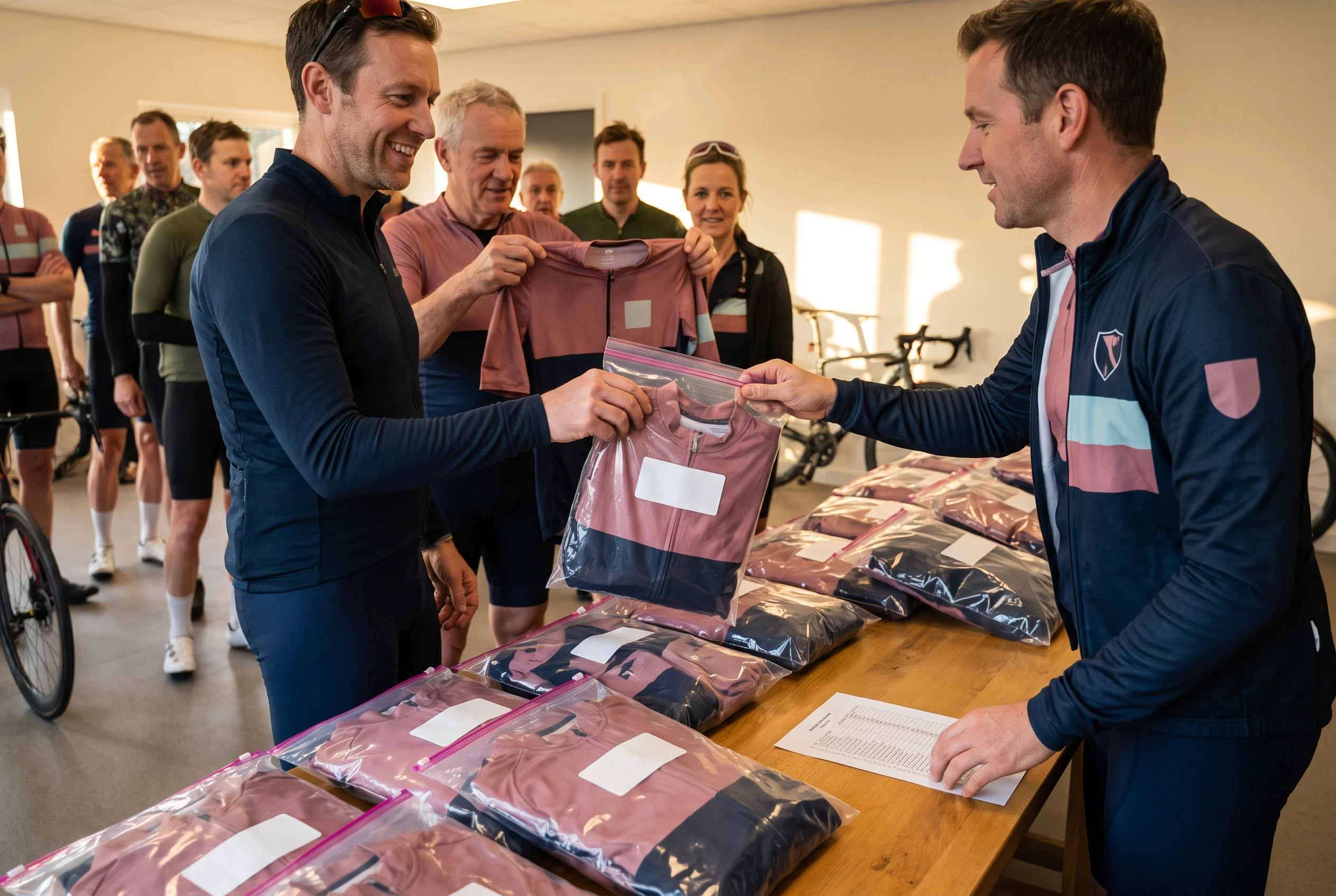
The record is used three times after the lock:
At packing,
where the Packing Lead works from it.When a rider reports a jersey that does not fit,
where the size and measurements on the line decide the outcome.At your next reorder,
where returning riders see last season's measurements on their line.
Your team file stays on record for 5 years from your last order, and a copy is yours whenever your team manager asks. Changes to the file are made only by our Programme Coordinator or Kit Layout Designer; each one becomes a new version with its date, and older versions stay.
A new team manager who takes over your team receives a copy of the team file, with every rider's measurements already in it.
A Delivered Jersey That Does Not Fit: Three Cells Decide the Outcome
If a rider's jersey does not fit when the kit arrives, your team manager sends us photos, the rider's name and the size label on the piece the rider has. We reply within 24 hours on working days, and the reply refers to that rider's line on the locked roster.
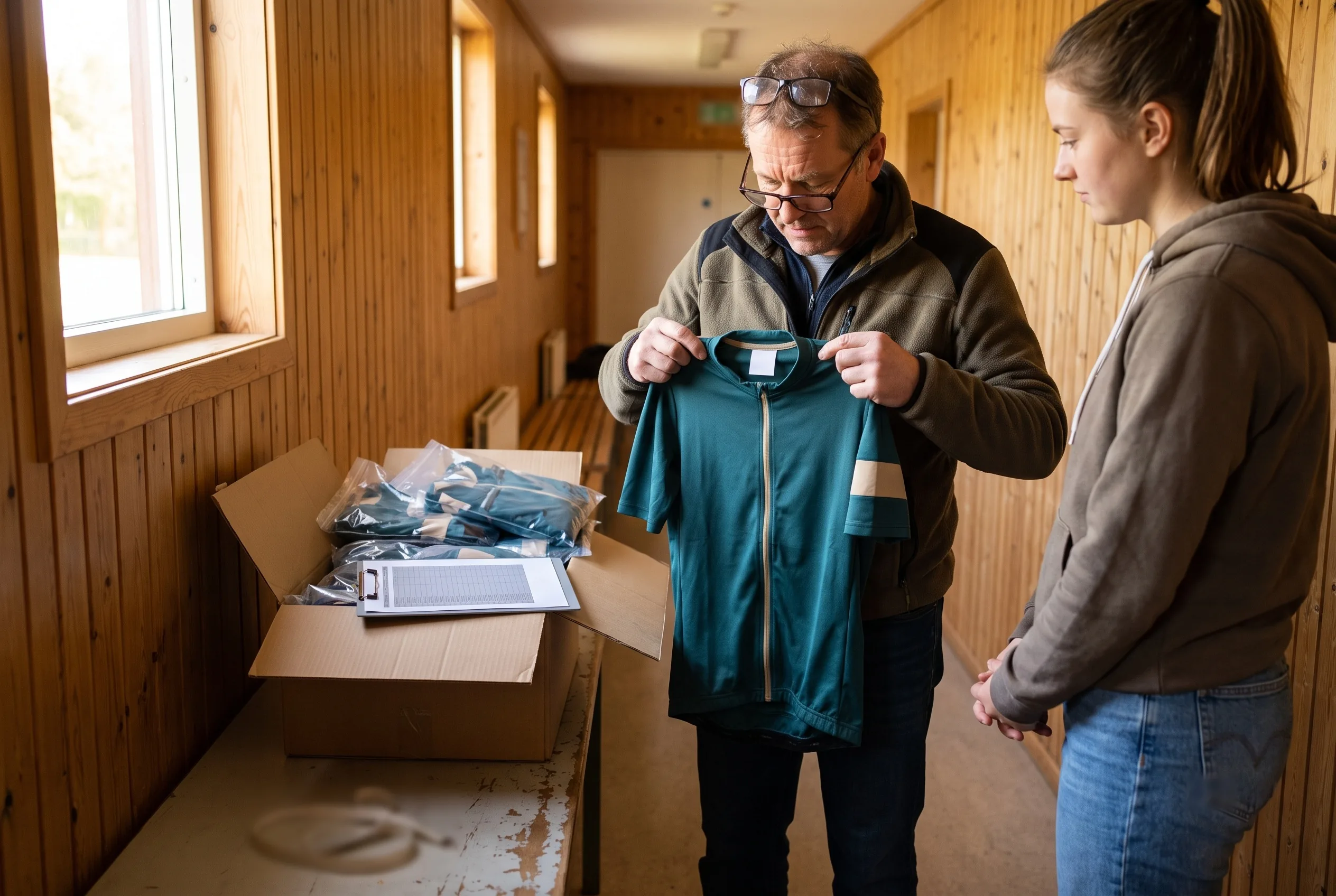
Three cells decide the outcome: the size on the delivered label, the size on the locked roster line, and the rider's measurements or note on that line.
- Delivered labelDifferent from the locked sizeLocked roster lineAnyOutcomeThe piece differs from the locked roster. We remake it and send it with our nearest production run
- Delivered labelSame as the locked sizeLocked roster lineLine passed the size checkOutcomeThe piece matches the roster. A different size goes into your next ordering window and is handled as a normal order
- Delivered labelSame as the locked sizeLocked roster lineLine marked kept on team lead's confirmationOutcomeThe piece matches the roster. A different size goes into your next ordering window and is handled as a normal order
Your team manager can read the outcome from the roster before writing to us. Pick up the rider's jersey, read the size label, and compare it with the rider's line on your copy of the locked roster.
Second-Season Sizing: Last Season's Measurements on Every Returning Rider's Line
When your team reorders, the roster opens pre-filled from your team file. A returning rider sees last season's sizes and last season's chest and waist measurements on their own line.
The returning rider either:
Re-measures and enters new measurements.
The sizes they confirm are checked against the new measurements.Leaves the measurements as they are.
The sizes they confirm for this season are checked against last season's measurements.
Either way, the reorder runs the same size check before the roster locks, with the same three reasons and the same flagged list to your team manager. A returning rider who confirms last season's size with measurements that no longer match it is flagged like a new rider.
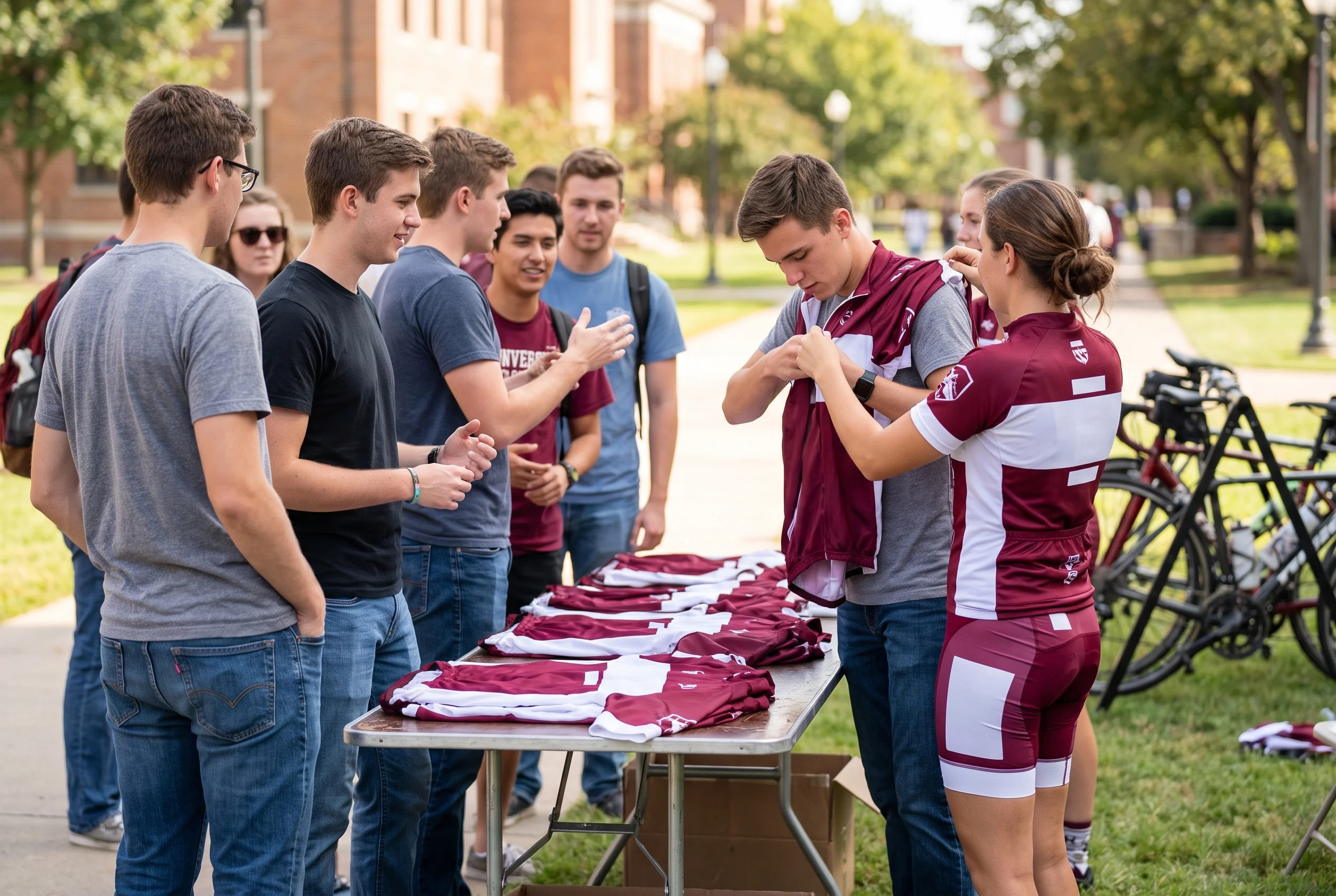
New riders enter their sizes and measurements from scratch. A university team of about 40 riders, with around 14 new faces each year, sizes this way at every intake: new riders measure for the first time, and returning riders check their line against last year's record.
How returning riders confirm their pre-filled lines, and what happens to lines still unconfirmed at the close, is set out on our team kit reorder program page.
Riders Who Join Between Ordering Windows and Riders Who Enter After the Close
Team sizes change through the season, and every new rider is sized the same way as the rest of the team.
- A rider who joins between windows registers through your roster link: name, sizes for each piece, number, chest and waist.
- That line waits on the list for your next ordering window, and the Order Desk adds it when the window opens.
- That line is checked against the size chart with the rest of the window, and any flag goes to your team manager on the same list.
- The Order Desk records late entries and any size change asked for after the lock, and moves them to your next ordering window, where they are checked with that window's lines.
A rider joining mid-season never goes into production on a separate run, and a locked roster line is never changed after the signature. For clubs, waitlists and autumn windows are set out on our cycling club kit supplier page.
Sizing Scope: Our Sizing Work, Work on Your Confirmation, and the Edges
Our sizing work
Done on your team manager's confirmation
Edges of the sizing work
This club fit bike jersey sizing applies to every cut and both fits, for clubs, corporate programmes, college teams and leagues on the same chart, rule and check.
Roster Lock Dates and the Sizing Window in Your Ordering Plan
Sizes are the last thing your team decides on a first order. Your layout proof is signed first, then your riders enter sizes and measurements in the ordering window, then the roster locks.
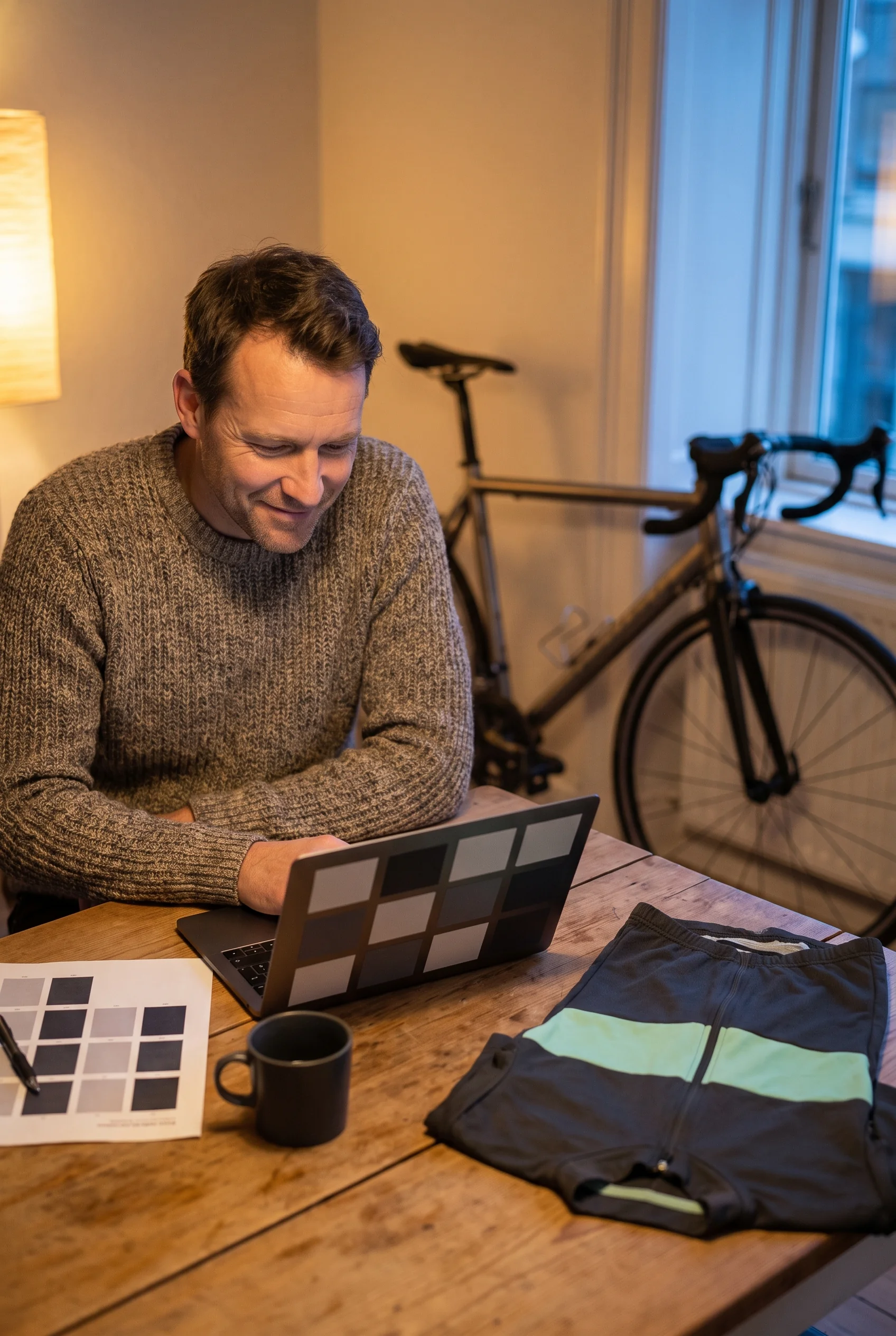
Your ordering plan sets the window dates by working back from the date your riders need the kit:
- Transit time to your address, written in your plan for your destination.
- Production after roster lock: 20–30 days, or 12–15 days on the rush route.
- Time for riders to enter sizes and measurements, and for your team manager to close the flagged lines.
Each window has an open date, a close date and a lock date, and each date in your plan shows whether it is ours or your team's. The flagged list arrives before the close date, so your team manager has time to reach the riders on it.
Every date of a first order, from plan to delivery, is set out on our team kit ordering process page.
Sizing Inputs for Your Team's Ordering Plan
Your ordering plan is built from a few details about your team. Send what you have; anything not ready can follow.
Within 48 hours of receiving your team size, team type and design, you receive your ordering plan: the ordering route for your team, which riders get which pieces, the size options for each piece, and the dates your sizing window opens, closes and locks.
You do not need any rider's size to start. Sizes and measurements come later, through the roster link, once your layout proof is signed.
- Number of riders.
- How many ride men's cuts and how many ride women's cuts.
- Which fits your team wants: club fit, race fit or both.
- The pieces you plan to order: jersey, gilet, jacket, arm and leg warmers, cap, socks.
- The date your riders need the kit.
- Your team type: club, corporate programme, college team or league.
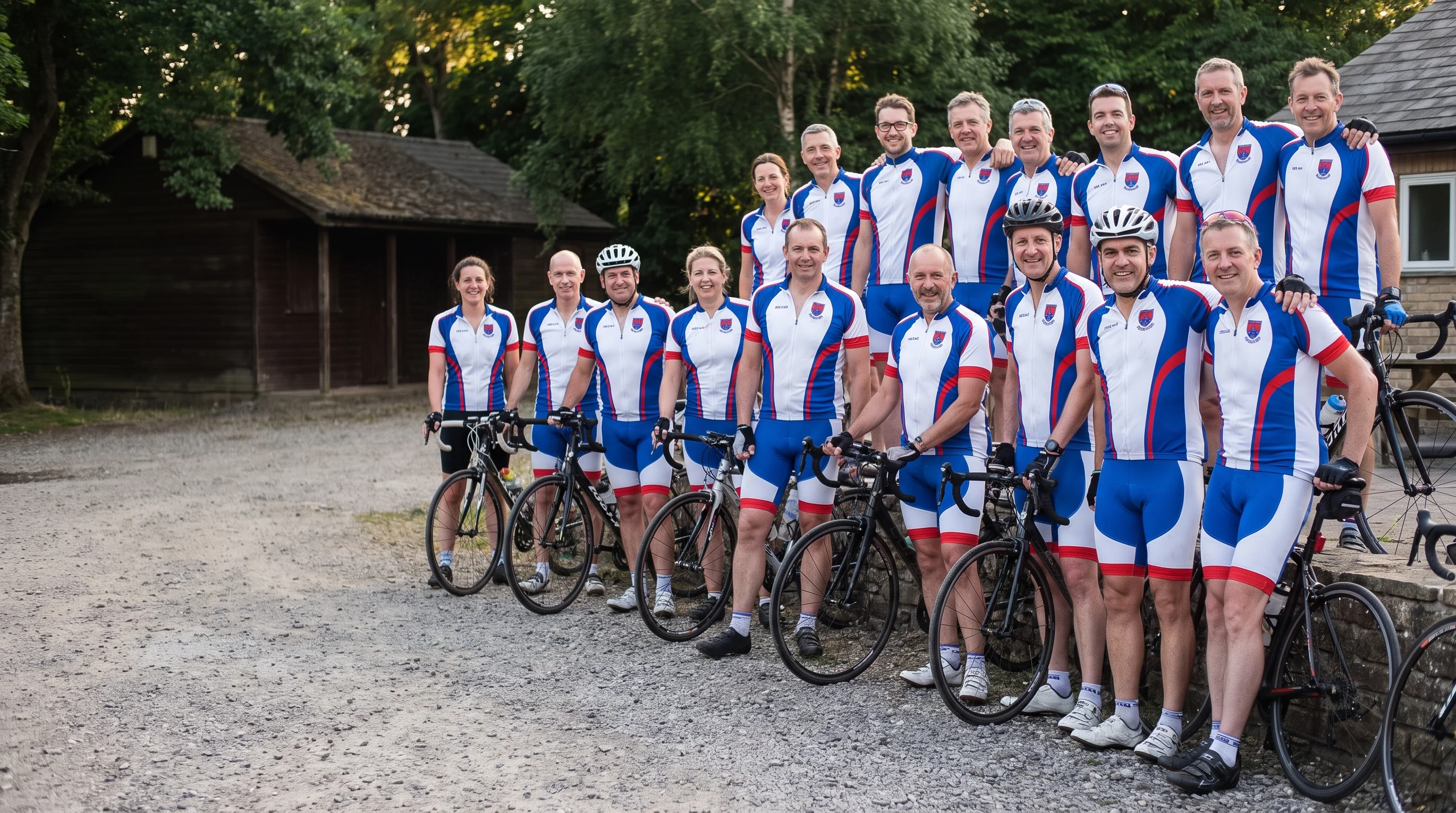
Get Your Team Sizing Window Planned
Send your rider count, the number of men's and women's riders, the fits you want and the date your riders need the kit. Your Programme Coordinator replies within 24 hours on working days, and your sizing window is set into your ordering plan with its open, close and lock dates.