Sponsor Logo Placement on Team Cycling Kits, Panel by Panel
Your sponsor list, placed zone by zone on a proof you can forward to every sponsor.
We handle sponsor logo placement for teams that order their kit through us: your sponsors go into three tiers, each tier holds named zones on the jersey, gilet and jacket, and every logo carries a printed width that holds from XS to 3XL.
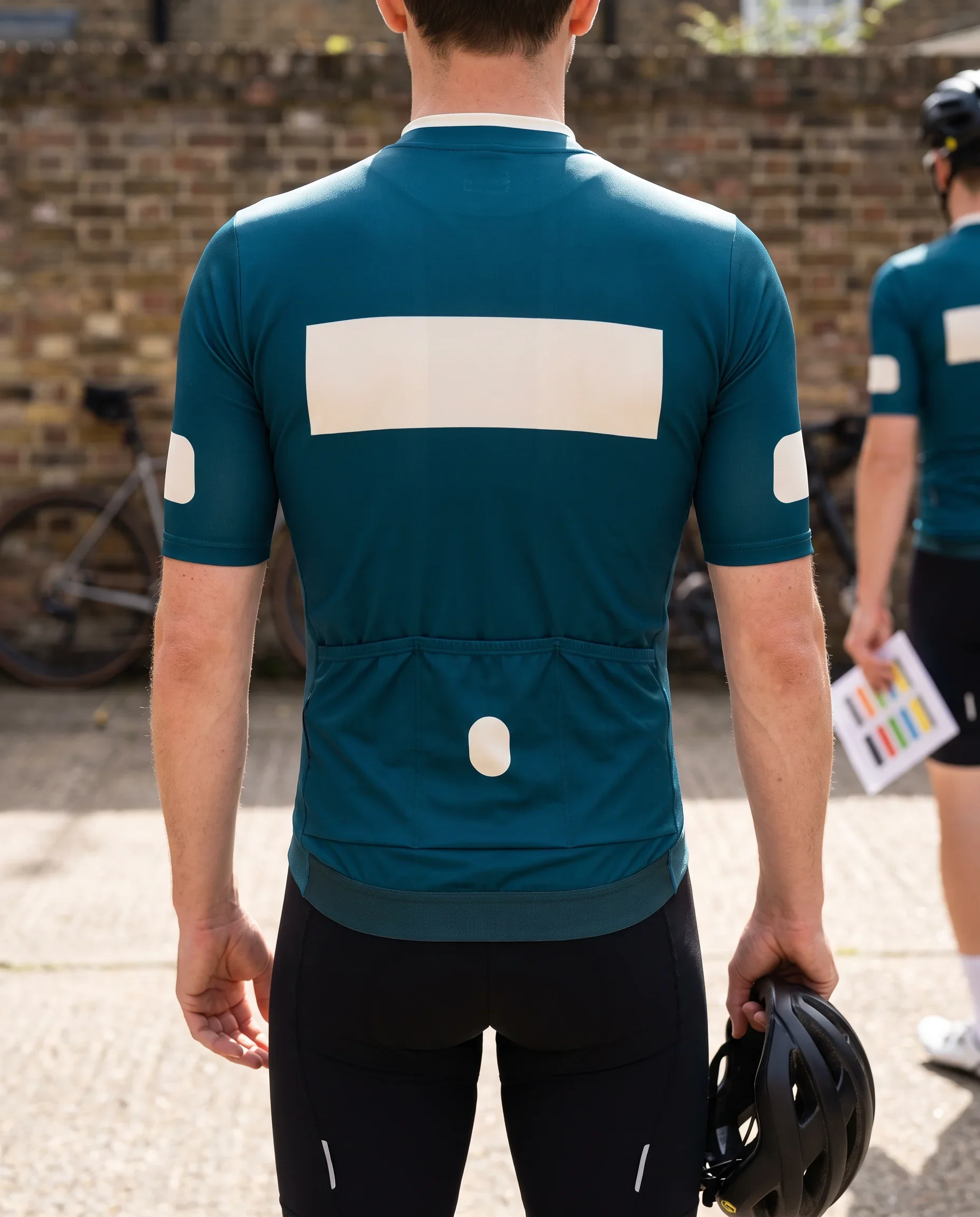
- Outside of the collar Partner and supplier marksSet on your proof
- Upper back Main sponsorAt least 10 cm, at most 30 cm
- Upper-arm sleeve panels Secondary sponsorsAt least 4 cm, at most 8 cm
- Rear pocket faces Secondary sponsorsAt least 4 cm
- Rear hem gripper band Partner and supplier wording onlySet on your proof
- Every sponsor's zone and printed width on your signed proof
- One logo width from XS to 3XL
- Every jersey checked zone by zone before bagging
- Proof version recorded on every roster line
Sponsor Layout Drawn by Our Kit Layout Designer, Co-Signed by You
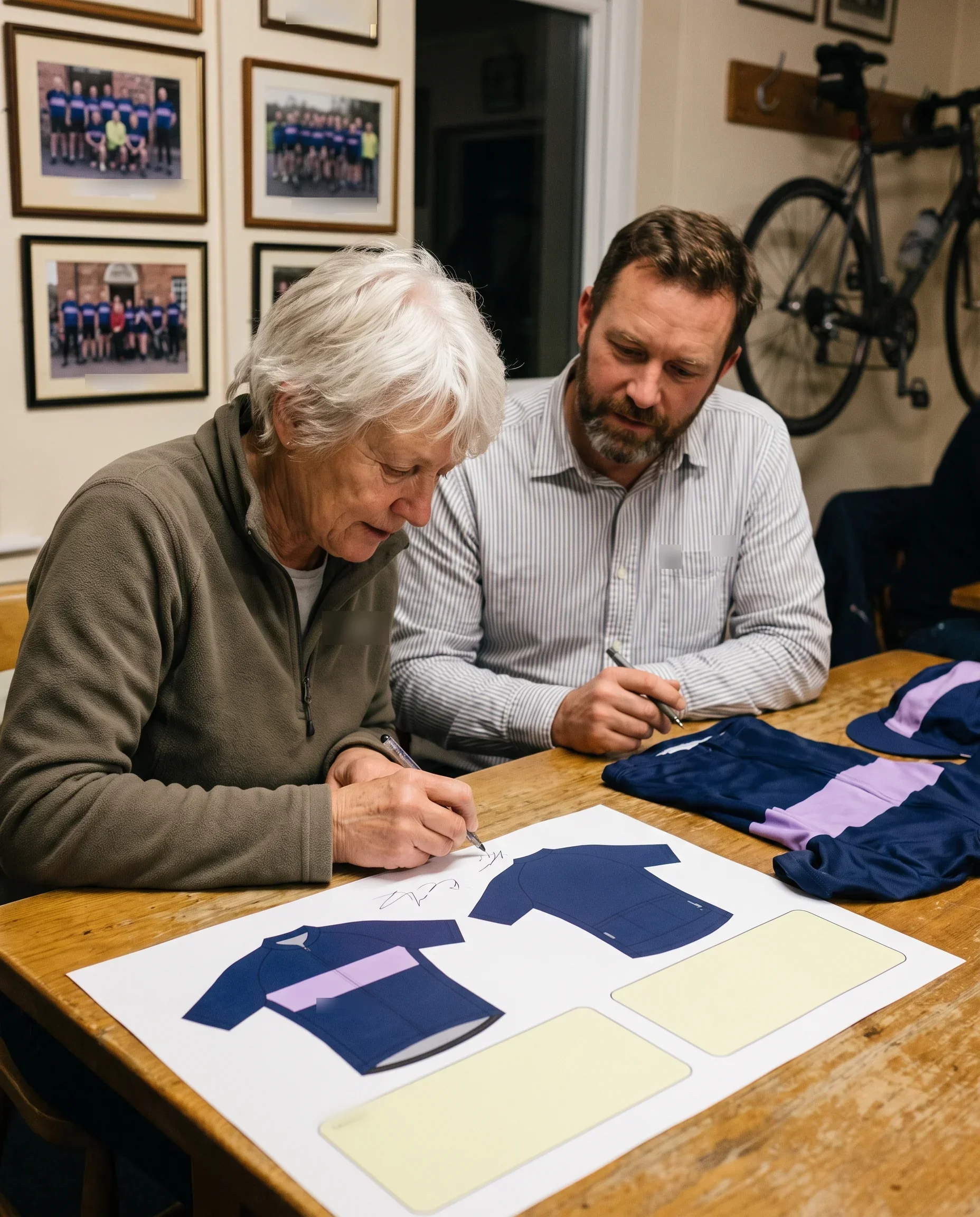
Sponsor placement is part of your layout proof, and one person on our side draws it. The Kit Layout Designer takes your sponsor list and logo files, places every sponsor in a named zone on every piece your team orders, and writes each logo's printed width on the proof.
The proof carries two signatures and a date: the Kit Layout Designer's and yours. Your signature fixes the sponsor layout. After that, any change to a sponsor's zone or width becomes a new dated version, and it counts only when you co-sign it.
What the signed proof settles for your sponsors:
- Which tier each sponsor sits in, taken from the list you sent.
- The named zone each sponsor holds on every piece and every cut.
- The printed width of each logo, the same on every size.
- The version number and date, so anyone can tell which layout is in print.
The Programme Coordinator, your single contact, hands production the signed version and nothing else, along with your locked roster and each piece's dated colour reference. A logo your sponsor did not see on the signed proof does not reach the printing floor.
Cycling Kit Sponsor Logos in Three Tiers, Placed From Your Sponsor List
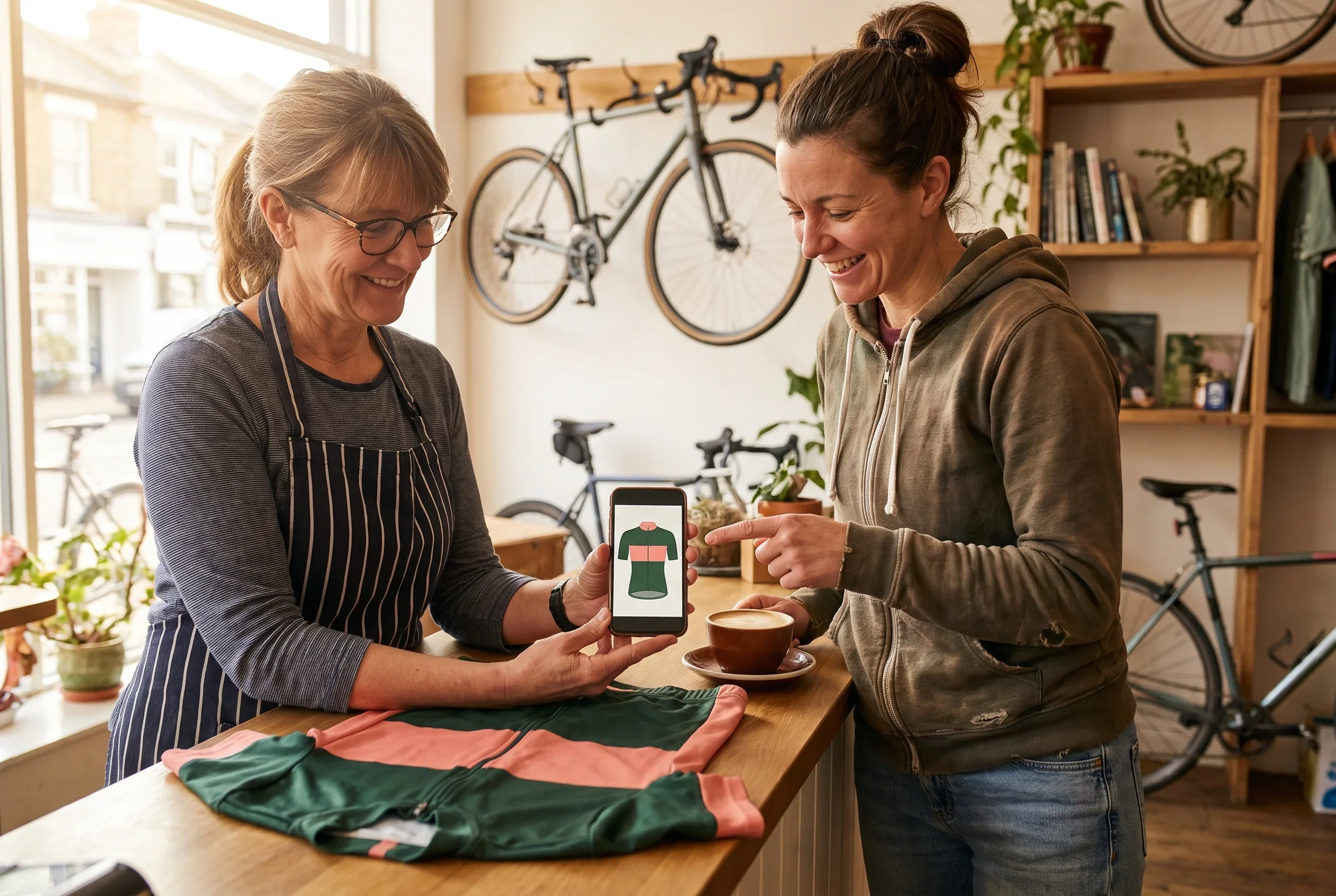
Your team ranks its sponsors and we place them. Before the proof is signed, you send us one sponsor list, set out in tiers.
For each sponsor it gives the name, the tier, and, if you already promised one, the zone you want. The order of names within a tier is the order of priority within that tier.
The three tiers and the jersey zones each one holds:
- Main sponsor, the title or main partner. Holds the front chest, across the zip or on one side of it, and the upper back. These are the main sponsor zones, printed at least 10 cm wide.
- Secondary sponsors. Hold the upper-arm sleeve panels, the side panels, the rear pocket faces, and the other side of the front chest when the main sponsor does not cross the zip. These are secondary zones, printed at least 4 cm wide.
- Partner and supplier marks. Sit on the outside of the collar, and as wording on the rear hem gripper band.
How the first allocation is drawn.
The Kit Layout Designer reads your list from the top. The main sponsor goes into the main zones. Secondary sponsors fill the secondary zones in the order you listed them.
Partner and supplier marks go to the collar and the hem band. The first proof shows every sponsor in its zone, with its printed width, on every cut your team orders.
How you change it.
You move any sponsor to another zone in your combined reply for that review round. If a secondary sponsor was promised the chest beside the zip, or your main sponsor wants the chest on one side only, you name it and the Designer redraws it. Each change comes back as a new dated version, with the changed zones marked against the previous one.What every allocation keeps:
- Each logo stays within the printed widths for its zone.
- The three no-print rules on the jersey apply to every sponsor in every tier.
- Shared zones follow the sharing rules for that zone.
The tiers are your team's decision. We draw the order you give us and never re-rank your sponsors. The finished list is one of the decisions that has to be fixed before proof sign-off, along with your number and name rules.
Jersey Sponsor Zones: Each Panel, Its Tier and Its Printed Width
These are the jersey sponsor zones on a team jersey, with the tier each zone takes and the printed width we work to. Every maximum comes from the XS of the cut, and the width printed on the XS is printed on every size.
| Zone | Tier | Printed width |
|---|---|---|
| Front chest, across the zip | Main sponsor | At least 10 cm, at most 24 cm |
| Front chest, one side of the zip | Main sponsor | At least 10 cm |
| Front chest, other side of the zip | Secondary sponsor | At least 4 cm |
| Upper back, from below the collar to the pocket line | Main sponsor | At least 10 cm, at most 30 cm |
| Upper-arm sleeve panels | Secondary sponsors | At least 4 cm, at most 8 cm |
| Side panels | Secondary sponsors | At least 4 cm |
| Rear pocket faces | Secondary sponsors | At least 4 cm |
| Outside of the collar | Partner and supplier marks | Set on your proof |
| Rear hem gripper band | Partner and supplier wording only | Set on your proof |
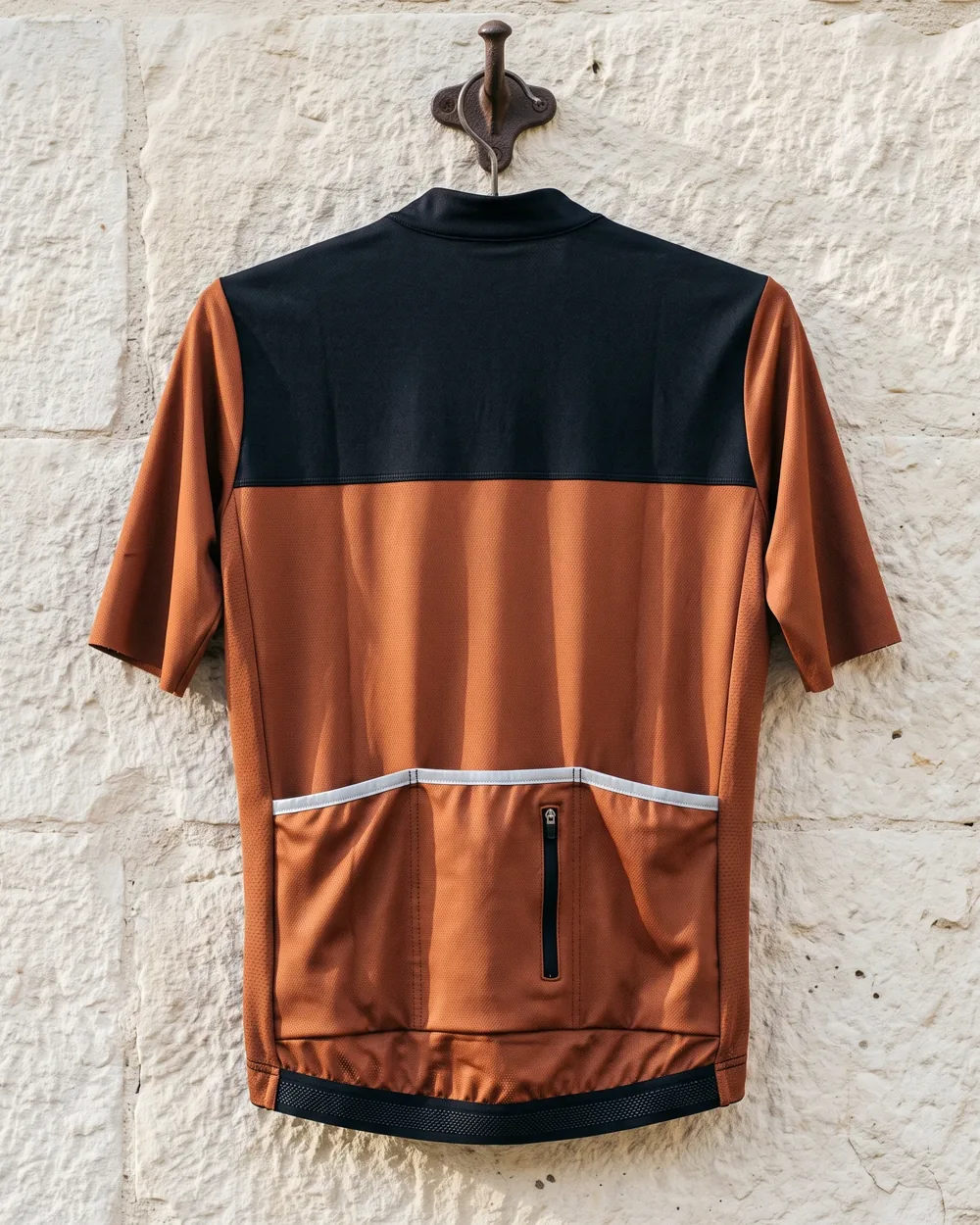
The width written beside each logo on your proof falls inside these limits. You can check a sponsor's file against the table before sending it, and tell each sponsor where it sits and how wide it prints while the proof is still being drawn.
All four jersey cuts, men's and women's in short and long sleeve, carry these zones under the same names and at the same widths. A sleeve sponsor on a long-sleeve jersey sits where it sits on the short sleeve, measured from the shoulder seam.
Three rules hold in every zone:
- The zip teeth stay unprinted.
- Nothing crosses the rear pocket fold.
- Sponsor logos and wording stay inside one panel, clear of side and sleeve seams.
How these rules work on each cut, and how the chest logo is split at the zip, is set out on our custom team cycling jerseys page.
Each Sponsor's Width Fixed From XS to 3XL
For your sponsors, the width written on the proof is the width on every rider in the team, from XS to 3XL, because each cut's logo widths are set on its XS and printed unchanged on every larger size.
A sponsor promised a 24 cm chest logo sees 24 cm on the XS and 24 cm on the 3XL.
Each logo is positioned from the zip, the shoulder seams, the collar and the pocket line, so it sits in the same spot relative to them on every size.
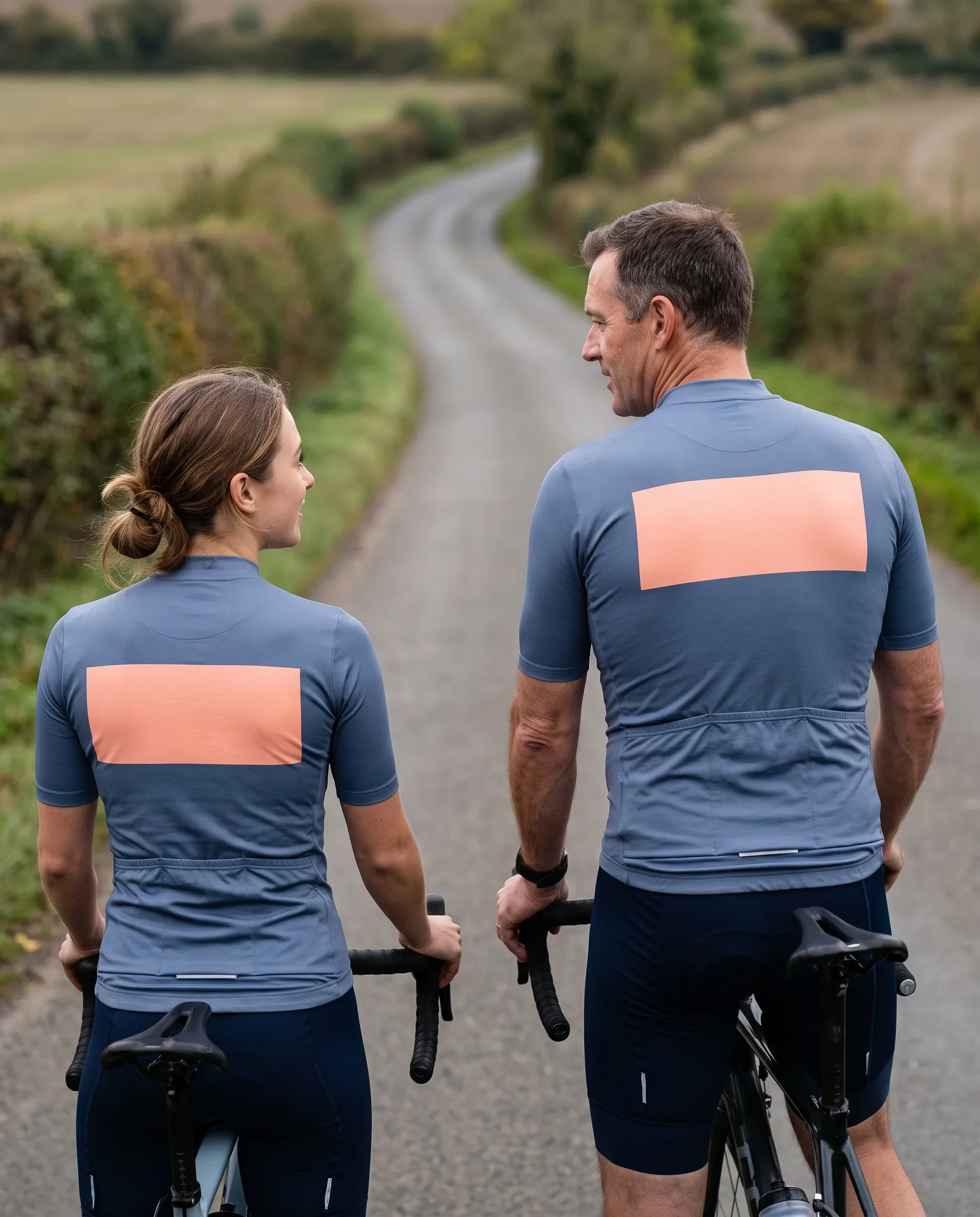
Before any version is sent to you, the Kit Layout Designer places every sponsor logo on the XS of each cut your team orders and checks it against the widths for its zone.
- Where a sponsor's logo is wider than the XS allows, it is brought down to the zone's maximum or moved to a zone large enough for it, and anything else that fails is corrected before sending.
- The change note on that version lists each adjustment, so you see the width your sponsor gets before your sponsor does.
- The same check runs on the women's cut and the long-sleeve cuts, which carry the same named zones and the same logo widths as the men's short sleeve. A sponsor on the women's jersey prints at the width it was given on the men's.
How the size rule works on every jersey cut is set out on our custom team cycling jerseys page, and the full pre-send check on our team kit design service page.
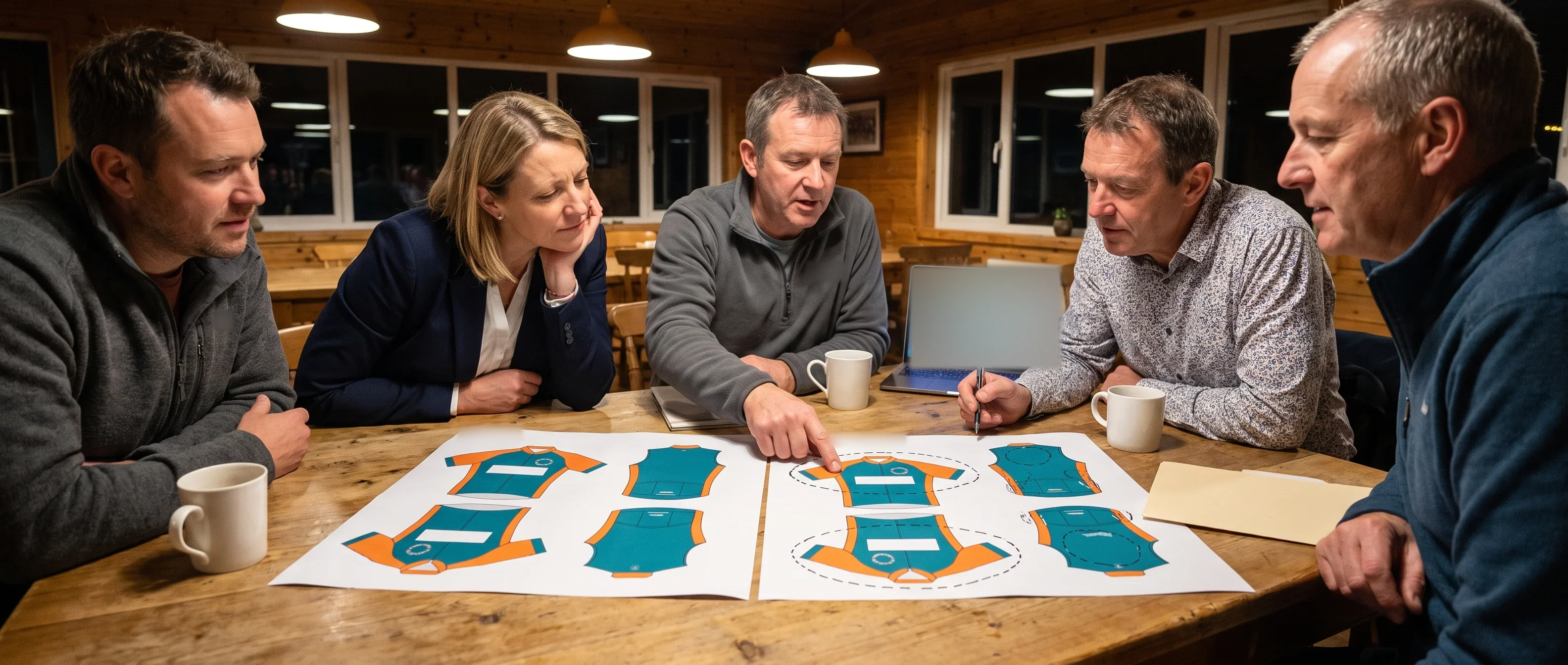
Send Your Sponsor List for a Zone Check
Send your sponsor list in tier order with each sponsor's vector files. We reply within 24 hours on working days and tell you which files pass and which zone each sponsor goes into.
Team Kit Sponsor Placement on Gilets, Jackets, Warmers, Caps and Socks
Team kit sponsor placement runs from the jersey across every piece your team orders. Gilets and jackets use the same named zones as the jersey, so your main sponsor holds the same zones on the outer layer.
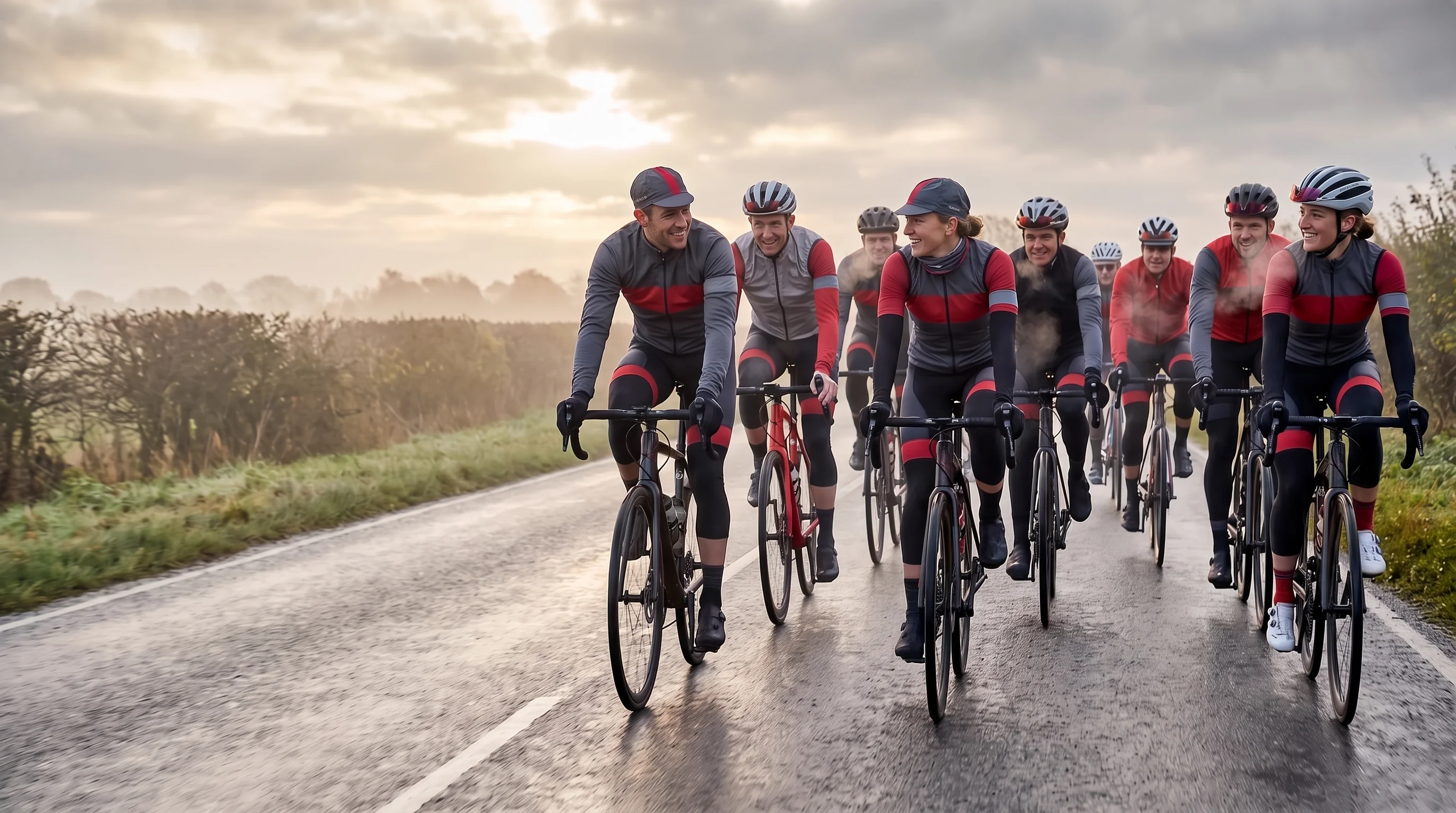
The gilet and the jacket are each checked on their own XS, and the printed width each one holds is written on the proof for that piece.
Club gilet.
Front chest, upper back and side panels, named as on the jersey. Your main sponsor holds the gilet's front chest and upper back.Club jacket.
Front chest, upper back, sleeve panels and side panels, named as on the jersey. Your main sponsor holds the jacket's front chest and upper back.
The combined kit view, a page of your proof, draws the pieces your team ordered worn together: the jersey alone, then with the gilet or the jacket over it.
With an outer layer drawn over the jersey chest, you can see your main sponsor's place on the gilet or jacket, so a sponsor that paid for the chest sees its logo on a rider in the cold-weather kit before you sign.
How the combined view is drawn and signed is set out on our team cycling kit sets page.
Sponsor Review, Bagging Check and Remake Against the Signed Proof
From the first proof to the kit in your riders' hands, your sponsors' positions are checked at three points, and each check is made against the version you signed.
Before signing:
your sponsors review through you.Before bagging:
every jersey is checked against the signed proof.- Each sponsor is in its named zone, at the place and width the signed proof gives it.
- A chest logo split by the zip lines up as one mark once the zip is done up.
After delivery:
compare the kit with the signed proof.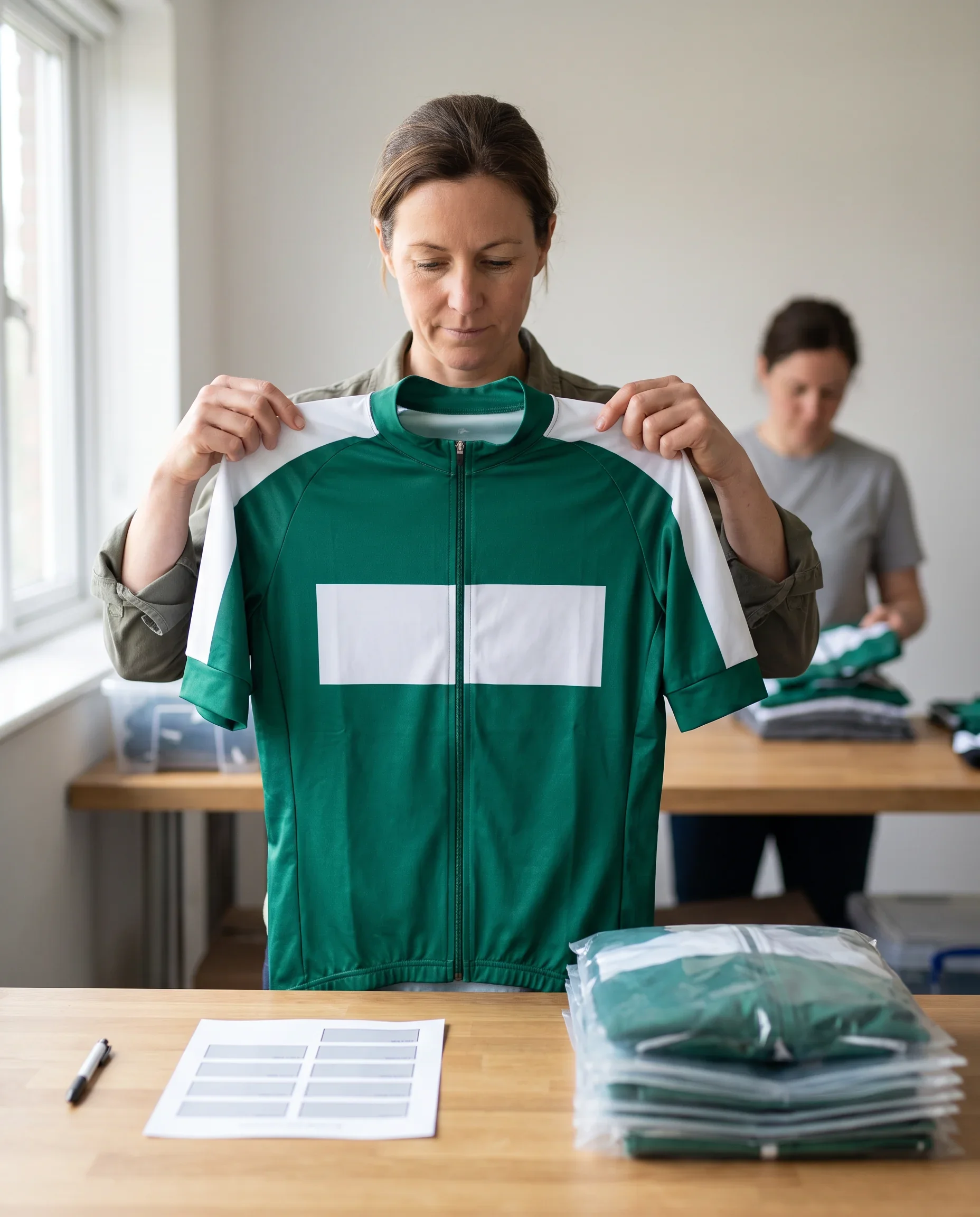
If a delivered piece matches the signed proof and a sponsor now wants a change, the change is drawn as a new dated version. You co-sign it, and it applies to pieces made in your later ordering windows.
Sponsor Placement Edges: Standard, Conditional and Kept Off
What we place, as standard:
- Every sponsor on your list, in its tier's zones, at one printed width from XS to 3XL.
- Your main sponsor in the same named zones on the gilet and the jacket.
What we place when a condition is met:
- A chest logo across the zip, up to 24 cm wide, with both halves printed from one file.
- An upper-back logo up to 30 cm wide, and a sleeve logo up to 8 cm, both set by the XS.
- Embroidery, silicone embossing and reflective print, when each sponsor sends a single-colour vector version, since these finishes print in one colour.
- A logo on a dark base zone, when the sponsor sends a reversed vector version.
- A different allocation from our first draft, when it keeps the widths and the no-print rules.
- A sponsor mark on warmers, caps or socks, one sponsor per piece.
What stays off the kit:
- Any print on the zip teeth.
- Any part of a logo crossing the rear pocket fold.
- A sponsor logo or wording across a side seam or sleeve seam.
- Three or more sponsors in one zone.
- A larger logo on larger riders.
- A logo drawn from a screenshot, a JPG or a photo of an old kit. We return the file with a note on what is needed.
Mid-Season Sponsor Change: One Zone Redrawn, Issued Kit Kept in Use
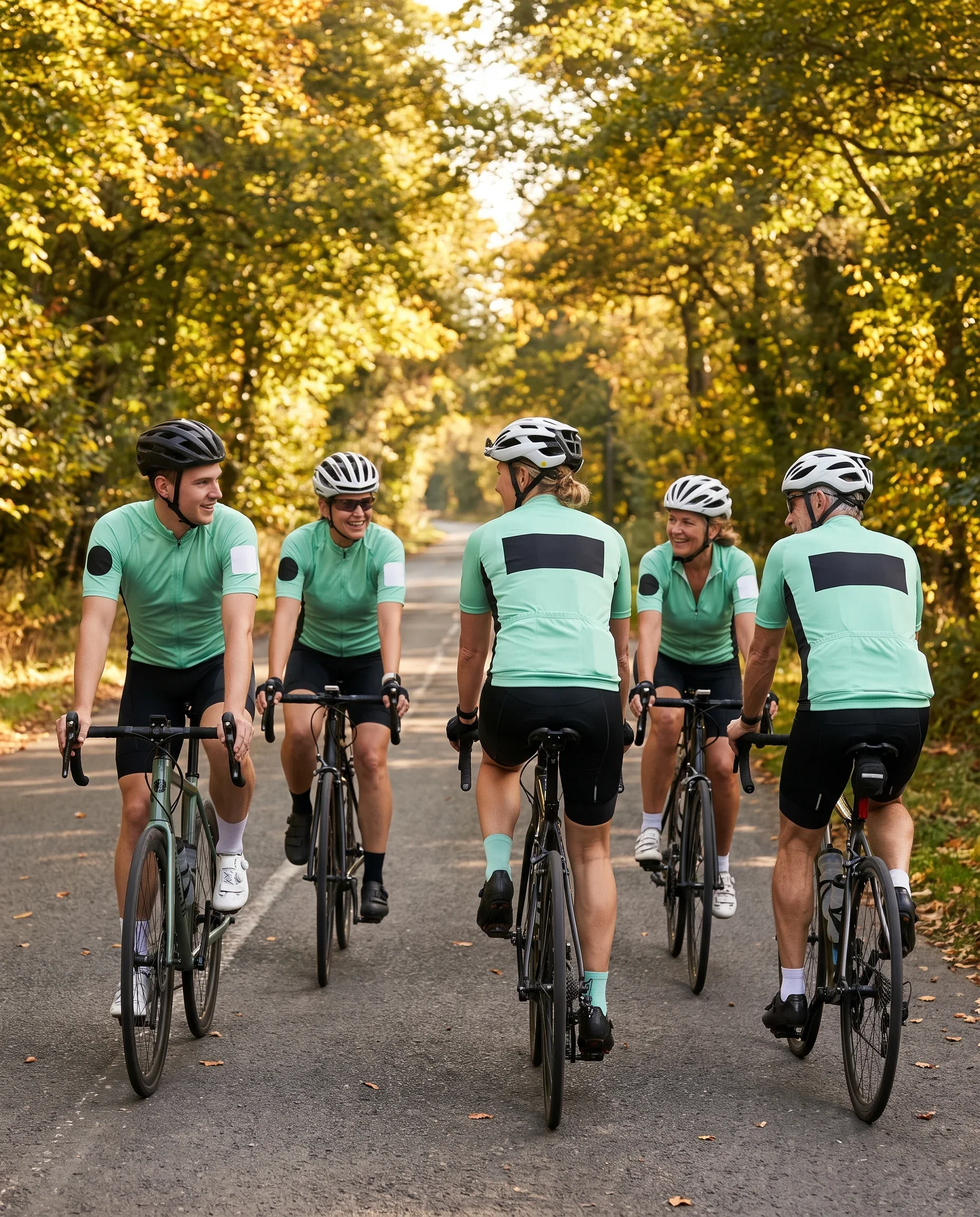
When a sponsor joins, leaves or changes its logo during the season, the Kit Layout Designer redraws only the zones the change affects. Send the new logo as vector files, full colour and single colour, and name the zone it goes into or replaces.
Everything outside those zones comes from your team file as signed: the colourway, the crest, the number rules and every other sponsor. The redrawn proof is filed as the next dated version. Its change note marks the redrawn zones against the previous version, and you co-sign it before it is used.
Which pieces carry the new version:
- Pieces made in your ordering windows after you co-sign: new riders, crash replacements, added pieces and your next reorder.
- Pieces already delivered stay in use. We do not recall or reprint kit your riders are wearing.
- If you want the whole team in the new layout, you open a full team order, and it runs through a normal ordering window with a locked roster and its own production run.
A sponsor change is drawn into your next window. We do not open a separate window for it. If you need the new sponsor on kit by a set date, give us that date. Your Programme Coordinator works the window back from it and sends you the updated date sheet in writing.
Sponsor changes between seasons follow the same steps, and the first line of your reorder plan names the zone to redraw. That plan is set out on our team kit reorder program page.
Proof Version on Every Roster Line: A Record for Sponsor Reports
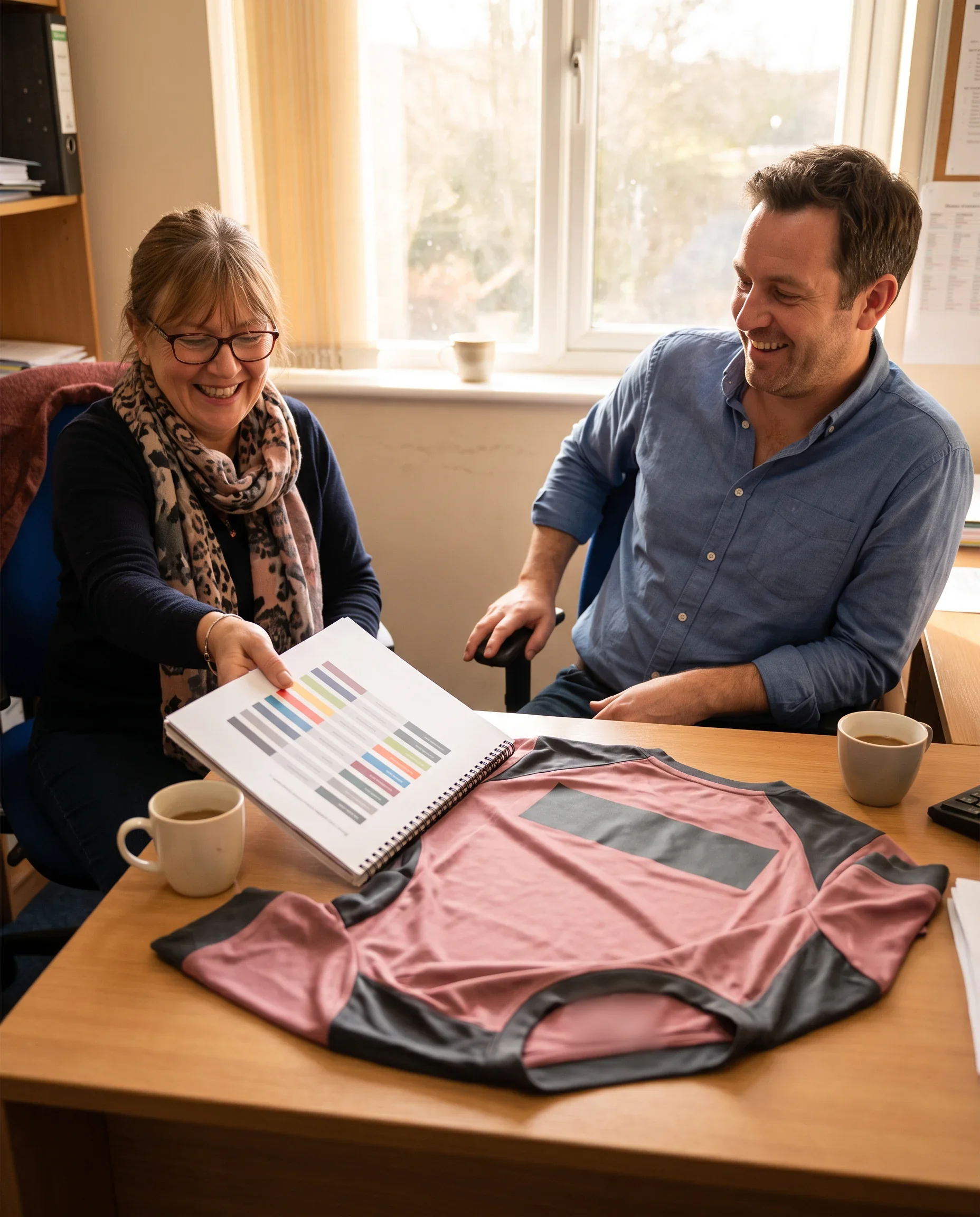
Every line of your locked roster records the proof version that piece was printed from. One rider, one piece, one version. When a mid-season change puts two versions in use in the same season, the roster shows which riders wear which.
What your team file holds after each window:
- Every proof version, dated, with its change note. A new version never overwrites the one before it.
- The locked roster of every window, each line naming the rider, the piece, the size and the proof version.
- The colour reference for each piece, dated, as used in that window.
What you can tell a sponsor from the file:
- Which zone it held, and on which pieces and cuts, in each proof version.
- The dates each version was signed, so the period its logo sat in each zone is on record.
- Which riders' pieces carried each version, line by line from the locked roster.
Two people on our side can edit the file, the Programme Coordinator and the Kit Layout Designer, and no layout change stands without your co-signature. The packing list for each window, with the sponsor checks ticked and signed, stays with you.
Sponsor Files and Decisions for Your Ordering Plan
Send these with your first message, and your sponsor layout can be checked and dated from the start.
- Your sponsor list. Each sponsor's name and tier, in order of priority within each tier, and the zone you promised it, if any.
- Each sponsor's logo as a vector file in full colour.
- A single-colour or reversed vector version of each logo, for embroidery, silicone embossing, reflective print and dark base zones. A sponsor without one goes back on the file check note.
- Your crest as a vector file, and your number and name rules.
- The pieces your team will order, so each sponsor is drawn only on the pieces it will appear on.
- The dates of any sponsor or committee meetings that will approve the layout, so proof sign-off is placed after them.
- The date your riders need the kit.
What happens next. Your Programme Coordinator replies within 24 hours on working days.
Within 48 hours of receiving your team size, team type and design confirmation, your ordering plan arrives with its proof sign-off date.
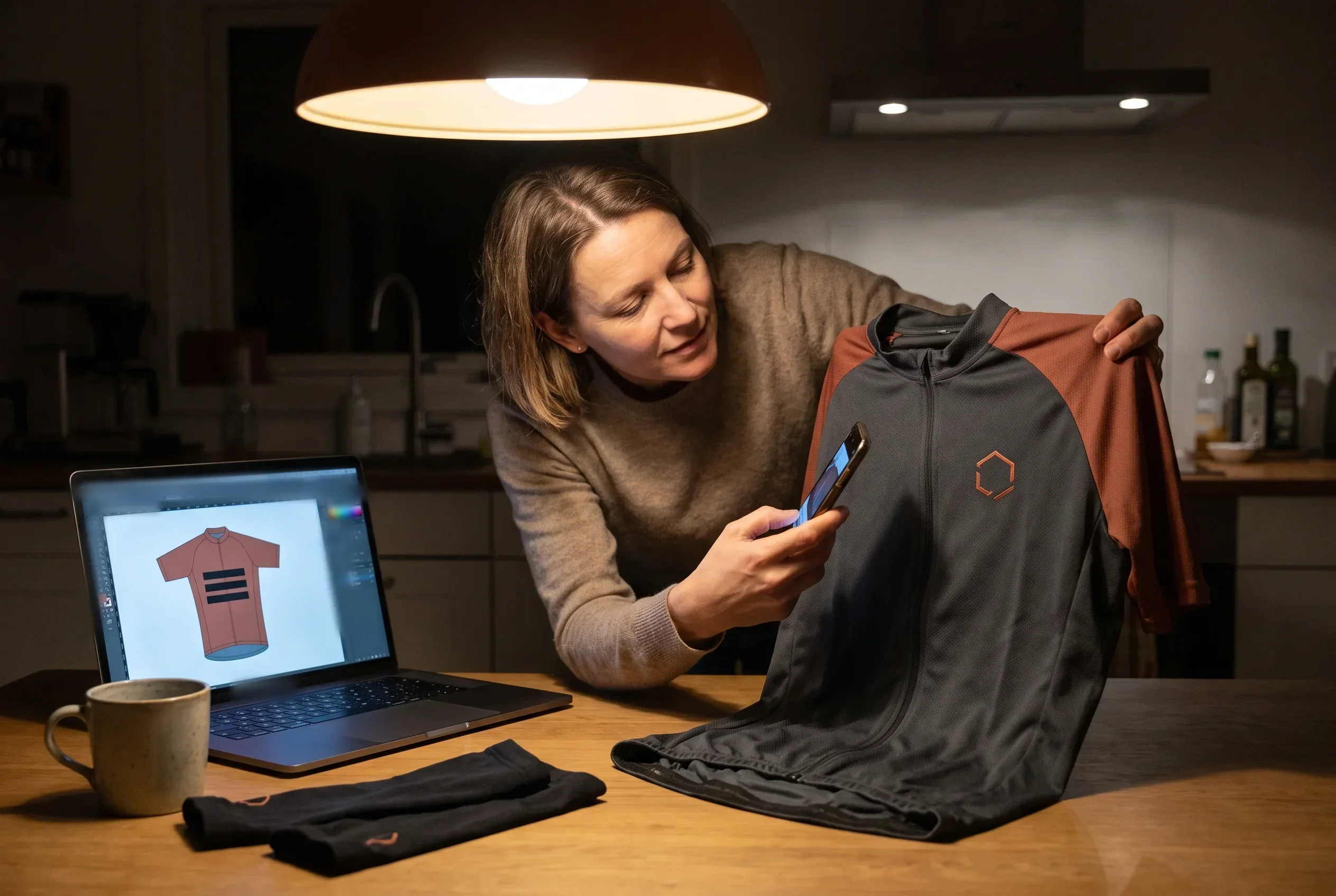
The Kit Layout Designer checks every sponsor file, then draws the first version with every sponsor in its zone. The full date sheet for a first order is set out on our team kit ordering process page.
Get Your Sponsor Logo Placement Drawn on a Proof
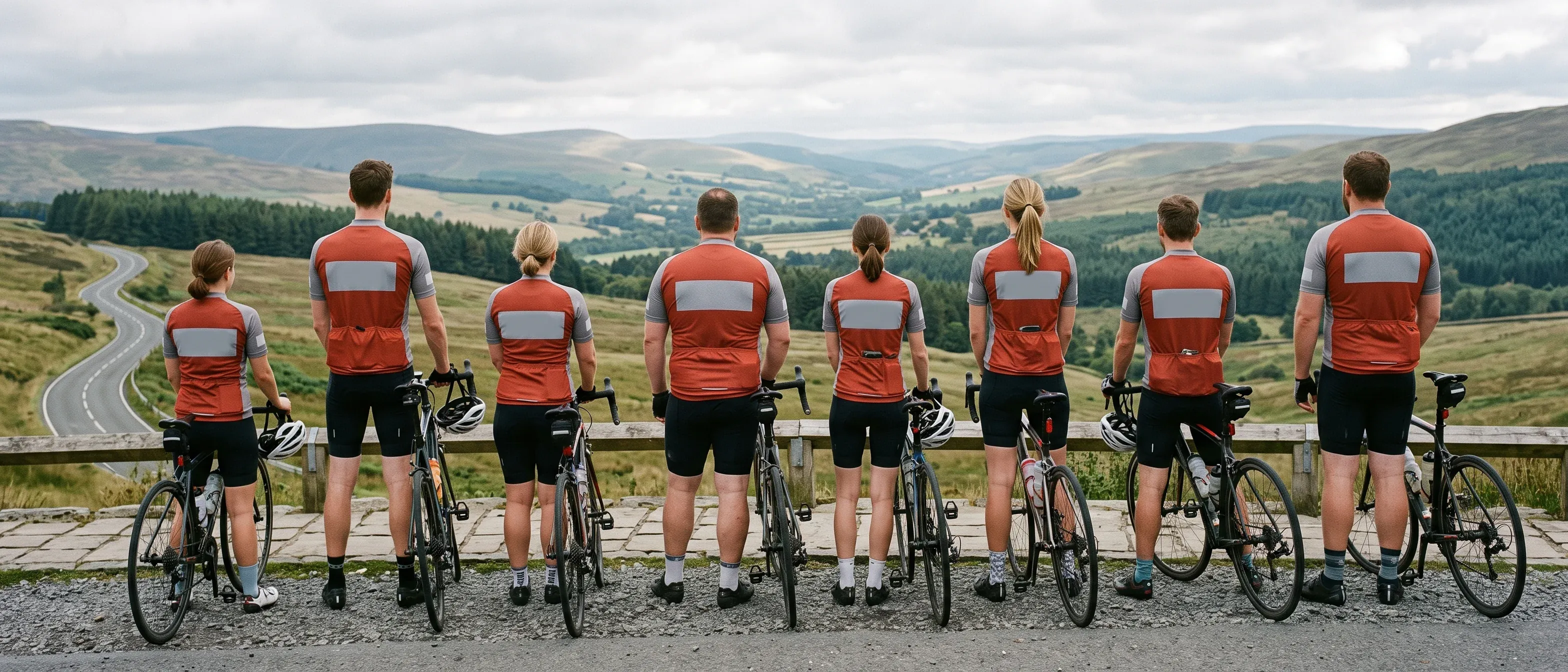
Send your sponsor list in tier order, each sponsor's vector files and the date your riders need the kit. Your first proof follows within 3 working days of the file check passing, with every sponsor drawn in its zone.